Listen to Music With Friends Online (Free, No Account)
How to listen to music together online with a shared queue and live song voting. WhumbleZone's mood rooms — free, no signup, no room to create.
Sharing a playlist link isn't the same as listening together. Everyone opens it on their own schedule, on their own device, out of sync — it's not a shared moment, it's a coincidence. Real synced group listening means everyone hears the same song at the same time, in a room where you can actually talk about it. Here's how that works and where to find it for free.
What Synced Group Music Listening Actually Means
A shared Spotify or YouTube playlist link gets you the same track list, but not the same moment — your friend might be three songs ahead or an hour behind. Synced listening fixes that by putting everyone in the same live room:
- Everyone hears the same track at the same time — no drifting out of sync
- Live chat runs alongside the music so you can react, argue about the song choice, or just talk while it plays
- The room stays open — people can drop in and out without "starting" or "ending" a session
That's the difference between sending a playlist and actually listening together.
WhumbleZone's Mood Rooms
WhumbleZone runs free, always-on mood rooms — public rooms built around a vibe, like a lofi café or a late-night chill set, with an ambient music mix, live chat, and something most playlist apps don't have: live song battles where the room votes on what plays next.
How a mood room works:
- Pick a mood and join — there's nothing to create or configure. Open the Discover page, pick a room that matches the vibe you want (study, chill, late-night), and you're in, listening with whoever else is there.
- Ambient mix plays by default — each mood room has a continuous background music mix that fits its theme, so there's always something playing.
- Live chat runs the whole time, so you can talk with whoever's in the room while the music plays.
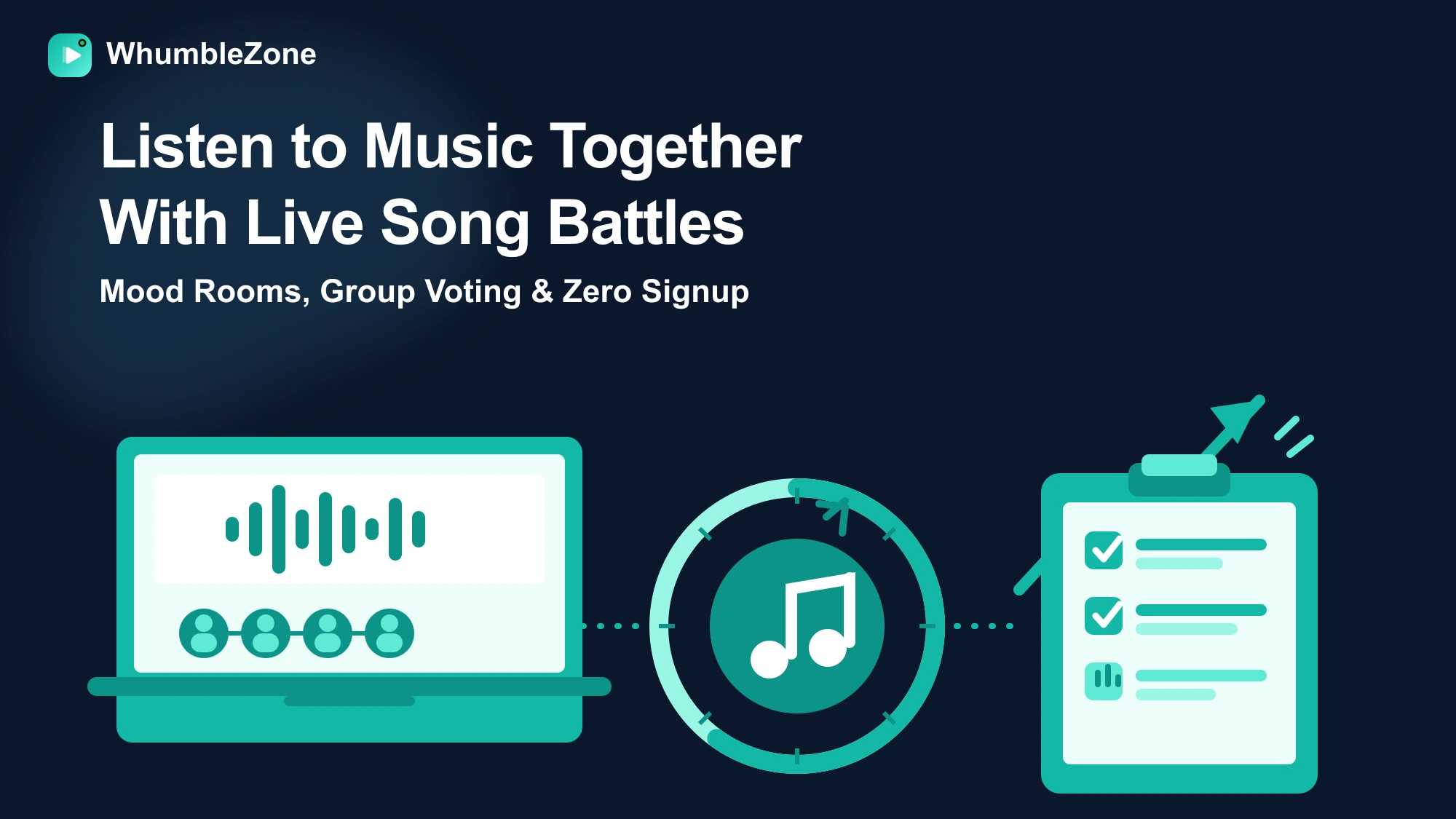
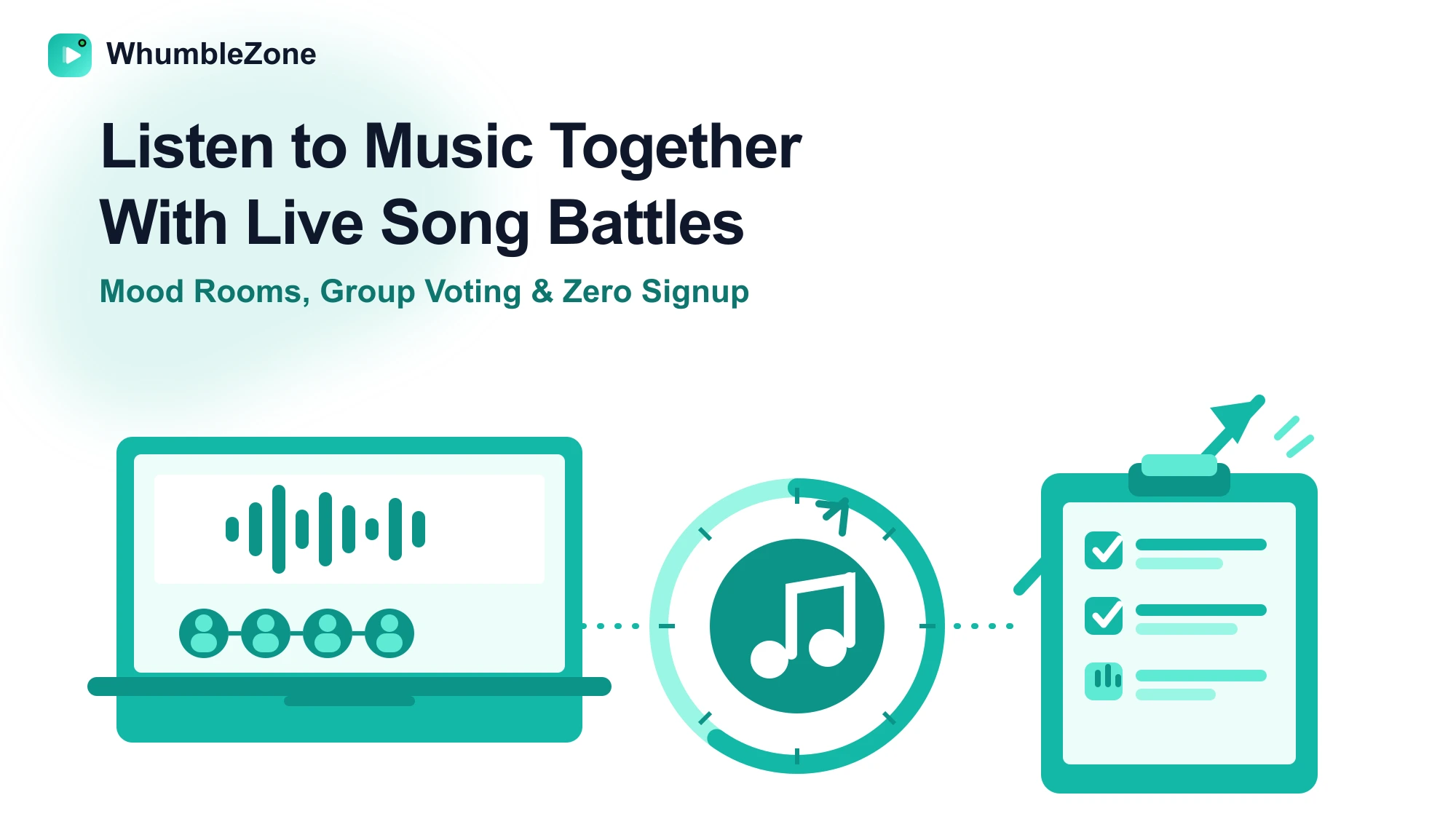
- Song battles let the room vote on what plays next — anyone can nominate a YouTube song, everyone votes for their favorite nominee, and the winning track plays live for the whole room before the ambient mix resumes.
How a Song Battle Works
- Nominate — anyone in the room pastes a YouTube song link to put it up for a vote.
- Vote — everyone in the room votes for their favorite of the nominated songs.
- Winner plays — the top-voted song plays live for the whole room, then the ambient mix picks back up until the next battle starts.
It's a genuinely shared decision about what the group listens to next, instead of one person controlling the queue or everyone silently tolerating whatever's already playing.
Why This Beats a Shared Playlist App
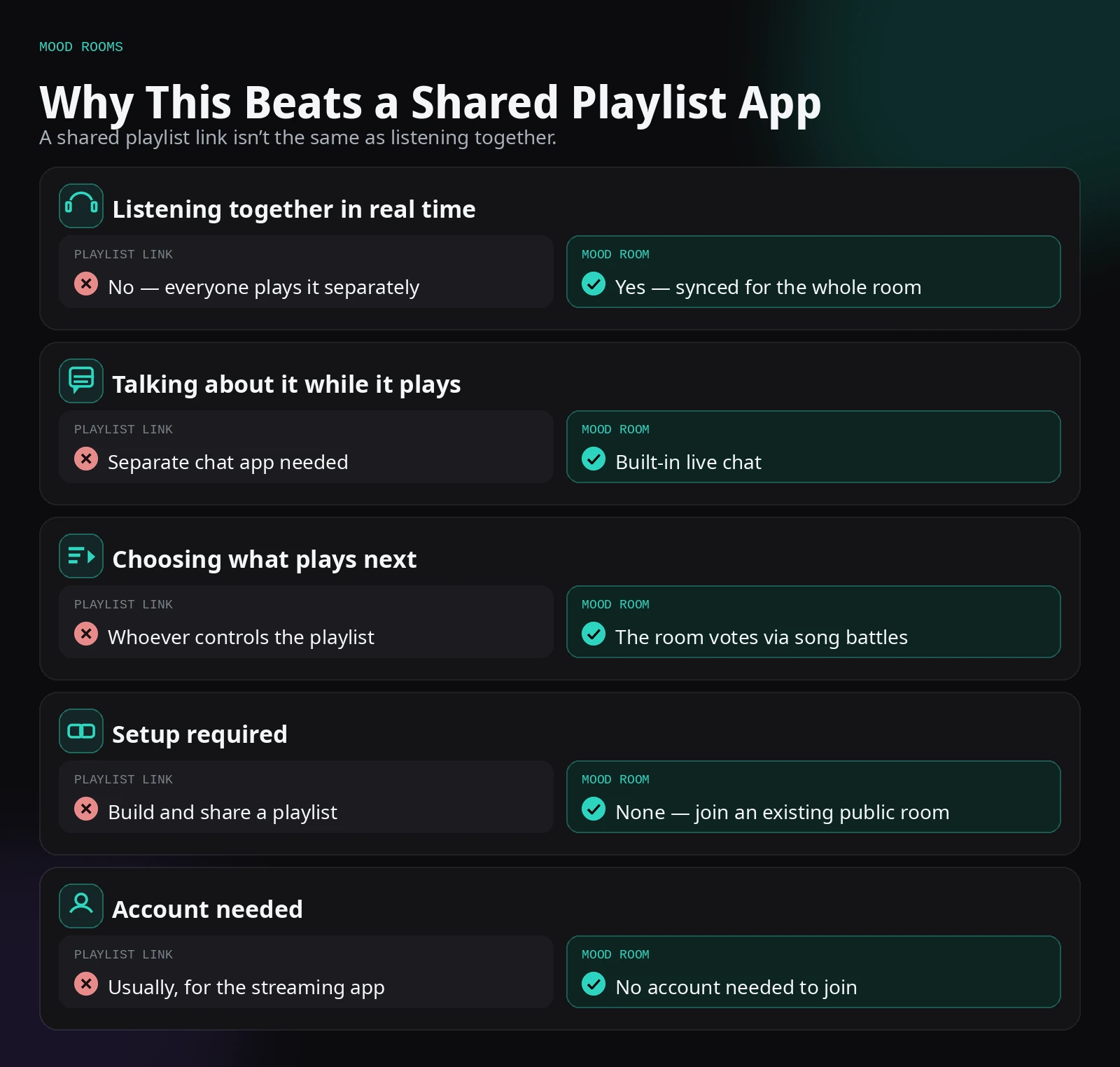
A shared playlist app is good for building a permanent collection you'll come back to. A mood room is good for the actual experience of listening together right now, with people reacting in real time.
Ways to Use a Mood Room
Background music for a hangout. Join a chill mood room while you're on a call or just texting with friends — the ambient mix plays and the chat stays open for casual back-and-forth.
A shared "what should we listen to" decision. Instead of one person hogging the aux, let the room nominate and vote through song battles. It naturally surfaces songs the group actually wants, rather than whatever's already loaded.
Study session background music. Pair a study-themed mood room with a study room or synced Pomodoro session — the ambient mix gives you consistent background music without needing to manage a separate playlist app.
Late-night companionship. A night-themed mood room with the ambient mix running and chat open is a low-effort way to feel connected to other people without a scheduled call.
How to Join a Mood Room
- Go to whumblezone.com and open the Discover page
- Pick a mood room that matches what you're in the mood for — study, chill, or late-night
- Join instantly — no account, nothing to create
- Chat with whoever's in the room, and nominate or vote on a song if a battle is running
Tips for a Better Mood Room Session
Try a few rooms before settling on one. Mood rooms are built around different vibes — a lofi study mix, a late-night chill set, a more upbeat room. Since joining costs nothing and takes no setup, hop between a couple before deciding which one matches what you're actually in the mood for.
Nominate something the room will actually vote for. Song battles work best when nominations fit the room's general vibe. A wildly off-theme nomination in a quiet lofi room usually just doesn't win the vote — read the room for a few minutes before nominating.
Use the chat, don't just listen passively. The difference between a mood room and a plain background playlist is the live chat. Say something when a song battle starts, react to the winning track, or just talk to whoever else is in the room — that's the part a solo playlist can't give you.
Keep a mood room open during low-key hangouts. It works well as ambient background for a voice call, a group text session, or just working alongside friends online — nobody has to actively manage it, and it's already playing when people drop in.
Combine it with a synced study session. A study-themed mood room paired with a Pomodoro study room gives you consistent background music without switching apps or building your own playlist — join both in separate tabs and let the mood room handle the audio.
Mood Rooms vs. Listening Parties on Streaming Apps
Several music streaming apps now offer their own "listening party" or group session features. The difference is what they need from you: most require everyone to have the same paid subscription, an account on that specific platform, and someone to actively build and manage a queue. A WhumbleZone mood room skips all of that — it's a public room that's already running, with no account, no subscription, and no queue to manage, because song battles let the room decide together in the moment.
That trade-off matters most for casual listening. If you want a specific, curated, always-available library, a streaming app's personal playlist is still the better tool. If you want the experience of listening with other people right now, with live chat and a say in what plays next, a mood room does that with zero setup.
Final Thoughts
Listening to music together online should feel like being in the same room, not like separately pressing play on the same link and hoping you're roughly in sync. WhumbleZone's mood rooms deliver that by keeping playback live for everyone, running chat alongside the music, and letting the room itself decide what plays next through song battles instead of leaving one person in charge of the aux.
There's nothing to set up and nothing to sign up for — pick a mood, join the room, and you're listening with whoever else is there. Whether you want low-key background music for a hangout, a real say in what the group listens to, or just some late-night company while chat runs in the background, a mood room delivers the shared-listening experience a playlist link never quite manages.
Song Battle Timings and Limits
The battle described above runs on fixed windows, so you can predict how a session will feel before you join one:
| How long | What happens | |
|---|---|---|
| Nominations | 2 minutes, starting from the first song submitted | Anyone in the room can add a YouTube link, up to 12 nominees in total |
| Voting | 60 seconds | Everyone votes for one nominee |
| Result | 15 seconds | The winner is revealed to the room |
| Cooldown | 5 minutes | The winning song plays, and the next battle cannot open until the cooldown ends |
Two practical consequences follow. First, the nomination clock only starts when someone submits a song, so a quiet room is never rushed into a vote. Second, the cooldown means a room hears a full song before the next decision, and one enthusiastic person cannot trigger back-to-back battles.
A vote can still produce a song you dislike. That is the cost of a shared decision, and it is the same trade a group makes in a car with a shared stereo.
Frequently Asked Questions
A mood room is an always-on, public WhumbleZone room built around a vibe — like a lofi café or a late-night chill set. There's nothing to create: pick a mood and join instantly to listen, chat, and vote in live song battles with whoever else is there.
Related Guides
Ready to try it?
Create a free room in seconds — no account, no extension, no download.
Create a Free Room