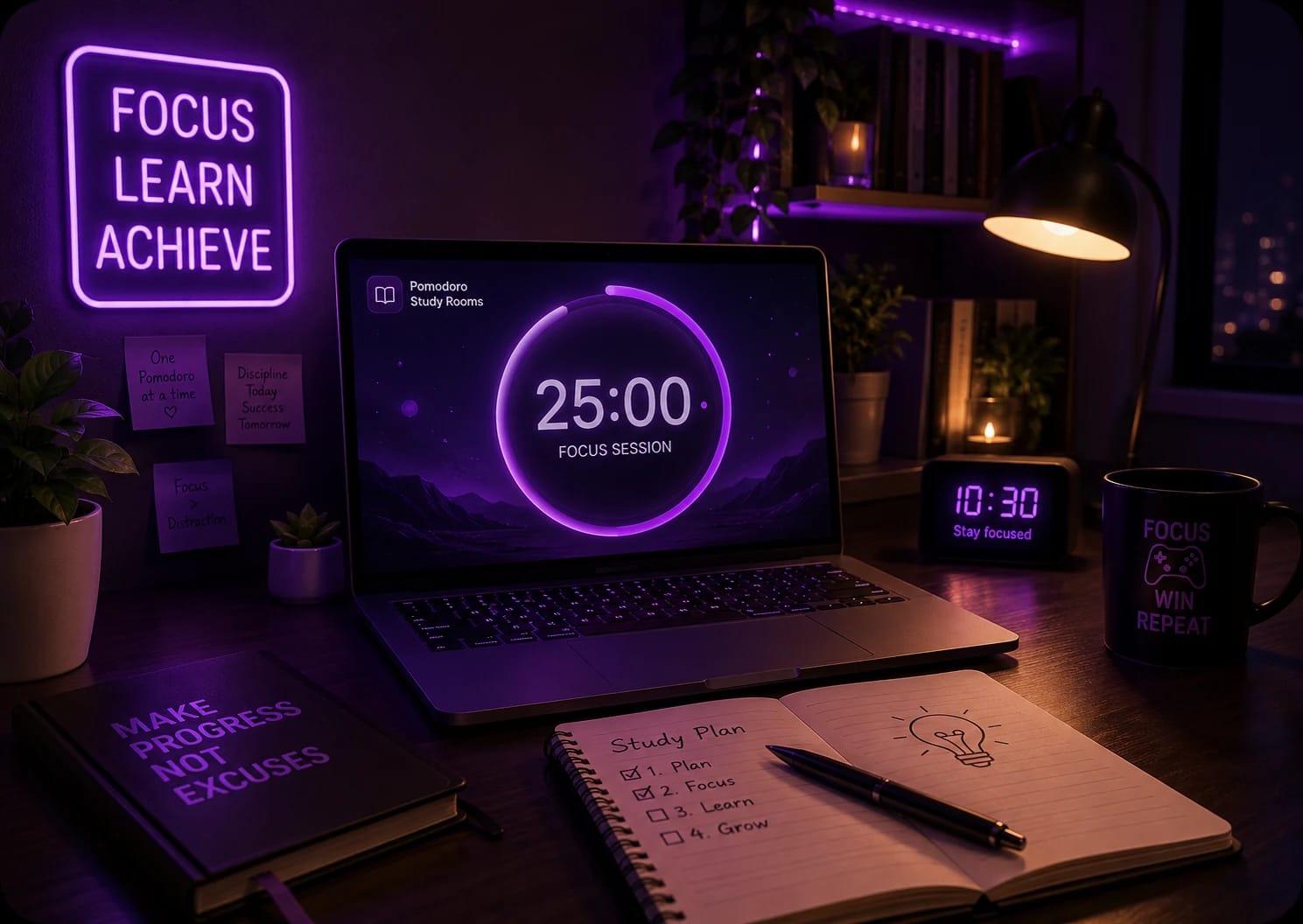
Pomodoro Study Rooms
Boost your productivity
A WhumbleZone study room is a free virtual room where you study alongside others with a shared Pomodoro timer. It's a free online study room, no signup needed to join, and your camera can stay off. Create a room, share the link, and start focusing in seconds.

Work in short bursts with a timer the whole room shares. When the timer starts, everyone starts. When it rings, everyone breaks. It's the easiest way to stop negotiating with yourself for “five more minutes.”
Explore Pomodoro Rooms →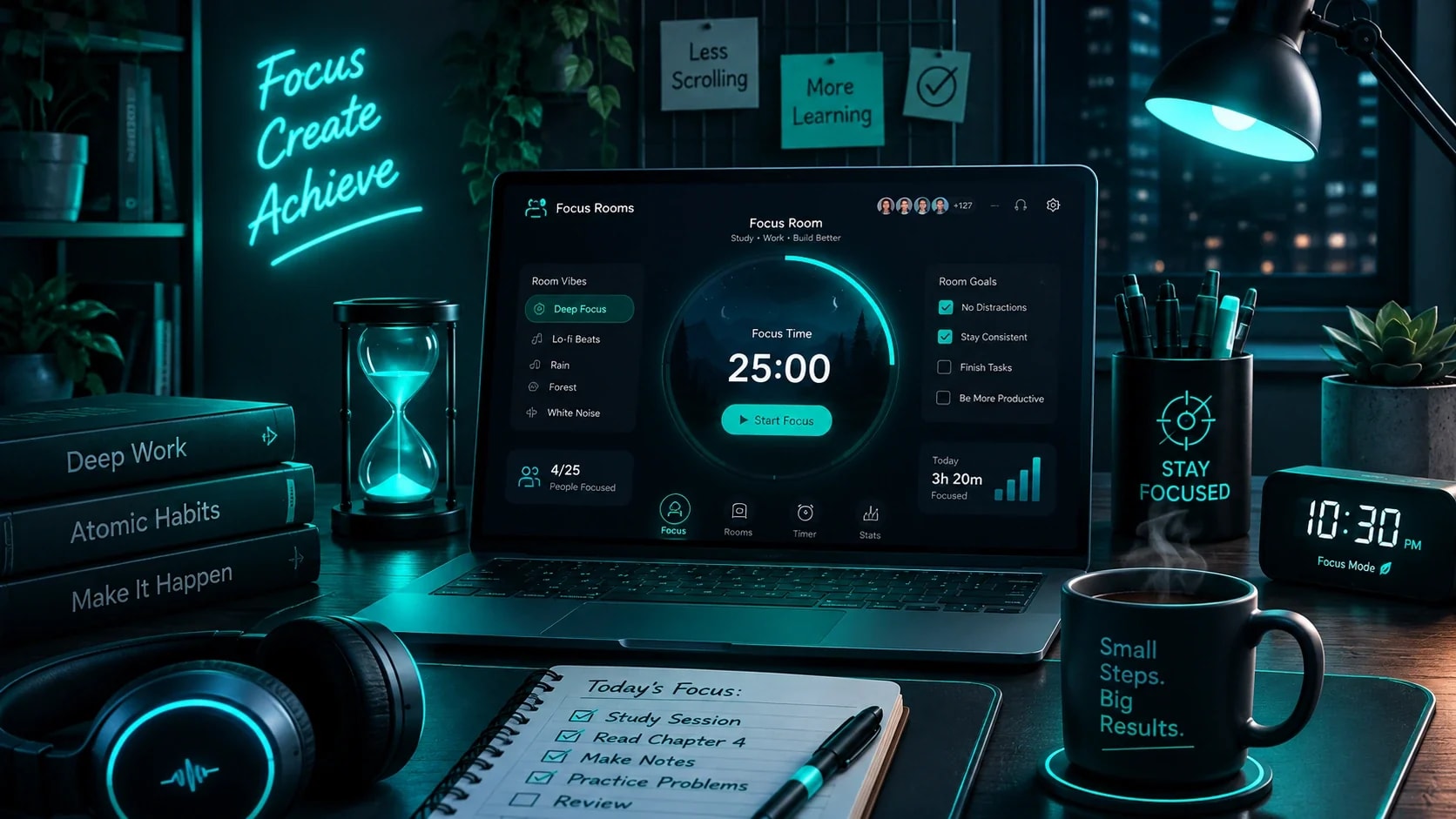

Pick a focus room when you just need quiet and company. Put on ambient sounds, set your task, and work next to others who are doing the same. Nobody needs to talk.
Find focus rooms →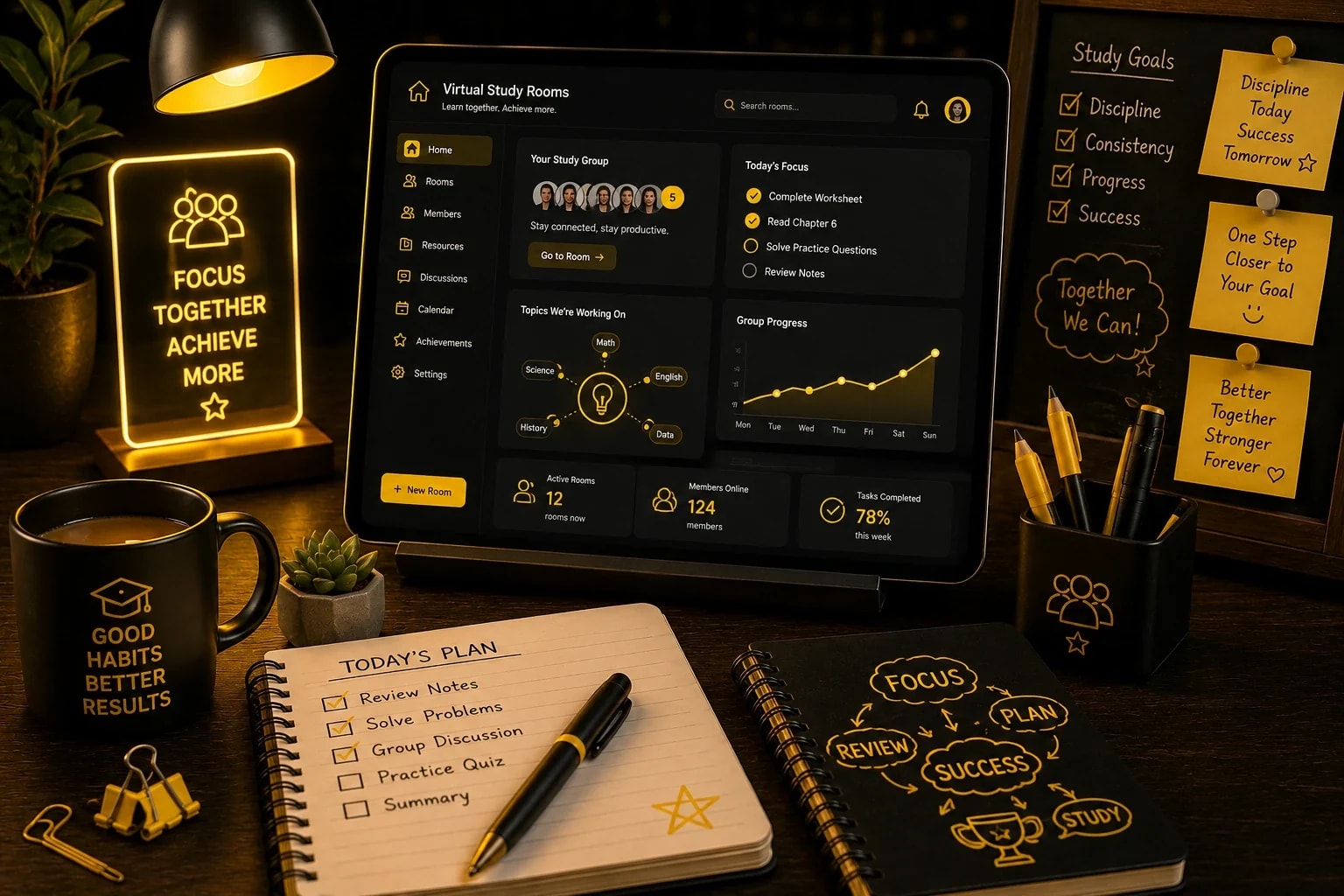

A virtual study room is your library table, minus the commute. You can join from a laptop at home or a phone on the bus, and still feel like part of a study session.
Join virtual study rooms →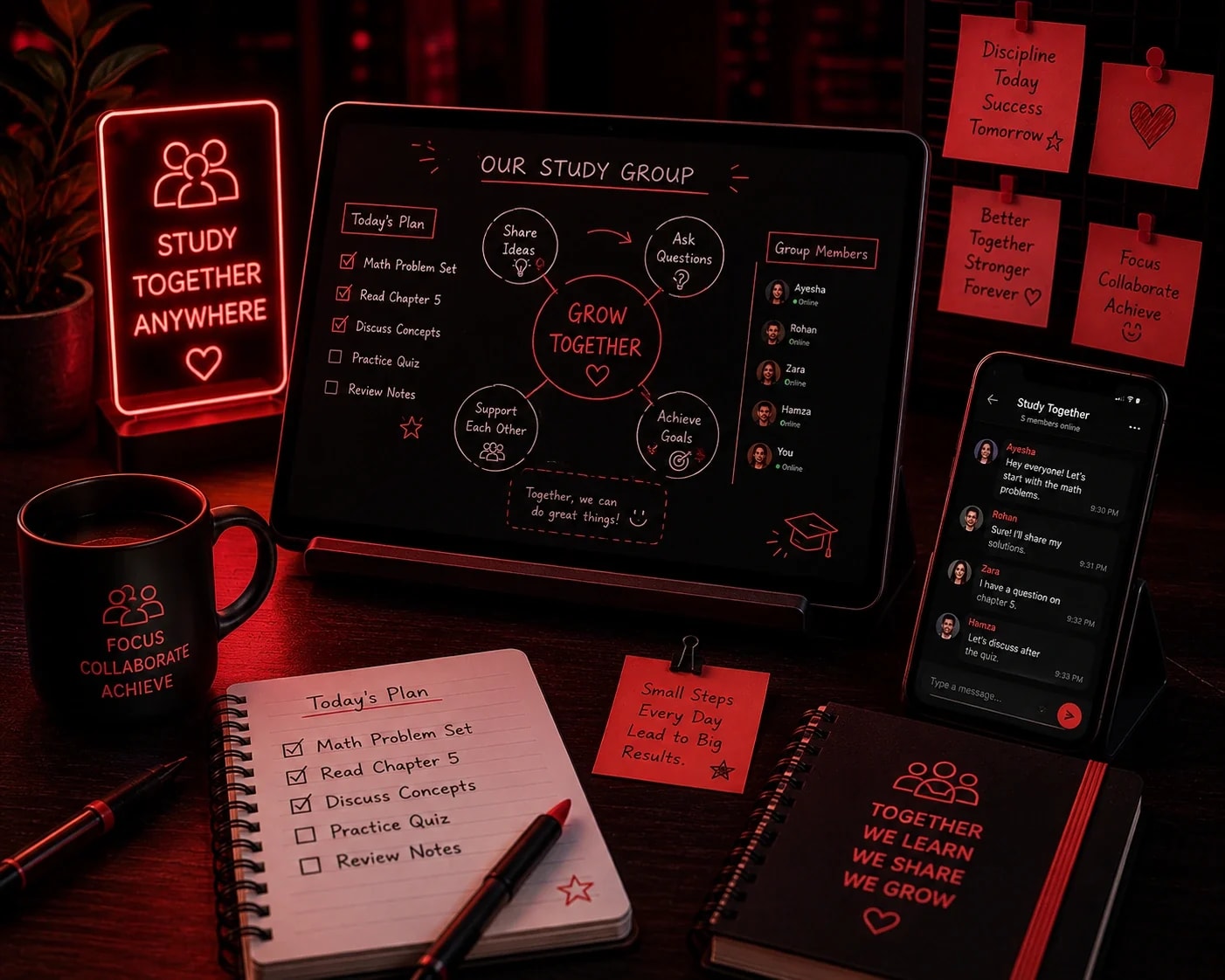

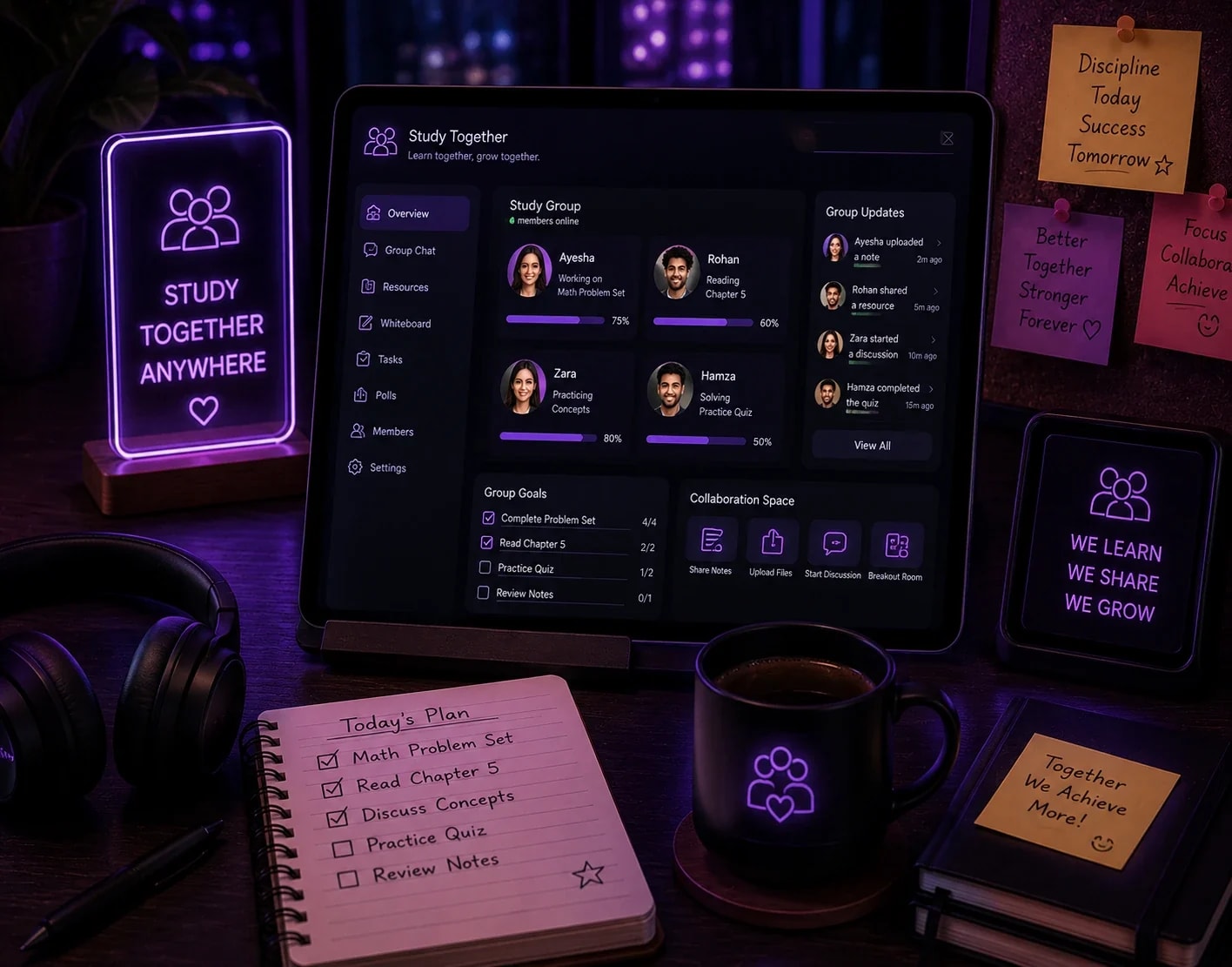
Want to study with friends online with a shared Pomodoro timer? Make a private room and send the link. Your whole group stays on the same schedule, even if you're in different cities.
Study Together →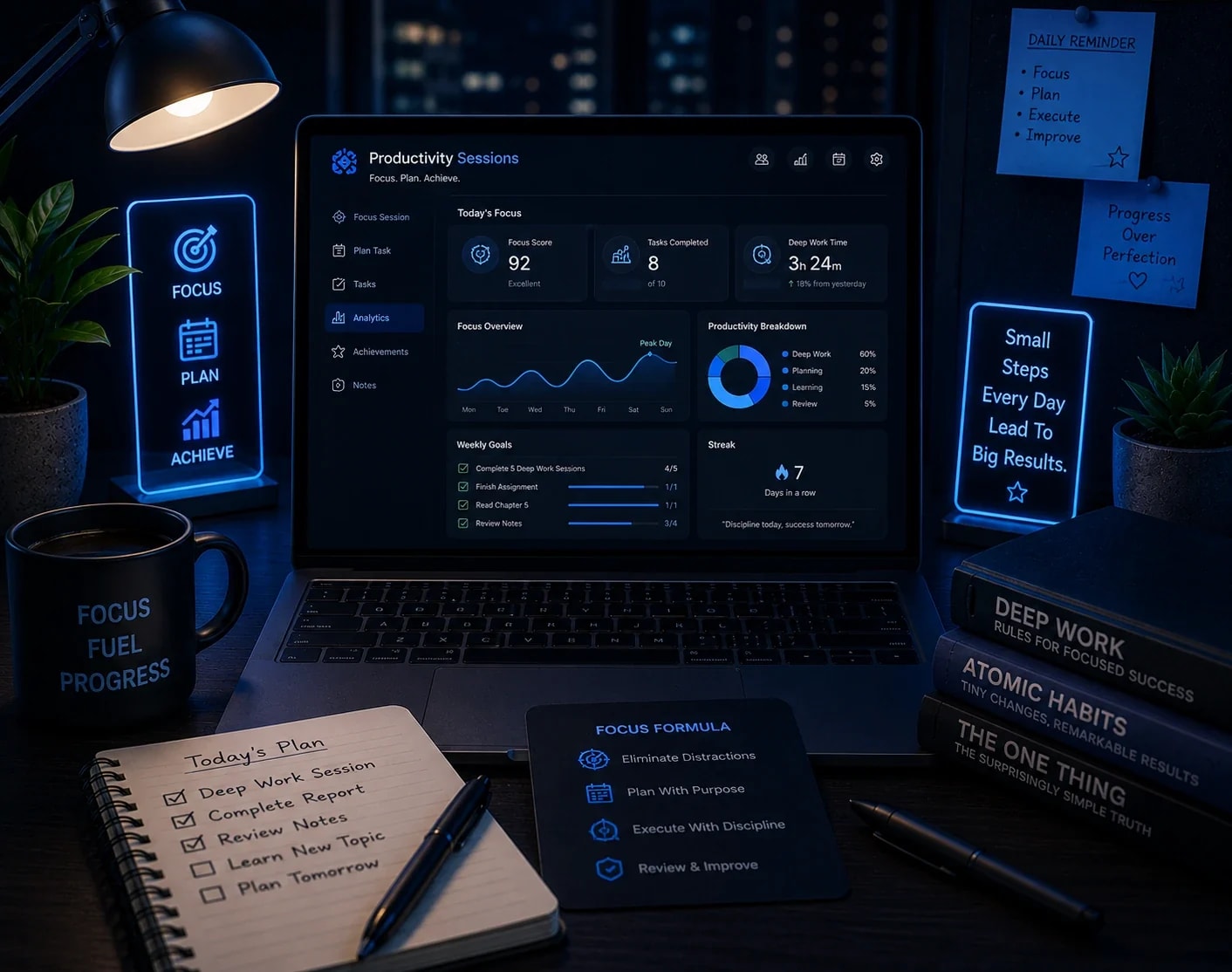
Use these rooms for planning and clearing your list, not just exam prep. Add tasks to the shared to-do list, work through them in timed rounds, and check them off as you go.
Start a Session →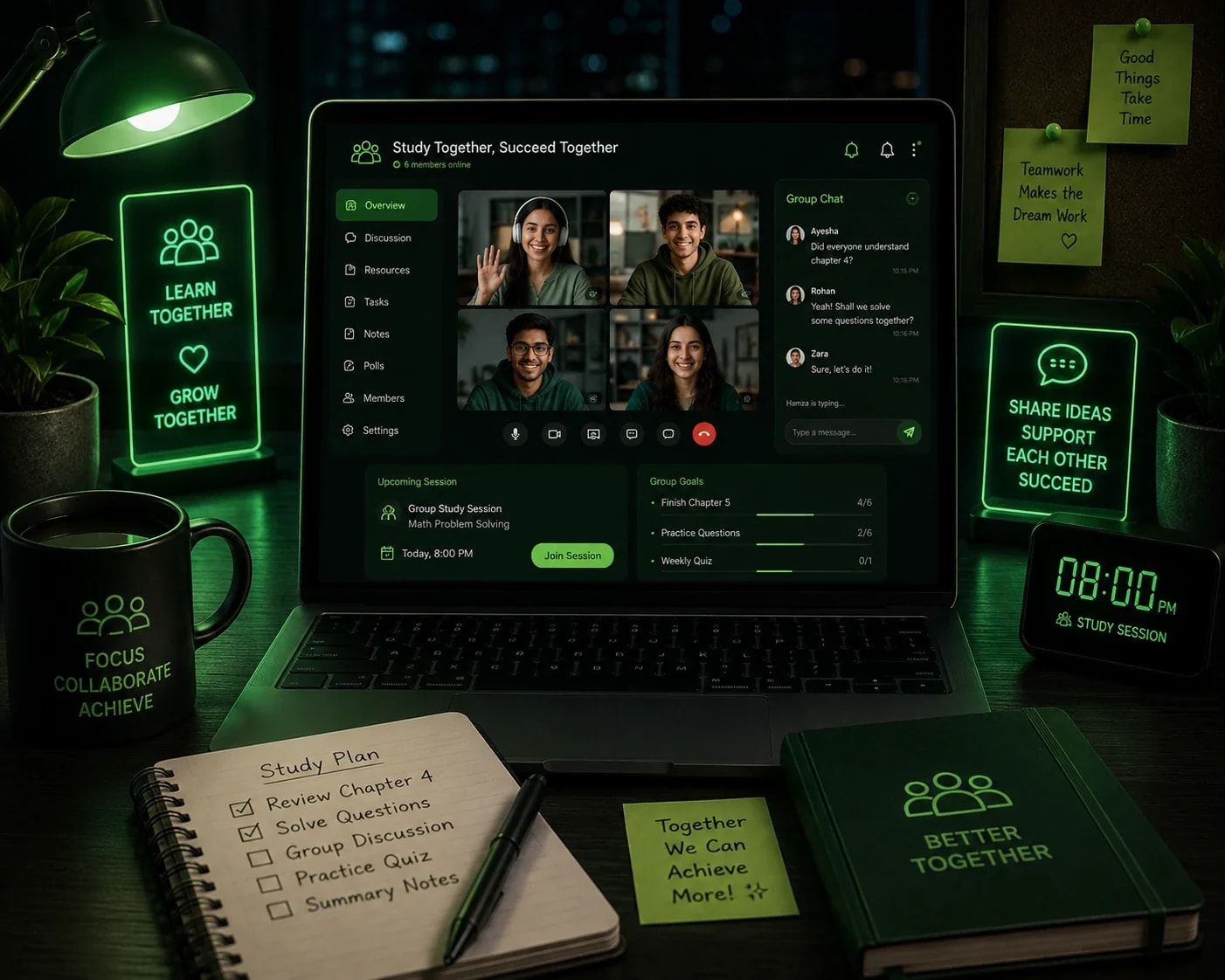
Build a virtual study group for students online with classmates or course friends. Meet at the same time each week, set goals together, and keep each other honest.
Join Online Study Groups →01
Pick a Pomodoro, focus, virtual or group room that fits how you work.
02
Open a public room from Discover, or create a private one for friends.


03
Anyone with the link can join from their browser without an account.
04
Follow the shared timer, add tasks to the to-do list, and keep your camera off if you like.
A shared Pomodoro timer gives everyone in the room the same focus and break schedule. A typical cycle consists of 25 minutes of focused work followed by a short break, repeated over several sessions. Learn more about the Pomodoro Technique on Wikipedia, or explore its origins on Francesco Cirillo's official website.
In a WhumbleZone room, the timer stays in sync for everyone. That means you start together, rest together and return together. Seeing others stick to the same rhythm makes it harder to drift off and easier to stay accountable.
Virtual body doubling means working quietly alongside someone else online so you stay on task. You're not teaching or chatting. You're simply present together.
Virtual body doubling for studying is free in WhumbleZone, and an online study room without camera pressure makes it easier to try. You don't need to tidy your room, fix your hair or perform for anyone. Many people find it easier to start a task when others are working nearby.
Think of it as a low-key online study accountability partner, free and always available. You can see who else is in the room, follow the same timer, and keep your own pace.
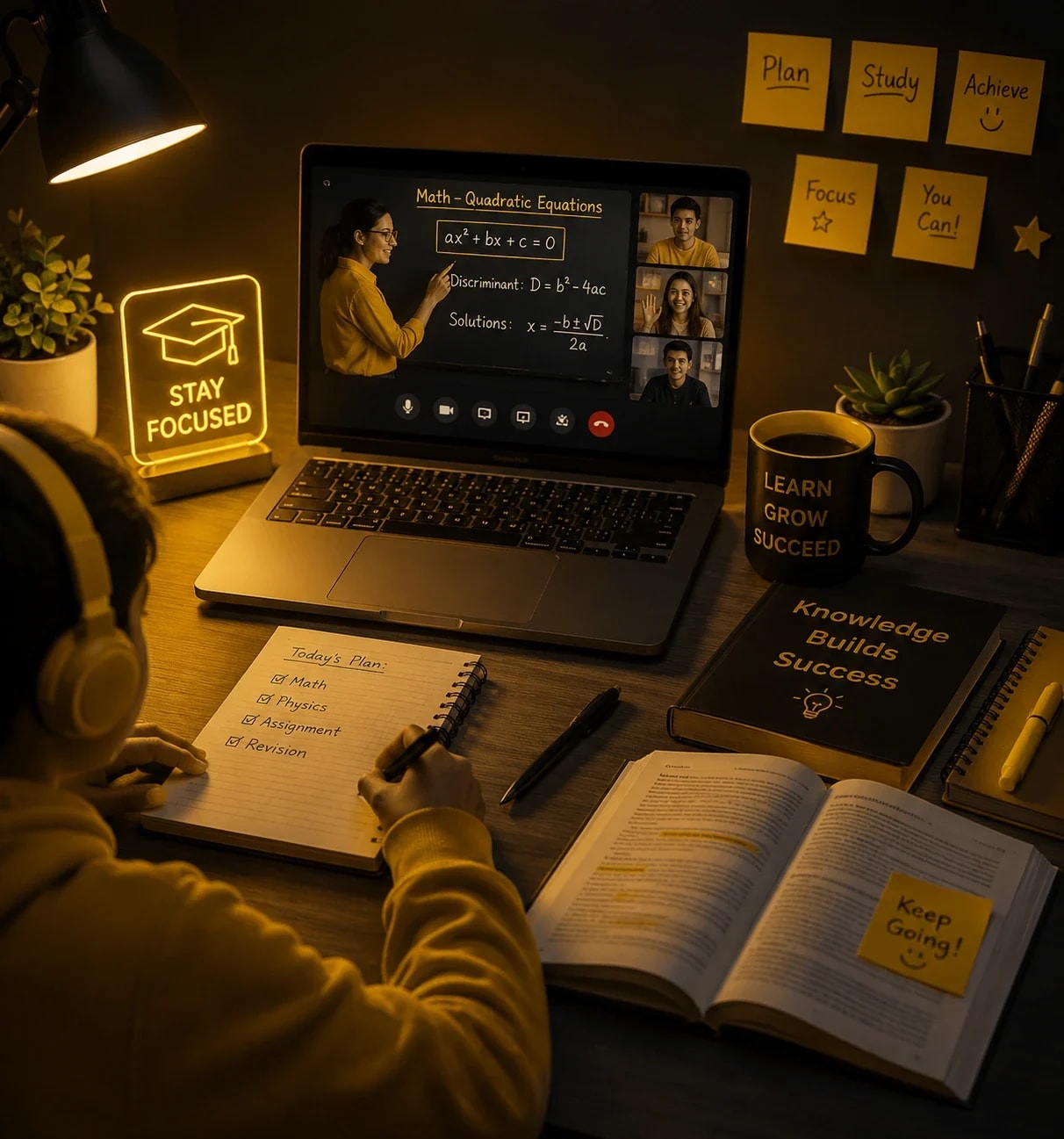
Prepare for exams, finish assignments and build a steady routine with others who are studying too.
Learning alone at home gets lonely. A shared room adds structure and a bit of company.
Use focus rooms for research, certifications or deep work that needs a quiet, steady block of time.
Finish lessons on schedule by joining a room at the same time each day.
Get coworking-style focus without a coworking membership.
Good breaks make good study sessions. After a Pomodoro round, you can switch things up without leaving your group.
If you want a free StudyStream alternative or a free Focusmate alternative for students, WhumbleZone is built for it: free, no signup to join and no camera requirement. It also includes voice, games and watch party rooms for your breaks.
| WhumbleZone | Video-first study platforms | |
|---|---|---|
| Price | Free | Varies, check provider |
| Signup to join | Not required | Often required |
| Camera | Not required | Often video-based |
| Room types | Study, voice, games, watch party, mood | Mostly study sessions |
Features and pricing change. Check each provider's site for current details.
Your focus time doesn't need an account, an app or a webcam. Open a room, share the link and let the timer do the rest.
A synced Pomodoro timer and focus tools running inside a WhumbleZone study room.
Also used by teachers & remote teams. Sync YouTube without screen sharing — every viewer loads full quality from YouTube's CDN directly.
How it works