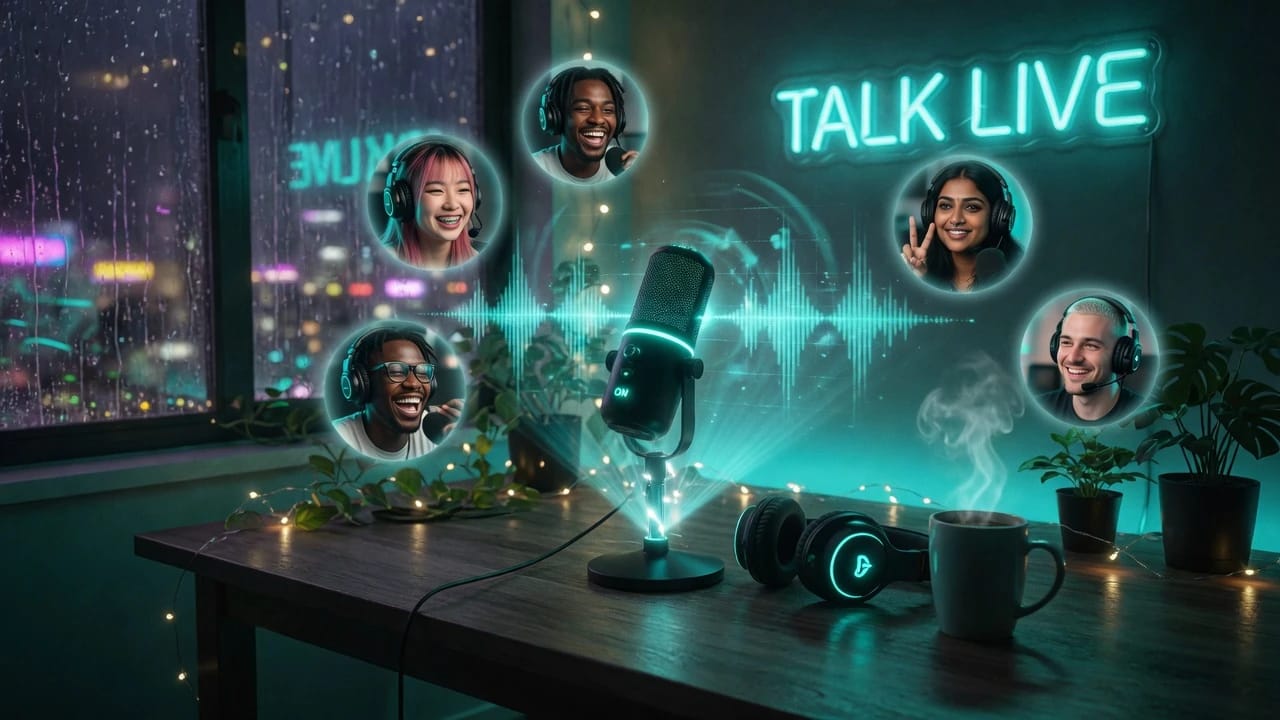
Voice Rooms
Drop in and just talk
- Push-to-talk
- Open mic
- Speaking indicators
- Room chat
Talk Instantly in Live Voice Rooms, Stay Connected, and Build Real Conversations Online
WhumbleZone offers voice rooms built for live talking and real connection. Join or create a room and drop into live voice chat, community voice rooms, and live audio conversations — with low latency voice chat and animated speaking indicators.…
Experience voice chat rooms that offer you flexibility of connecting and communicating in real-time.
WhumbleZone offers different kinds of voice rooms online depending on how you want to connect: an instant drop-in voice room, a community voice room, or a hangout voice room. This voice chat platform has a room for the way you like to talk.
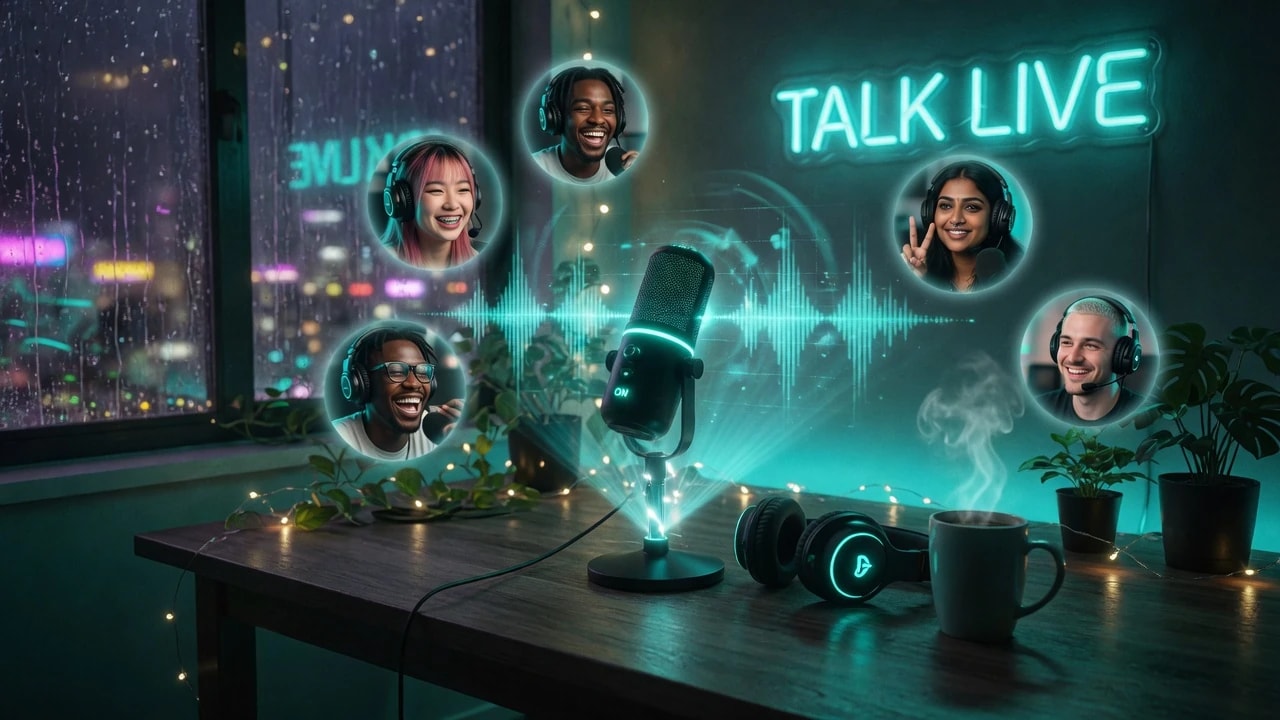
Join live voice room chats immediately — no registration required. Drop into a WhumbleZone room and start talking from anywhere. True no signup voice chat: get in and start chatting.
Explore Now →
Chat regularly with people who share your interests. Community voice rooms keep a group going over time, with invite-only voice chat when you want a tighter circle.
Engage now →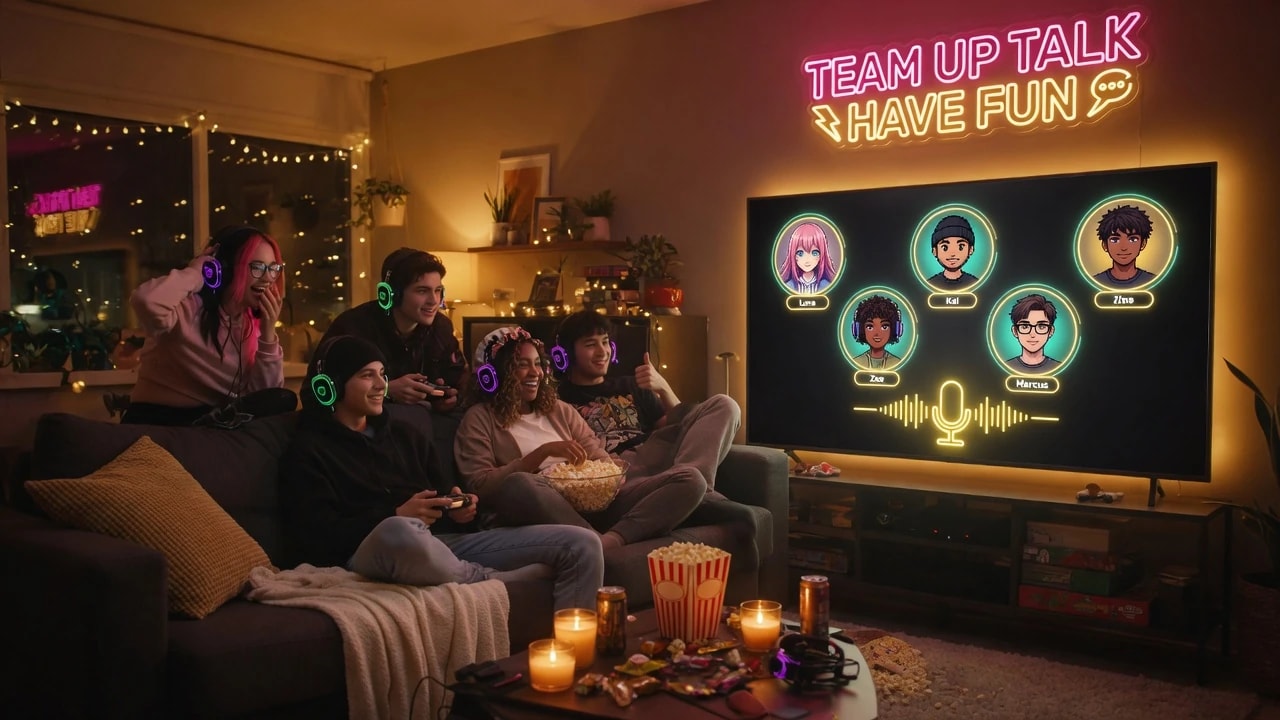
Easy, relaxing chats with friends — no need to be in the same place. Create a casual hangout room, invite people in, and start the conversation on WhumbleZone.
Create a Casual Hangout →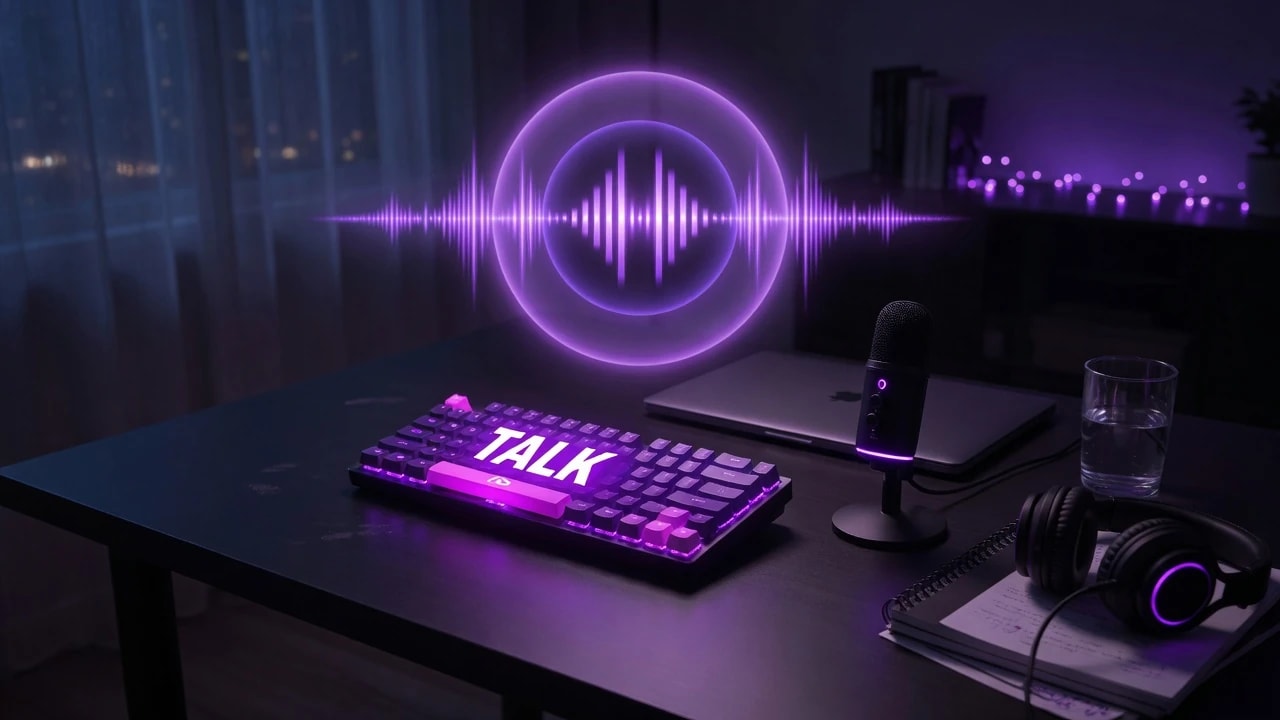
Talk in a distraction-free audio space — good for a quick chat or audio-only hangouts. Admin controlled voice rooms help keep conversations running smoothly.
Enter the Audio Chat Room →
Open social conversations around shared interests and voice chat. Meet new people online, join daily talks, and become part of a voice room community.
Start a Social Conversation →Join live voice rooms and connect with other people without extra setup.
Participating in live voice rooms is simple on WhumbleZone. Use the steps below to start talking right away.
01
Join drop-in, community, casual hangout, or audio chat rooms — whichever matches how you like to talk.
02
Enter a live voice room and start talking right away. No download and no install.
03
Talk, listen, and hang out with everyone in the live voice room.
04
Come back often and continue the conversation in the rooms you like.
Flexible voice chat rooms for everyone looking for interaction, connection, and company anytime and anywhere on a reliable voice chat platform.
WhumbleZone's voice rooms are meant for anyone who wants live conversation without friction. Unwind in a casual hangout room, talk with friends who are far away, or join people with similar interests in a community voice room. However you like to talk, there is a live voice room for you.
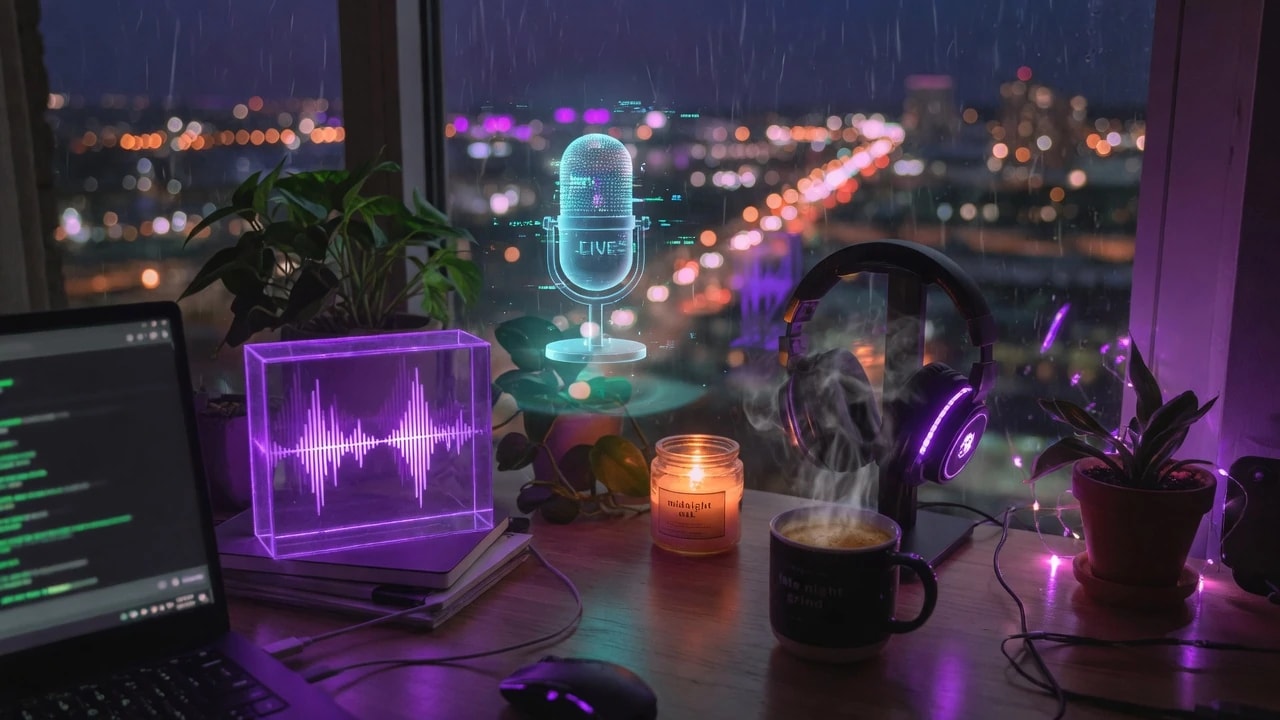
Drop into voice rooms whenever you want — no plan required.
Create a casual hangout room and talk with friends wherever they are.
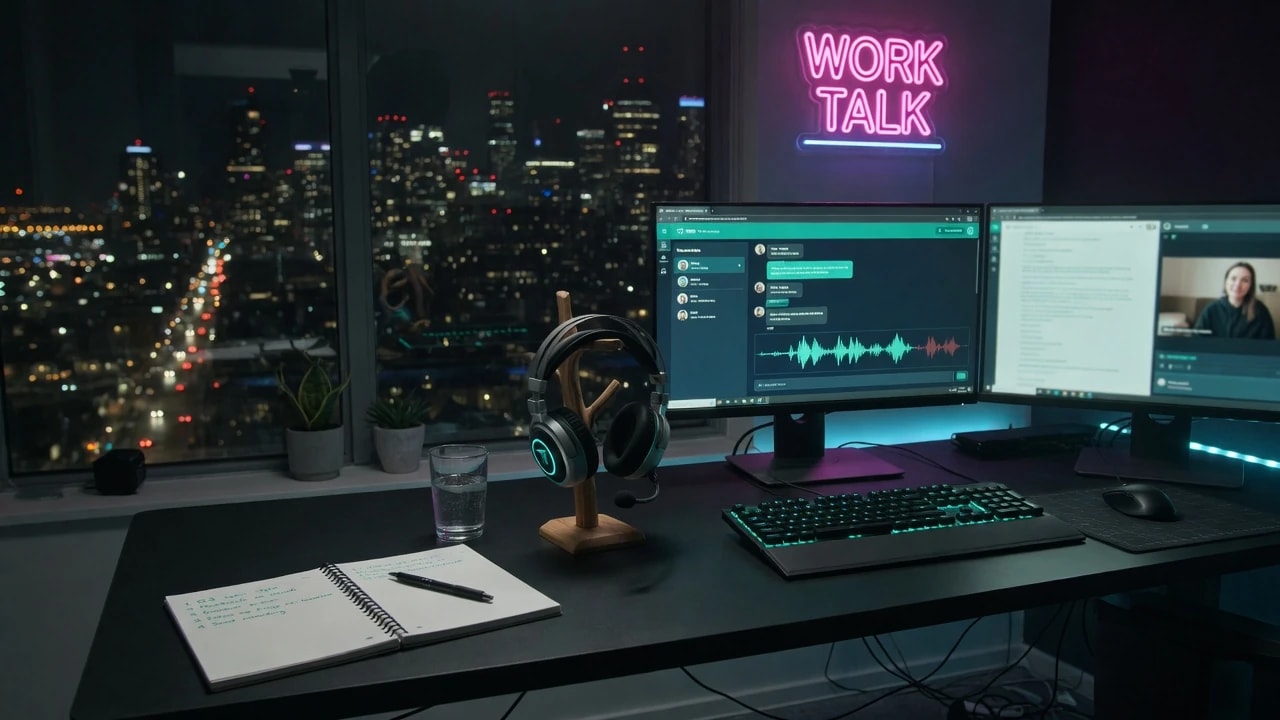
Live voice rooms that make it easy to stay in touch with friends far away.

Join community voice rooms and stay connected with people who share your interests.
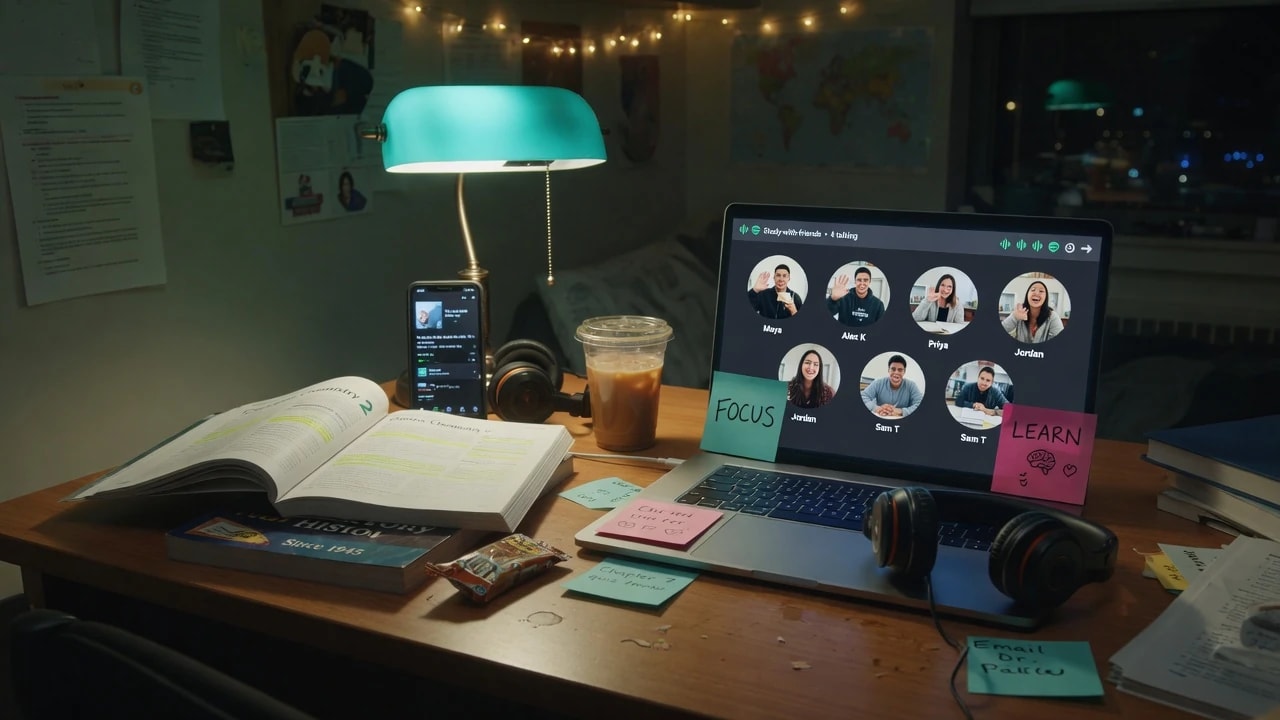
Be part of lively social conversations and meet new people online.
An online voice room is a virtual space where people talk and connect in real time over the internet. On WhumbleZone it can be a drop-in voice chat, a community voice room, or an audio-only hangout — all in the browser.
Join WhumbleZone's online voice rooms and start drop-in voice chat, community voice rooms, casual hangouts, and social conversations with people from around the world.
Push-to-talk, open mic, and live speaking indicators inside a WhumbleZone voice room.
Also used by teachers & remote teams. Sync YouTube without screen sharing — every viewer loads full quality from YouTube's CDN directly.
How it works