Voice Rooms
Drop in and just talk
- Push-to-talk
- Open mic
- Speaking indicators
- Room chat
Study, Chat, Play, and Watch Together Online
WhumbleZone is your ultimate digital hangout space for creating shared virtual rooms where friends can study, chat, play, and watch together online. Join distraction-free study rooms with built-in Pomodoro timers, relax in voice chat lounges, or enjoy interactive mini-games with friends in real time.
No Signup Required
Jump In Instantly.
Private & Secure Rooms
Your Space, Your Control.
Works Directly in Browser
No Downloads Needed.
Built for Real-Time Connection
Study, Chat & Watch Together.
Follow the numbered steps: choose a room type, set who can join, then name it and create. No downloads or complicated setup.
Step 1. What's this room for?
select oneStep 2. Who can join?
invite onlyStep 3. Name it and create
name is optionalVirtual Rooms Designed for Studying, Socialising, Gaming, and Connecting Online
WhumbleZone brings people together through shared virtual rooms built for every type of online experience. Students can create focused study spaces with Pomodoro timers and productivity tools, while friends and communities can enjoy voice rooms, watch parties, and interactive games. Whether you are collaborating remotely, staying connected with long-distance friends, or simply looking for a fun digital hangout space, WhumbleZone makes online interaction simple and engaging. Create a room, share a link, and enjoy seamless conversations, entertainment, and shared moments without downloads or complicated setup.

Virtual study rooms with a synced Pomodoro timer, shared to-do lists, ambient focus sounds, and body-doubling accountability.
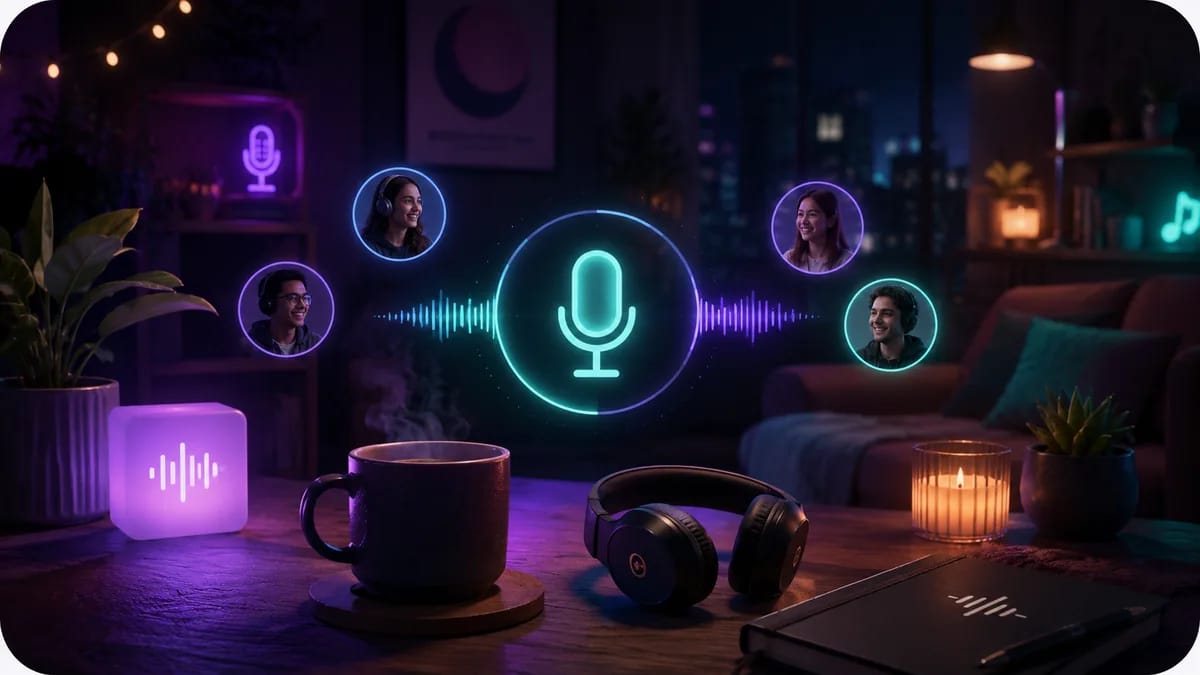
Audio rooms for studying, lofi sessions, or just being present together — no video pressure, no complicated setup.

Play Uno, Ludo, Connect Four, trivia, and drawing games in the browser — up to 10 players, no download, no app store.
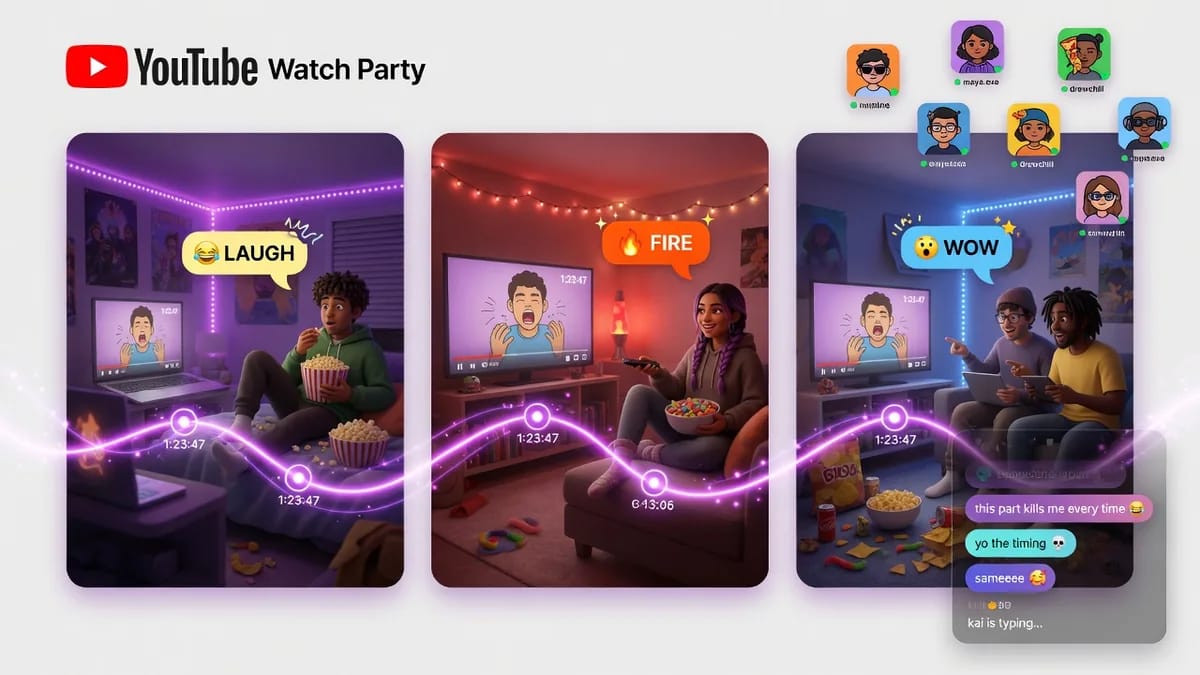
Watch YouTube, Twitch, or Spotify in perfect sync — same frame, same timestamp — with live chat and reactions alongside the video.
Create Virtual Rooms, Invite Friends, and Connect Online in Just a Few Clicks
WhumbleZone makes online interaction simple by bringing study sessions, conversations, entertainment, and shared experiences into one virtual space. Choose the type of room you want, create a personalized space, and invite friends using a single link. Whether you are studying together, joining a voice hangout, watching videos, or playing games, WhumbleZone provides an easy way to connect in real time without downloads or complicated setup.
Pick a room type
Study room, voice room, game room, or watch party.
Create a room
Create a private room (invite-only) or a public room listed in Discover.
Share the link
Friends click and join in seconds — no account required.
Enjoy Together
Watch, study, talk, or play together in real time with chat and reactions built in.
Guides and tips for studying, watching, and hanging out together online.

Discover how an online study room can improve focus, motivation, and collaboration. Learn how virtual study spaces make studying easier and more productive.

How college students can run a YouTube watch party for lecture videos, movie nights, or study groups across dorms and time zones. Free, no account or extension.

How to listen to music together online with a shared queue and live song voting. WhumbleZone's mood rooms — free, no signup, no room to create.
WhumbleZone is a digital hangout platform that lets friends create shared virtual rooms for studying, chatting, playing games, and watching content together online. Users can connect through one simple link without complicated setup or downloads.
Also used by teachers & remote teams. Sync YouTube without screen sharing — every viewer loads full quality from YouTube's CDN directly.
How it works