

Voice Rooms
Drop in and just talk
- Mic starts off
- Mute toggle
- Speaking indicators
- Room chat
One Platform to Talk, Play, Watch, Study, and Hang Out Online.
WhumbleZone brings all that people enjoy doing together online into one seamless platform. Want to hang out online, play browser games, watch videos together, lounge in a mood room, or study together? WhumbleZone provides you with all the right rooms without requiring you to switch between platforms to experience everything.....
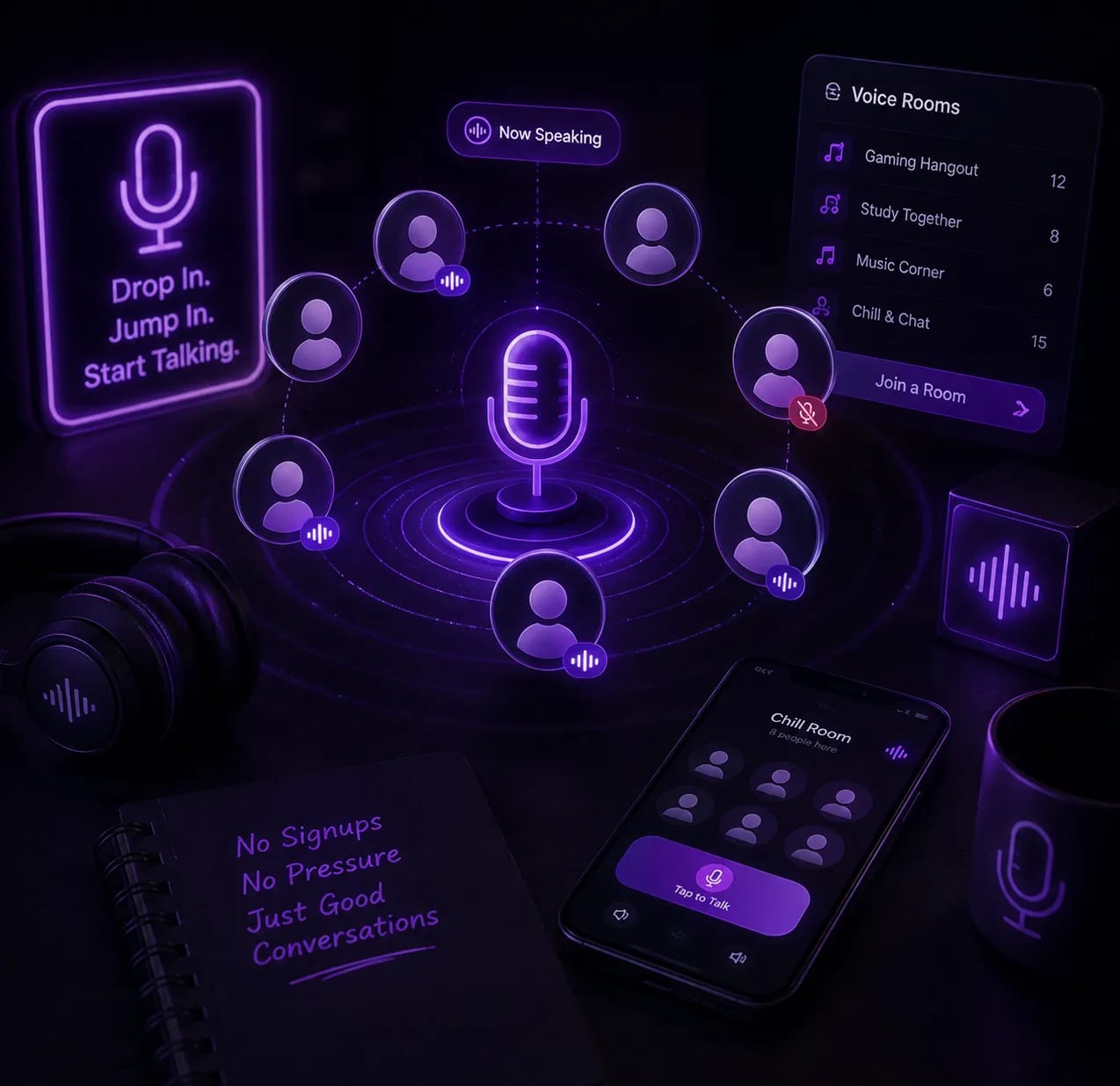

Make connections via online voice chat rooms that let you communicate with friends and communities using audio chat rooms. Choose whether to create private or public rooms, utilize text chat options and track who speaks while you talk. No special configuration needed – all is done directly in your browser.
Whether you're looking for a voice chat platform, drop-in voice chat, or a place to simply talk online free, WhumbleZone has you covered.
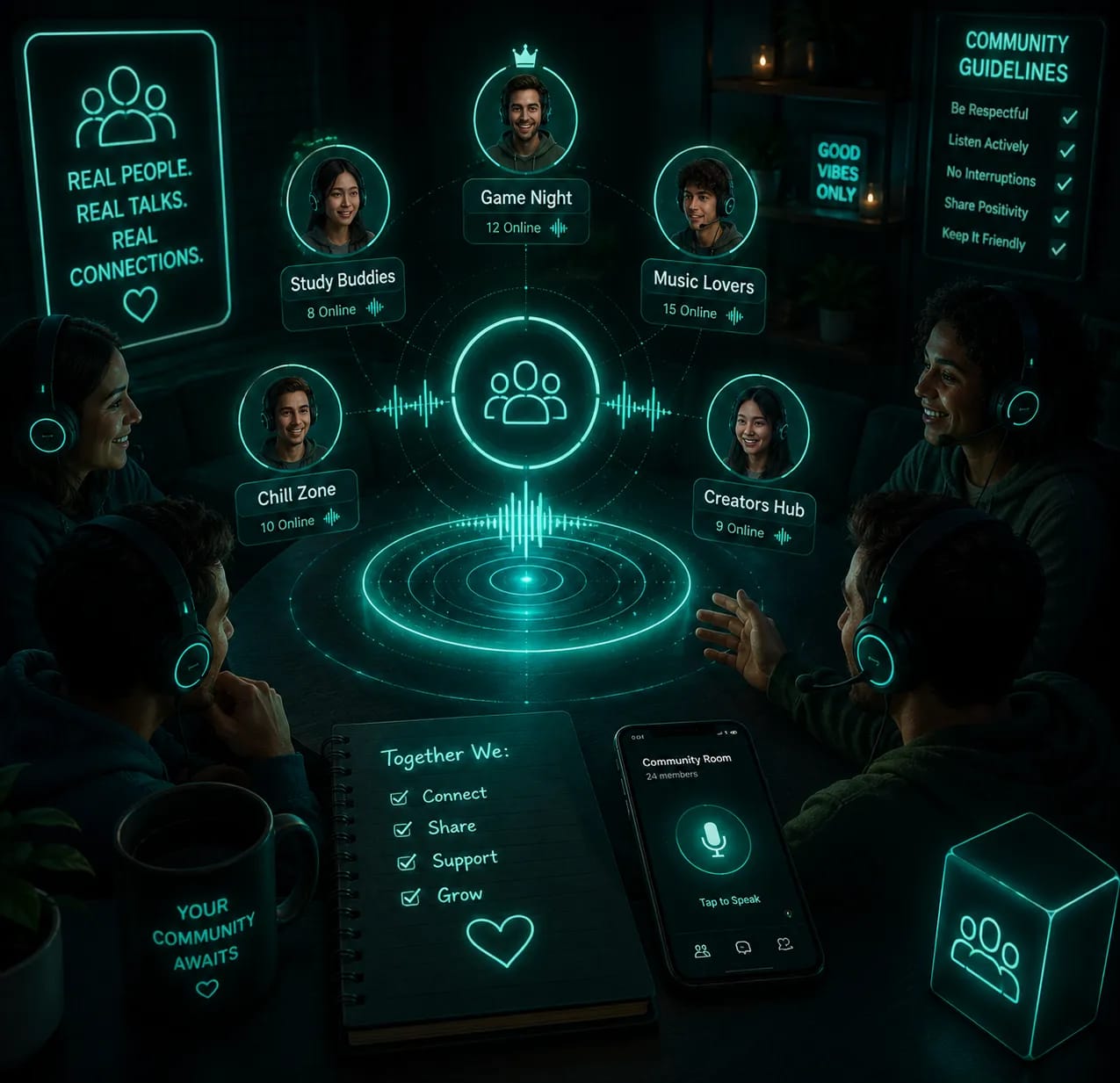

Convert your usual online hangout into a gaming session with the help of browser-based multiplayer games. Have fun playing games with friends right in the room with no need to download extra software. Communicate with gamers by chatting while you are gaming.


Watch YouTube videos and Twitch streams along with your friends and stay in touch with your community. Synchronize video watching, communicate with your peers by voice or text chatting and have fun enjoying online content together.
It works great as a watch party room — whether you want to watch YouTube together, watch movies together online, or enjoy a virtual watch party with friends. Try the WhumbleZone watch party and never watch alone again.


Switch from discussions to more comfortable online atmosphere with mood rooms. Hang out with your peers, be surrounded with background voices, relax and spend time online with no need to actively participate in the process.
Perfect for casual hangout rooms and chill voice rooms where you can just relax with others.


Concentrate better during studying or working while hanging out with friends and peers in online study rooms. Organize your studying and homework sessions, readings, exams, writing or any other kind of work that requires focus and motivation.
These rooms work as virtual study rooms and free online study rooms, perfect for anyone who wants to study together online.
WhumbleZone allows creating private and public rooms tailored to your preferences regarding the people you wish to interact with. Consider creating a private room if you wish to spend time with the people chosen by you – friends, fellow students, teammates, colleagues, etc. Public rooms may help you find new people and engage in conversations with members of certain communities. You may use the room type according to your requirements.
Create your own room for your friends, groups, or participants chosen by you.
Explore conversations and communities sharing the same interests with you.
Share your room only with those people whom you want.
Select your room depending on what you are going to do in it.
Getting into an online hangout shouldn't require installing another application or creating another account. WhumbleZone allows you to enter the room easily. The platform allows you to connect to the room without having to download any additional program on your computer since you will only need to access the rooms using your browser.

WhumbleZone directly accessible through your browser.

Enter WhumbleZone without a long process of signing up.

Connect to your rooms using a supported device and internet connectivity.

Save time on configuration and spend more time chatting.
This makes it easy to start an instant voice chat with no signup voice chat required. Thus, WhumbleZone becomes very handy when you want to connect to your friends for a conversation, a game or simply enter a common room.
The biggest advantage of WhumbleZone is that you don't have to treat every activity as a separate online experience.
You can start with a voice conversation, move into a multiplayer game, switch to a watch party, or settle into an online study room without needing to leave the platform and find another tool.
This makes WhumbleZone useful for different types of online communities and everyday situations. Friends can use it to hang out, gamers can combine gameplay with conversation, students can study together, and communities can create spaces around shared interests.
Instead of asking people to download multiple apps or coordinate across different platforms, you can bring the experience together in one place. This makes WhumbleZone a true online collaboration platform for remote collaboration, whether for hangouts, gaming, or productivity.

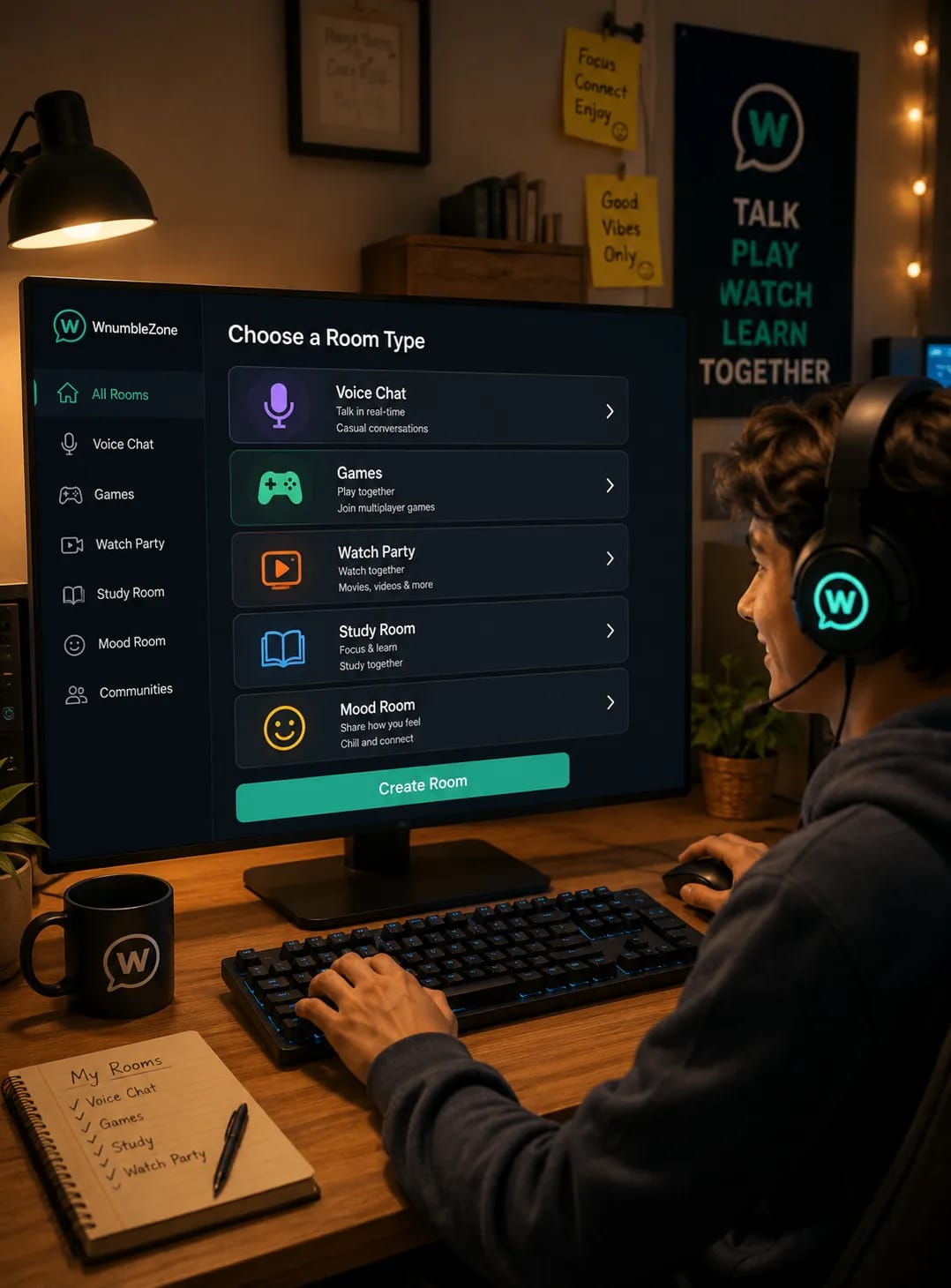
WhumbleZone is designed to keep the process simple. You shouldn't need technical knowledge or a lengthy onboarding process just to join an online room.
Choose the type of room you want, create or join it, and start using the features available in that space. The familiar room experience makes it easier to move between different activities without learning a completely different interface each time.
Whether you want real-time voice chat, online games, a watch party, a mood room, or a virtual study room, the experience stays simple and familiar.
This simple approach makes WhumbleZone suitable for casual users as well as people who regularly participate in online communities, gaming groups, study sessions, and social hangouts.
WhumbleZone isn't limited to one type of user or one type of activity. Its different room types make it possible to create experiences around the way people naturally spend time online.
Use WhumbleZone to chat with friends online, play casual games with your group, watch content together, study alongside classmates, or create a relaxed space for your community.
Whether you're planning a regular group session or simply want somewhere to spend a few minutes with other people, WhumbleZone gives you flexible spaces for different situations.
It works great as a hub for community voice rooms and an online community hangout space for every kind of group.
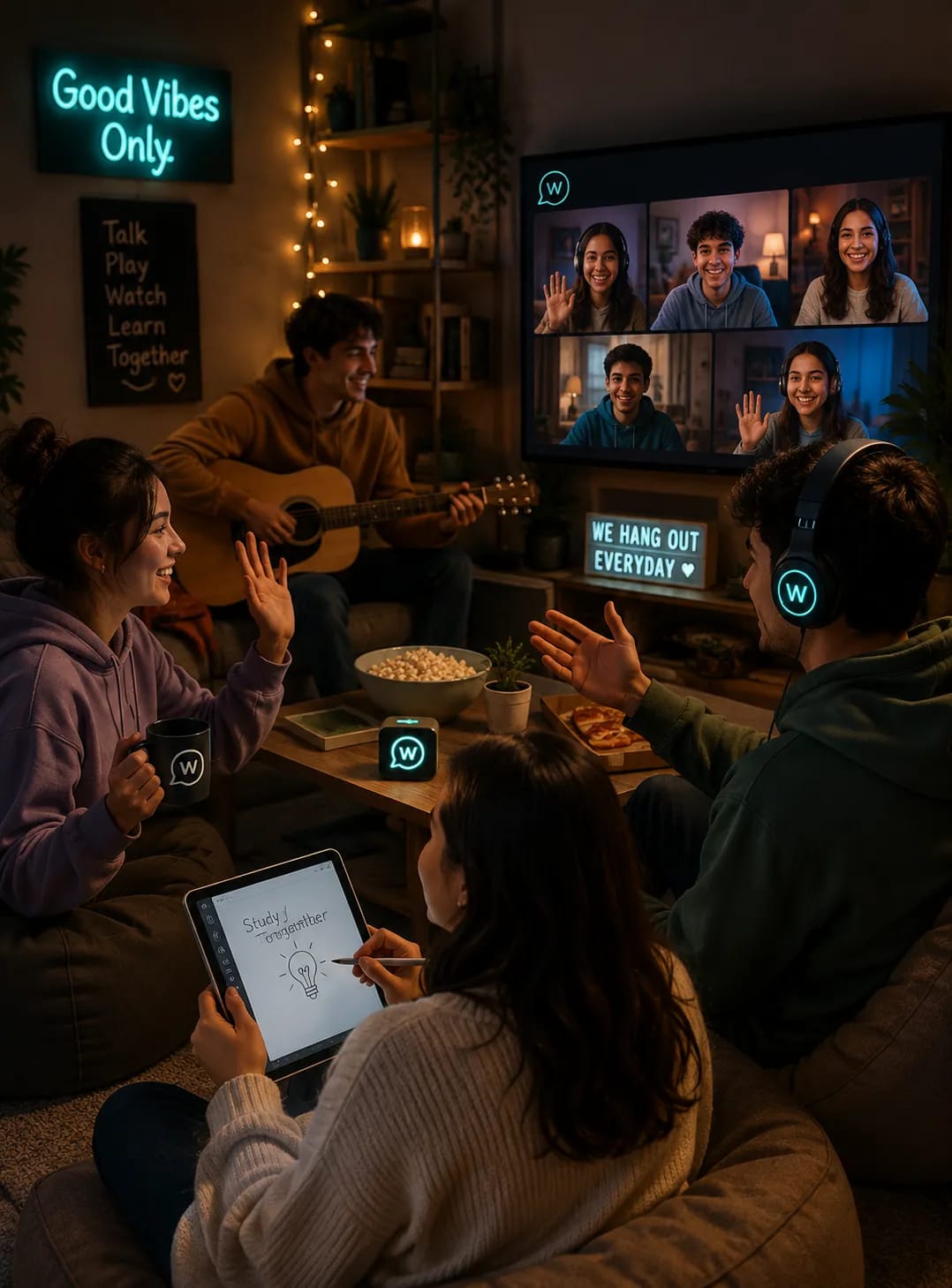
You can use WhumbleZone to:
WhumbleZone brings multiple online experiences together while keeping the focus on real-time connection. Instead of treating chatting, gaming, watching, relaxing, and studying as completely separate activities, it gives you different room types for different moments.

Talk with friends and communities through live voice chat rooms.

Play browser-based multiplayer games together.

Watch YouTube videos and Twitch streams through watch parties.

Relax in low-pressure mood rooms.

Study alongside others in shared online study rooms.

Connect through public and private rooms.

Join without downloads or complicated registration.

Connect through voice chat communities and social voice community spaces.
The result is a flexible online social platform where you can decide how you want to spend your time rather than being limited to one type of interaction.
If you wish to reconnect with your friends, play games, watch videos, make new friends who have common interests with you, chill in mood rooms, or work in an environment where you can focus, WhumbleZone provides you with a room for your experience. Check out the variety of rooms available, pick the one according to your mood or activity, and start connecting without going through any trouble of setting up. Voice chat rooms, game rooms, watch parties, mood rooms, and study rooms are just a few of the many things that are available on one platform through WhumbleZone. Think of WhumbleZone as your digital hangout space, always ready when you are.
WhumbleZone is a digital hangout platform that lets friends create shared virtual rooms for studying, chatting, playing games, and watching content together online. Users can connect through one simple link without complicated setup or downloads.
Also used by teachers & remote teams. Sync YouTube without screen sharing — every viewer loads full quality from YouTube's CDN directly.
How it works