
Online Hangout With Friends: Discover a Better Way to Connect on WhumbleZone
Discover how virtual rooms help friends chat, play multiplayer games, watch YouTube together, listen to music, and study online. No download, in the browser.
An online hangout with friends is one shared room in the browser, not a stack of apps to install. WhumbleZone is where a group talks, plays, watches YouTube or Twitch, listens to music, or studies together. Open a room, share the link, and people join with no download.
Staying connected with friends should be easy, even when life takes everyone in different directions. Some friends move to different cities, others become busy with work or studies, and sometimes everyone simply wants to spend time together without making complicated plans. Messaging apps and video calls help people communicate, but they do not always provide the shared experience people are looking for.
Imagine wanting to play a game with friends, watch a funny YouTube video together, listen to music, or study for an upcoming exam. You might need different applications for each activity, send multiple links, and spend time helping everyone get connected. What should be a relaxing experience can quickly become frustrating.
WhumbleZone is a browser-based environment where people can explore different ways to connect, communicate, and enjoy activities together. Whether you are searching for an online hangout with friends, a virtual hangout room, or a place to study together online, the aim is to make shared online experiences more convenient.
This guide explains what WhumbleZone is, the common problems it helps address, the activities you can explore, and why virtual spaces are becoming an important part of everyday social life.
What Is WhumbleZone and How Does It Work?
WhumbleZone is an online platform designed to bring people together through shared digital activities. It provides different types of rooms for people who want to socialize, play games, watch videos, listen to music, or focus on their studies.
The idea is simple: instead of treating every online activity as a separate experience, you pick a room based on what you want to do.
A group of friends might want to relax after work, while a group of students may need a space to concentrate before an exam. Another group might prefer playing multiplayer games or sharing videos for entertainment. WhumbleZone is a place to explore these experiences through a browser, so people can spend time together even when they cannot meet in person.
Why Do People Need an Online Hangout With Friends?
Online communication has made it easier to contact people, but being able to send a message is not the same as spending meaningful time together. These are the problems a shared virtual room is built to answer.
Distance makes meeting difficult
Friends may live in different cities or countries, attend different universities, or work on different schedules. Meeting in person regularly may not be practical because of travel costs, time, and other responsibilities.
An online hangout is the alternative. Friends can meet virtually, talk about their day, share experiences, and enjoy activities without travelling.
Switching between applications is frustrating
One platform might be suitable for messaging, another for gaming, and another for watching videos. Moving between applications interrupts the evening and makes it harder to keep everyone involved.
A shared online environment keeps the activity in one place, depending on the room you open.
Studying alone can reduce motivation
Students sometimes find it difficult to stay focused when studying alone for long periods. Without a routine or a sense of accountability, concentration slips.
Studying alongside friends can create a more structured environment. Even when everyone is working on a different subject, a shared study session encourages people to remain focused.
Online entertainment can feel less social
Watching a video alone or playing a game independently can be enjoyable. Sharing that experience adds the reactions, the comments, and the friendly competition.
Virtual rooms make online entertainment more interactive by putting people around the same activity.
Explore Different Ways to Connect on WhumbleZone
Everyone has different preferences when spending time online. Some people enjoy conversations. Others prefer games, music, entertainment, or a quiet study session. WhumbleZone offers a room for each of those.
Online rooms to hang out with friends
Sometimes you do not need a special event. You want a place to talk, share stories, discuss an interest, or relax after a busy day.
Online rooms to hang out with friends are a shared environment that does not require meeting in person. A virtual room can become the regular meeting place: after work, on a weekend, or whenever the schedules line up. You choose the room that fits the group.
Online voice chat with friends
Text messages are useful for quick updates. Conversations feel more natural when people can hear each other.
Online voice chat lets people respond immediately, change topic, and talk without typing every message. Voice rooms also suit people who want to talk while relaxing, playing, or working, and people who prefer audio instead of a camera.
Multiplayer games online with friends
Games give a group a shared goal, a little competition, and a reason to laugh.
Playing multiplayer games online with friends can turn an ordinary evening into a group activity. The game rooms are browser-based, so the group does not have to install a separate game first. Puzzles, short strategy games, and casual challenges all work when everyone is in the same room.
Watch YouTube together online
Sending a funny video as a link is easy. Watching it separately makes it hard to react to the same moment.
A watch party keeps everyone on the same video. WhumbleZone supports shared viewing for YouTube and Twitch. You can watch a clip, a longer video, or a live stream and talk about it as it plays. It does not sync Netflix, Prime Video, or Disney+.
Listen to music with friends online
Friends introduce each other to songs, argue about a playlist, and pick music that matches the mood. Doing that from different places needs a room, not a forwarded link.
Mood rooms are built for shared listening and a relaxed conversation. They suit a break between tasks, or an evening where nobody has to keep a constant conversation going.
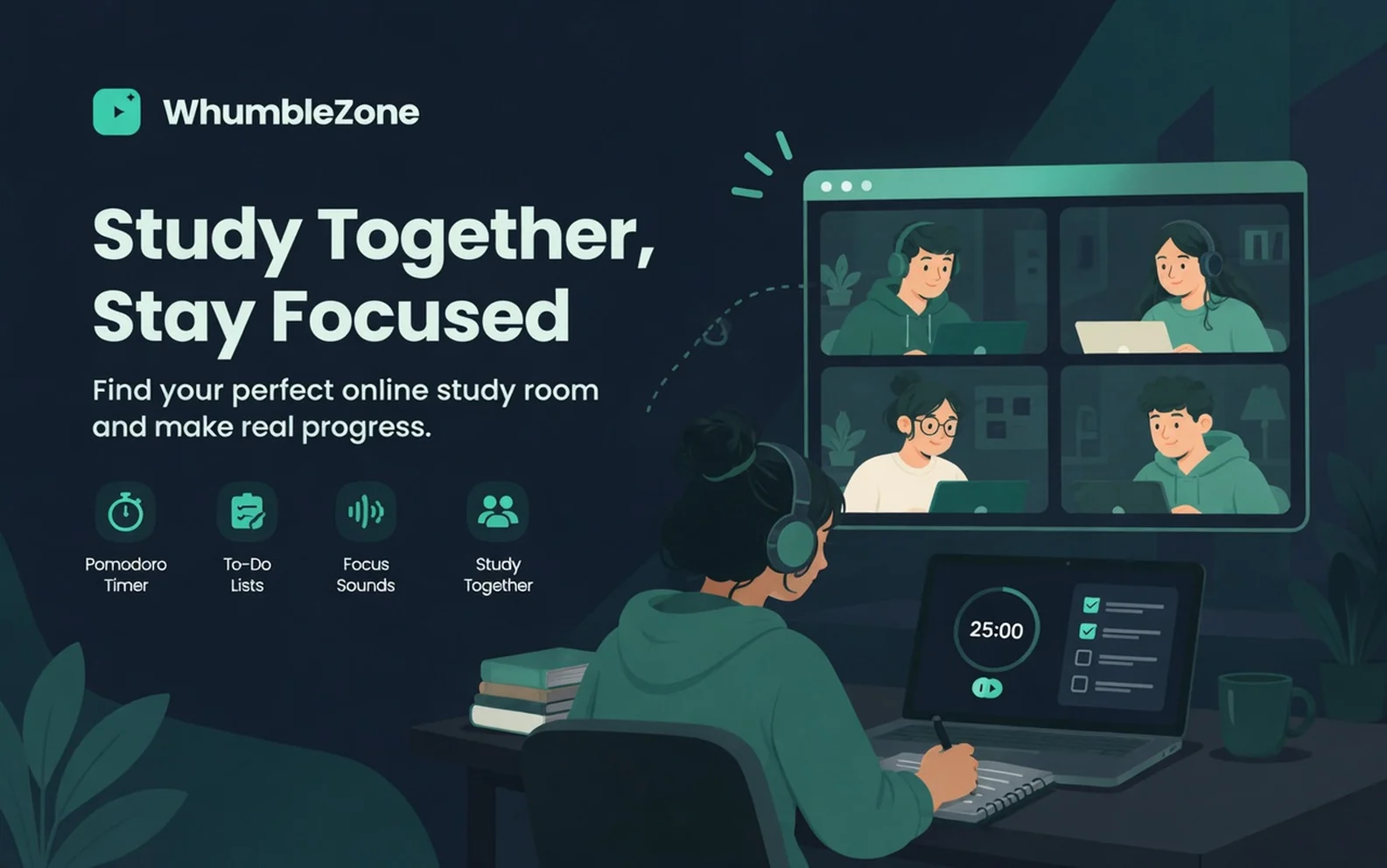
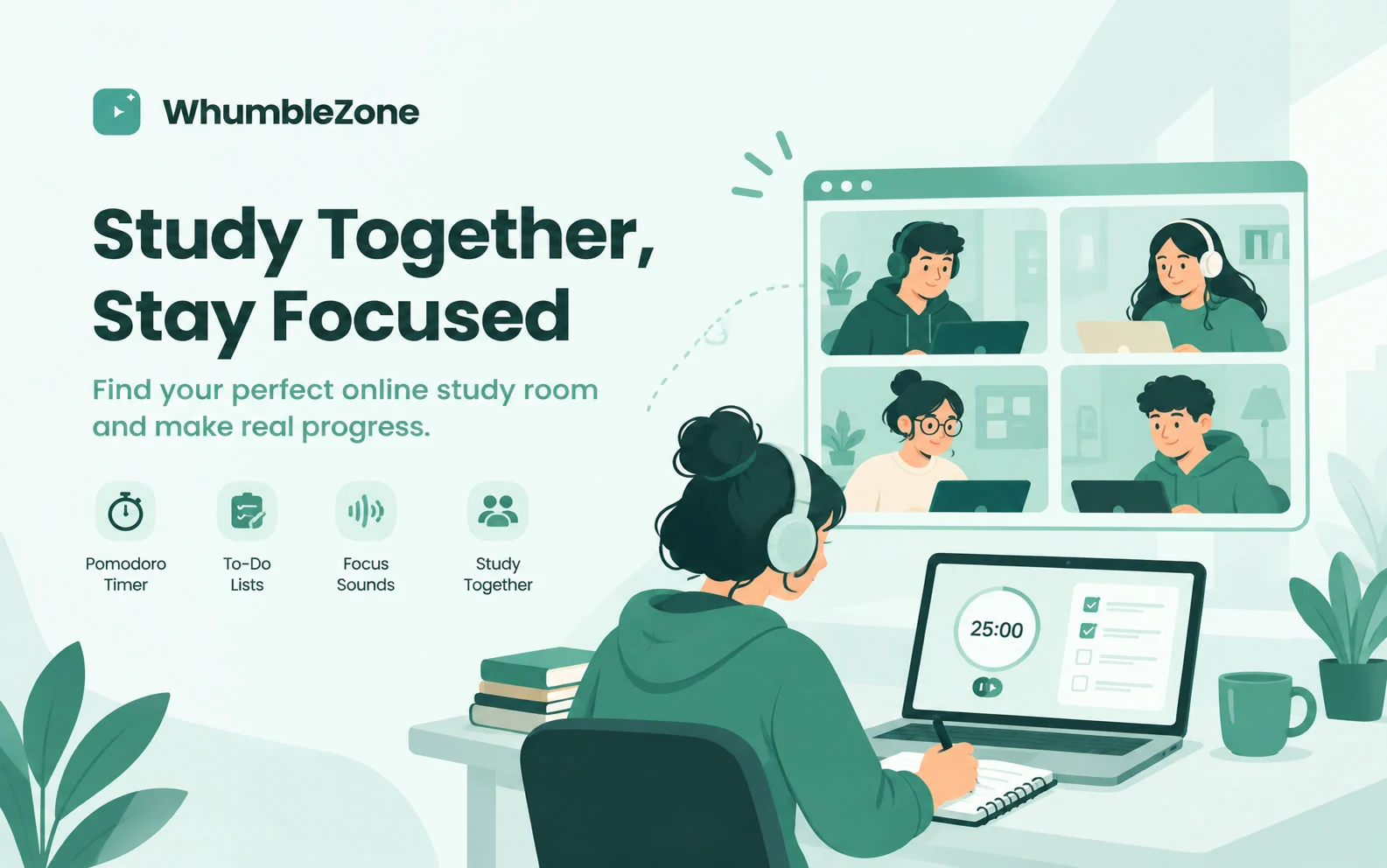
Study together online with friends
Studying with friends does not mean everyone works on the same assignment. Often the useful part is a shared space where each person concentrates on their own work.
An online study room can support reading, revision, homework, writing, and exam preparation. Students can set a time, keep a routine, and encourage each other to stay with the task. A browser-based room avoids a complicated setup. Check the site for current access terms before you plan a long session around a limit.
What Makes WhumbleZone Useful for Online Socializing?
Choosing a platform is also about how easily people can start, and whether the room fits the evening.
- Different activities in one environment. Social rooms, games, music, watch parties, and study sessions sit next to each other, so a group is not starting from a new product every time the plan changes.
- Browser-based access. Open WhumbleZone in a supported browser. There is no dedicated app to install for that experience.
- Flexible ways to connect. The same group can talk, play, or study, depending on the mood.
- Shared experiences. People take part in the activity together, instead of only exchanging messages about it.
- Convenient across locations. A virtual room works when the group is not in the same city.
These are the reasons people look at WhumbleZone for free online social rooms or a free virtual hangout space. Features, room access, and any usage limits should still be checked on the website, because those details can change.
Who Can Benefit From WhumbleZone?
Friends living far apart. People in different cities can stay in contact, share an activity, and keep a regular time together without travelling.
Students and study groups. Online study rooms are a place to revise, work on assignments, and build a habit with classmates.
People who like casual games. A shared game makes a gathering more interactive than a call with nothing to do.
Online communities. People with the same hobby can talk and take part in an activity, which is a stronger connection than a group chat that goes quiet.
Music and video people. Discovering a video, sharing a song, or watching something together is more social in a room than in a forwarded link.
The advantage is flexibility. The activity follows the group, instead of every gathering having to look the same.
How to Get Started With WhumbleZone
Getting started is straightforward once you know what you want to do. Before joining public rooms, protect your personal information and follow the platform's community guidelines.
- Visit the website
Open WhumbleZone in a supported web browser.
- Choose your activity
Decide whether you want to chat, play a game, watch videos, listen to music, or study.
- Explore the available rooms
Select a room that matches the group and the experience you want.
- Connect with your group
Invite friends, or join a community room, using the joining options on the page.
- Enjoy your time together
Take part in the activity and talk with the people in the room. The goal is to spend less time coordinating tools and more time in the room.
Why Virtual Hangout Spaces Matter Today
People use online platforms to maintain friendships, learn, take part in communities, and enjoy entertainment. Meaningful time together is more than an exchange of messages. Shared activities create a common experience.
A virtual hangout room helps friends stay connected. A study room can provide a routine. A gaming room creates teamwork and a little competition. Shared music and video make entertainment social.
These rooms do not replace meeting face to face. They make it practical to stay in contact when a meeting is not possible. WhumbleZone puts those activities in one browser-based environment, so the group can talk, study, play, or relax without rebuilding the plan in a new app each time.
Conclusion: Find Your Space to Connect With WhumbleZone
Finding an online space for friends should not require complicated planning or constant switching between applications.
From an online hangout with friends to multiplayer games, shared video, music, and study sessions, virtual rooms are different ways to connect. WhumbleZone brings them together in the browser.
It is a practical option for friends who live far apart, students who want to study alongside other people, and communities that want a simple way to interact online.
Pick an activity that matches the group, open the room, and spend the time together instead of spending it on setup.
Frequently Asked Questions
It depends on the group. You can talk in a virtual room, play multiplayer games, watch videos together, listen to music, or run a study session. WhumbleZone has a room for each of those, so the activity can change without everyone installing a new app.
Further reading
Virtual hangout apps compared · WhumbleZone room types · Study together online
Ready to try it?
Create a free room in seconds — no account, no extension, no download.
Create a Free RoomRelated Articles


Virtual Hangout Apps: Four Categories Compared
Video calls, virtual worlds, game platforms and room-based tools. What each is actually for, and the one question that sorts between them.


Watch Parties on Mobile: What Actually Works
Browser rooms work on phones with no app. Extension tools like Teleparty do not work on mobile at all. Data, background playback and battery, explained.
Every WhumbleZone Room Type, and When to Use It
Six room types in the builder. Pick by what is on the screen, plus the two things everyone gets wrong.