
How to Watch Twitch With Friends in Sync
Live streams reach every viewer at a different moment, which is why someone always reacts first. Here is what drift is and how a synced room fixes it.
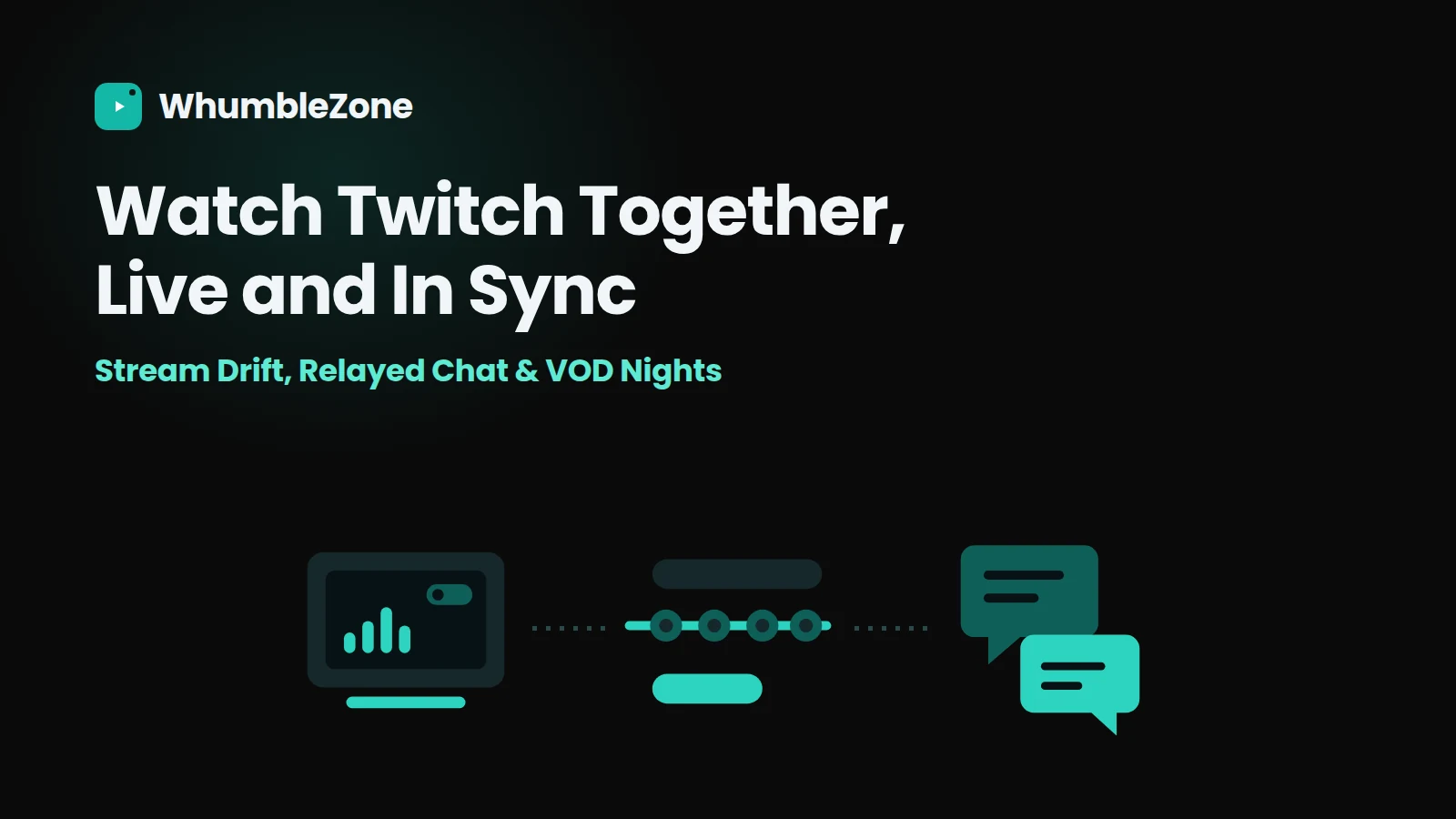
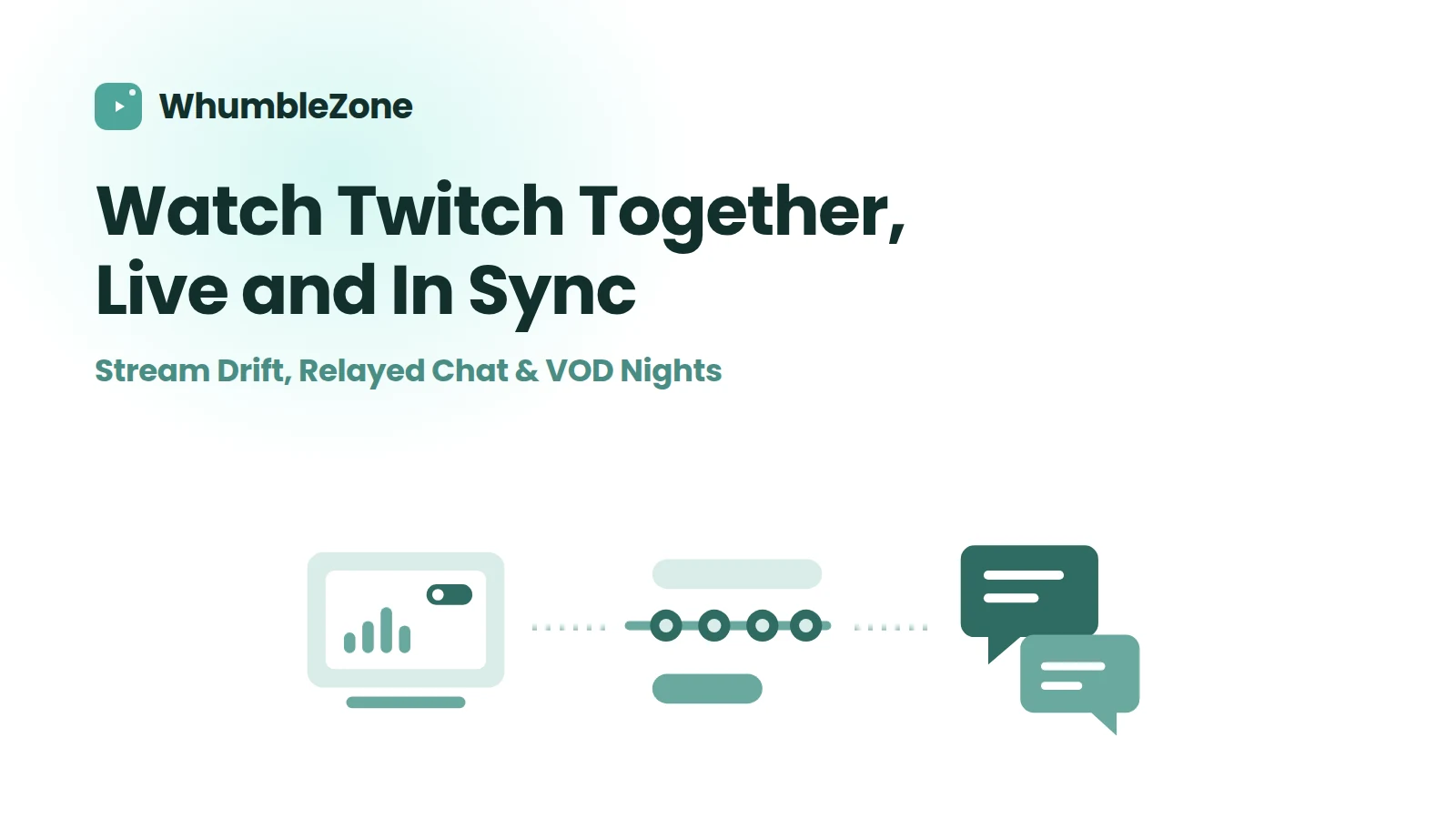
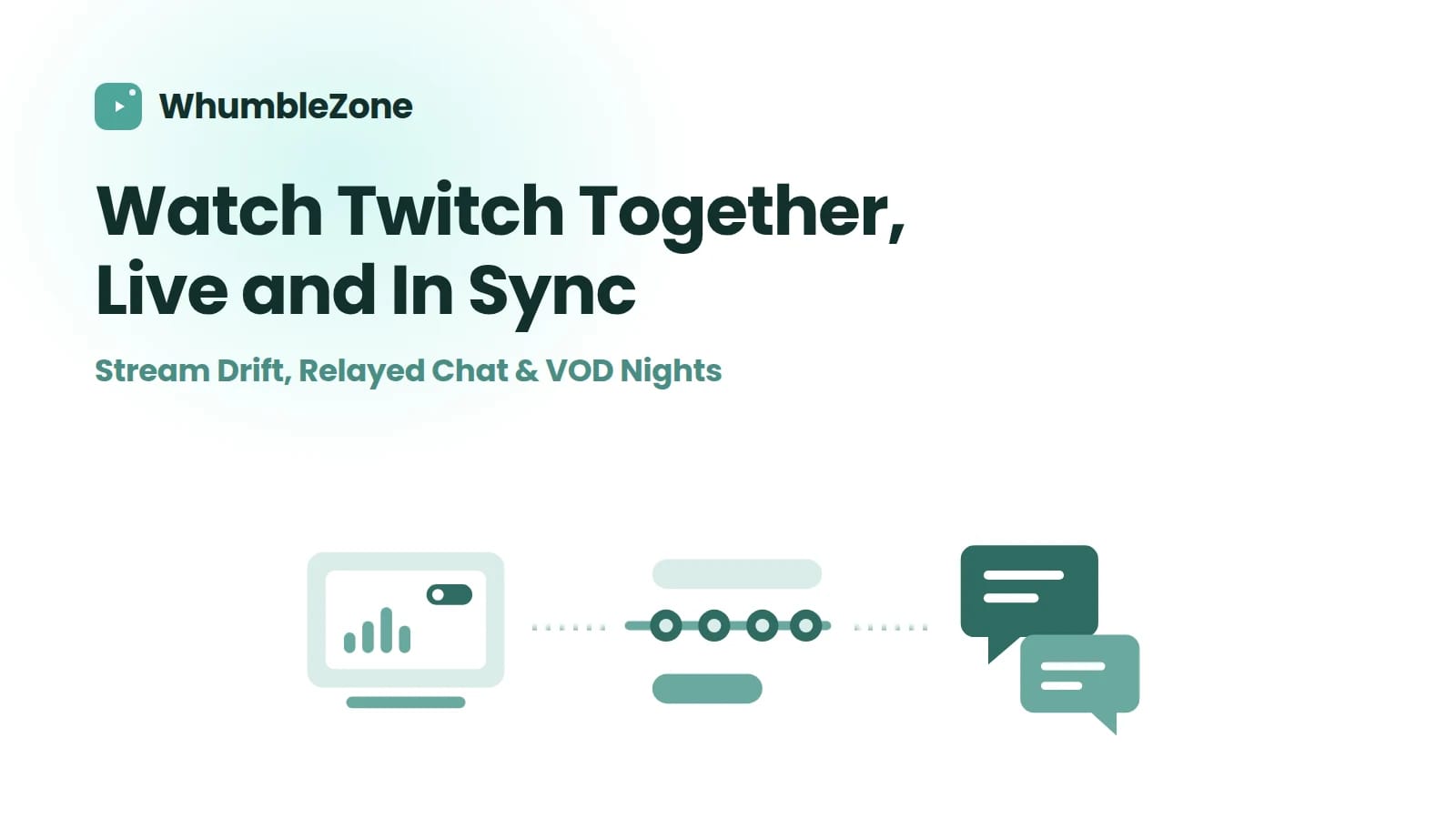
Live streams do not reach everyone at the same instant. A spread of ten or more seconds between viewers is normal, not a fault — and it's why someone always reacts before you see the play. A room holds one shared position and waits on the slowest buffer, so the reaction and the moment land together. Recorded VODs are easier than live in every respect: if you have the choice, watch the VOD.
Jump to: Why nobody sees a live stream at the same time · Setting it up · Live versus the VOD · Four live-only annoyances · FAQ
Recorded video is a solved problem: there is a fixed timeline, and putting four people at the same second of it is straightforward. Live is different, and the difference is not obvious until it ruins something.
Why nobody sees a live stream at the same time
A live stream is not broadcast to everyone at once. Each viewer's player holds a buffer — a few seconds of video kept in reserve so a hiccup in the connection does not become a visible stall. How much it holds depends on the player, the connection, the device, and how long ago that person pressed play.
The result is that four people watching the same channel are each a slightly different distance behind the actual moment. Someone who joined an hour ago on a stable connection might be four seconds behind. Someone who just opened it on patchy wi-fi might be eighteen. They are all watching "live."
For a talk show that does not matter. For a match, it means one person in the group reacts to a goal while everyone else is still watching the build-up — and you cannot un-spoil it.
Without a room, four viewers of the same live stream sit at different positions spread across roughly thirteen seconds of "spoiler window." Inside a room, all four are held at one shared position and the room waits for the slowest buffer. The trade is honest: the room sits a little further behind the live edge so that nobody is ahead of anybody.
That trade-off is worth stating clearly, because it is a real cost. A synced room is usually a few seconds further behind the true live edge than the fastest viewer would be alone. In exchange, the gap between viewers goes away. For anything where a reaction matters, that is the better deal.
Setting it up
- Paste the channel. Open a Twitch room and paste the channel link. The room loads the stream and brings the channel's chat in alongside it. Watch for: paste the channel, not a clip — a clip is a short recorded fragment and behaves like a video, not a stream.
- Send the room link. Everyone who opens it joins at the room's position rather than wherever their own player would have started. That is the entire point — it is why nobody arrives eleven seconds ahead. Watch for: people who open the Twitch channel directly instead of the room link are back to being out of sync, and will not know it.
- Sort out audio before the good part. Stream audio and room voice are separate. Get the balance right in the first two minutes rather than during overtime. Watch for: anyone with the Twitch channel open in a second tab will hear it twice, slightly offset — it sounds like a fault and it is just a duplicate tab.
Live versus the VOD
If the thing you want to watch has already been broadcast, watching the recording together is better in almost every way. Worth knowing the difference before you commit the evening to it.
| Watching live | Watching the VOD | |
|---|---|---|
| Sync accuracy | Good, but anchored to a moving edge | Exact — a fixed timeline |
| Pausing | Pausing means falling behind the stream | Pause freely, everyone holds |
| Rewinding a moment | Limited by the stream's own window | Rewind as often as you like |
| Chat | Live and reacting in real time | Historic, or just your room |
| Spoiler risk | High if anyone is outside the room | None, it already happened |
Best for: live is best for matches, finals, anything you want to see as it happens. The VOD is best for catching up together, long VOD nights, anything you will discuss.
Four live-only annoyances
Ad breaks do not land together
Twitch decides ad timing per viewer, so one person's break starts before another's. Rooms cannot remove this; the practical response is to treat a break as a natural pause and talk over it, since your room voice is unaffected either way.
Subscriber-only chat
If the channel has restricted chat, the relayed feed reflects that restriction — it is the channel's rule, not the room's. Your room's own chat and voice keep working regardless, which in practice is where most of the talking happens anyway.
The stream just ends
Streamers go offline mid-session, sometimes abruptly. The room stays open when they do, which is the useful part — paste a different channel and carry on, or move the group to a game room for twenty minutes.
Raids move the goalposts
A raid sends the channel's audience somewhere else, and suddenly the thing you gathered to watch is a different streamer entirely. Not a problem, just worth having someone decide quickly whether the room follows.
Not the same as Stream Together: Twitch's own Stream Together is for broadcasters going live jointly, and its Watch Parties feature is about Prime Video. Neither is a group of viewers watching one channel together, which is what this is. The Twitch rooms page lays out the distinction in full.
Frequently Asked Questions
Not to watch. An account matters for the things Twitch ties to identity — posting in the channel's own chat, or anything subscriber-gated.
Ready to try it?
Create a free room in seconds — no account, no extension, no download.
Create a Free RoomRelated Articles
YouTube Watch Party for College Students (Free, No Download)
How college students can run a YouTube watch party for lecture videos, movie nights, or study groups across dorms and time zones. Free, no account or extension.


Watch Parties for Large Groups: What Changes
Nothing technical breaks as a watch party grows — the social mechanics do, at predictable sizes. Host rules, seek rights and latecomers, by group size.
How to Watch YouTube With Friends (Free, No Install)
Open a room, paste a YouTube link, share it. Plus the five things that actually go wrong: age limits, region blocks, latecomers and shared seek.