
What Is a Watch Party? A Plain Definition
A watch party is a group held at the same point in the same video, with a way to react. Here is what separates one from a call, and which kind you need.
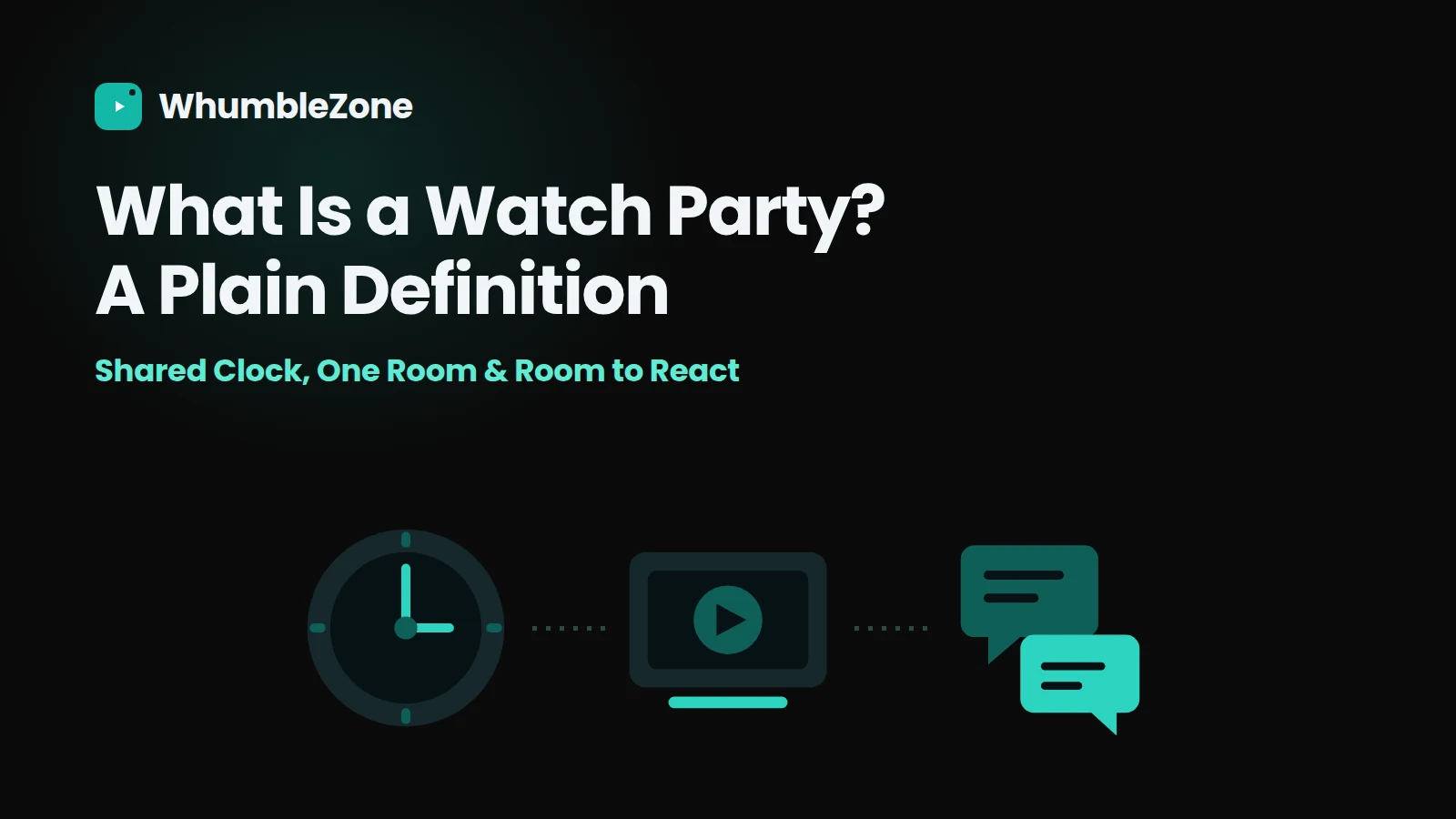
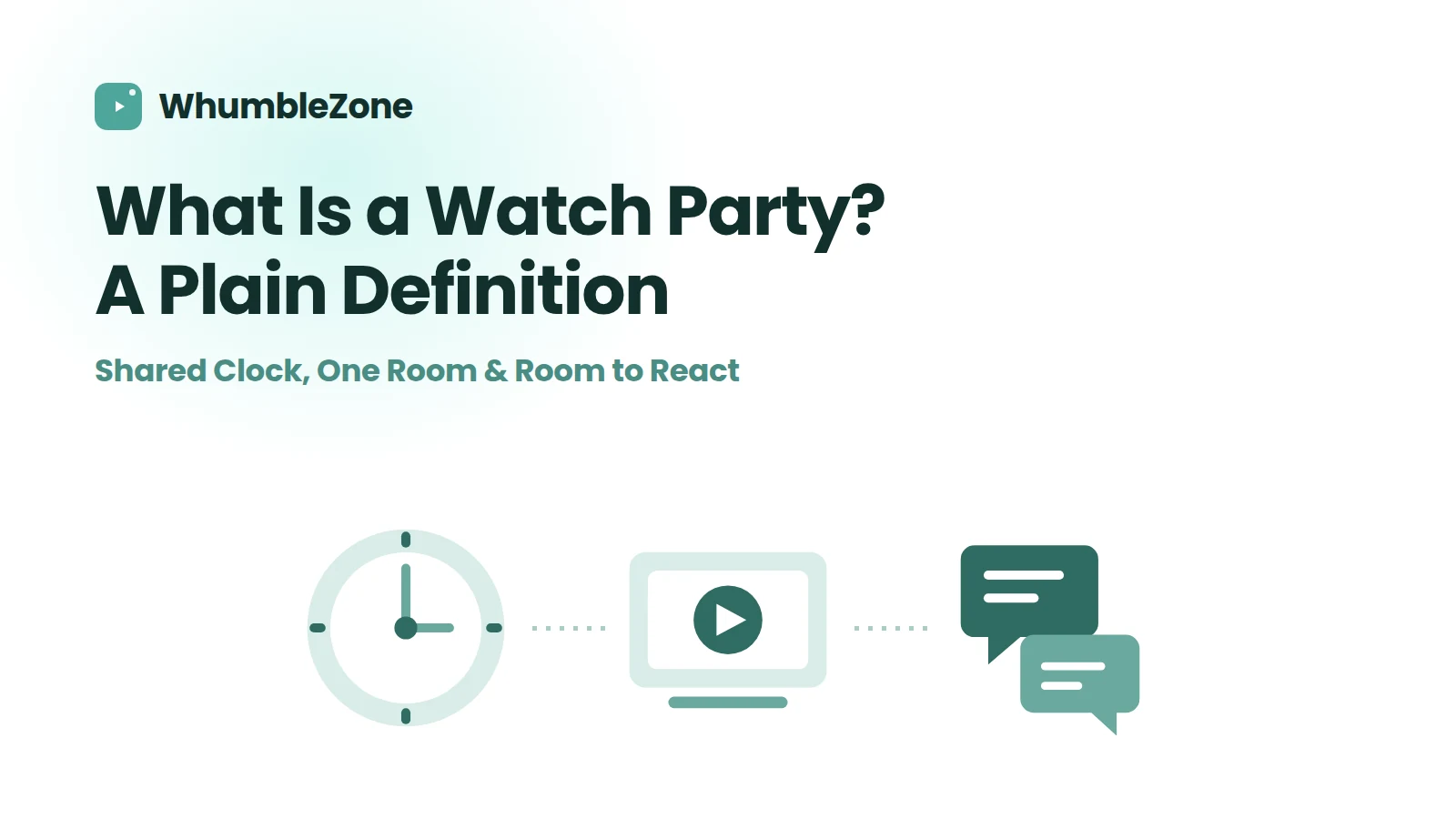
A watch party is a group of people watching one piece of content, held at the same position in it, with a channel to react while it plays — everything else is an implementation detail. The part most setups miss is the shared clock: without it, you have several people watching separately near each other, not a watch party.
Jump to: The Three Things That Make It One · What It Is Not · Which Kind You Need · What People Actually Watch · FAQ
The short version:
- A watch party is a group watching the same thing at the same point in it, with a way to react while it plays.
- The defining part is the shared clock. Without it you have several people watching separately near each other.
- It is not a video call with a video playing, and it is not co-streaming, where the people involved are broadcasting.
- Which tool you want depends almost entirely on what you are watching, not on how many of you there are.
The phrase gets used for four or five different things, which is why people end up with the wrong tool. Someone says "let's do a watch party", one person opens a streaming extension, another starts screen sharing, a third is waiting in a voice channel, and twenty minutes go by before anything plays.
So, the plain version: a watch party is a group of people watching one piece of content, held at the same position in it, with a channel to react while it plays. Everything else is an implementation detail.
The three things that make it one
01 — Required: A shared clock. Everyone sits at the same second of the same video, and it stays that way. One person pauses, everyone pauses. This is the part that makes it a shared experience rather than a coordinated one.
02 — Required: A shared room. One place people join, usually a link. If joining means everyone separately finding the right video and the right timestamp, the thing falls apart before it starts.
03 — The point: A way to react. Chat, reactions, or voice, running alongside the video rather than in another app. Without it you have synchronised viewing, which is not the same as watching together.
The first one carries the most weight and is the one most setups miss. A group can be watching the same film, in the same hour, in four different places, and still not be at a watch party — because the moment someone pauses for the door, they are somewhere else in the story, and the comments stop making sense.
What it is not
Three adjacent things get called watch parties, and being clear about the difference saves a lot of time.
| Setup | Who does the sending | Picture quality | Stays in sync? | What it is actually for |
|---|---|---|---|---|
| Video call plus screen share | One person uploads a re-recorded stream | Capped by their upload | Yes, but audio drifts | Showing software, slides, or a local file |
| Counting down together | Nobody — everyone plays their own copy | Full, for each person | Until the first pause | Two people, one film, strong discipline |
| Co-streaming | The participants, to an audience | Broadcast quality | Yes, it is one stream | Creators going live together |
| A watch party | Nobody — only a position is shared | Full, for each person | Yes, including after a pause | A group watching something together |
The counting-down method deserves a word, because everybody tries it first. It works for exactly as long as nobody needs to pause, and it degrades the moment one person's connection buffers. Why countdowns stop working goes into the failure modes if you have lived through them.
Which kind you need
Pick by what is on the screen, not by the size of the group. Almost everything follows from the content — group size changes almost nothing here.
| If the content is | Use | Why |
|---|---|---|
| On YouTube, Twitch, or another public site | A sync room | Best quality, easiest to set up |
| A file on someone's machine | A file-based watch party room | Everyone loads the same file |
| Behind a personal subscription | Screen sharing | The one case it wins — nobody else can load it |
| Music, not video | A listening room | Shared queue, voting |
If the answer is a sync room, the specific one depends on the platform: YouTube rooms for videos and playlists, Twitch rooms for live streams, watch party rooms for a file, and mood rooms if what you actually want is music in the background rather than something to look at.
What people actually watch
The stereotype is a film with friends on a Friday, and that does happen. In practice the sessions that repeat weekly tend to be smaller and stranger:
- One long video, two people. A documentary, a video essay, a three-hour retrospective about a game neither of them plays any more. Usually long-distance, usually the same two people every week.
- Lecture recordings, in a group. Paused constantly, which is exactly what a shared clock is for. Rewinding eight seconds for one person rewinds it for everyone.
- A live match or tournament. The hardest case technically, because live streams drift per viewer, and the one where being out of sync ruins the most.
- Training and onboarding footage. Less fun, very common. A cohort watching the same material with someone able to stop and answer a question.
- Nothing in particular. A queue of short videos taking turns, which is closer to hanging out than to watching.
Beyond roughly a dozen people the social mechanics change more than the technical ones: chat outruns the video, and shared seek controls stop being a good idea. That is a different set of problems, covered in running a watch party for a large group.
Frequently Asked Questions
Not on WhumbleZone — a room link is enough to join one. Some other tools require an account, and extension-based ones require the extension on the device you are joining from, which rules out phones.
Keep reading
- Without screen sharing — why shared video looks bad, and what sync sends instead.
- How to host a virtual movie night — picking a film, timing it, and the run of the evening.
- Watch parties for large groups — what changes once a dozen people are in the room.
Easier to try than to describe — pick a video, open a room, send one link. That's the whole thing.
Ready to try it?
Create a free room in seconds — no account, no extension, no download.
Create a Free RoomRelated Articles
Discord Watch Party: What Works and What Doesn't
Discord has two ways to watch together — Go Live and Watch Together — and they fail differently. Which to use, and when a link-based room is easier.
Watch Training Videos With Your Remote Team
Put the video in a synced room instead of screen sharing it, so slides stay readable. Live cohort versus async, and how to run the session.
Share a YouTube Video Without Screen Sharing
Screen sharing re-compresses video and caps quality at your upload speed. Here is why it looks bad, and the sync-room fix that does not.