
Gather Alternatives in 2026: the Free Tier Is Gone
Gather removed its free tier and repositioned as virtual-office software. Here's what actually replaces the free hangout space it used to be — and when Gather is still the right call.

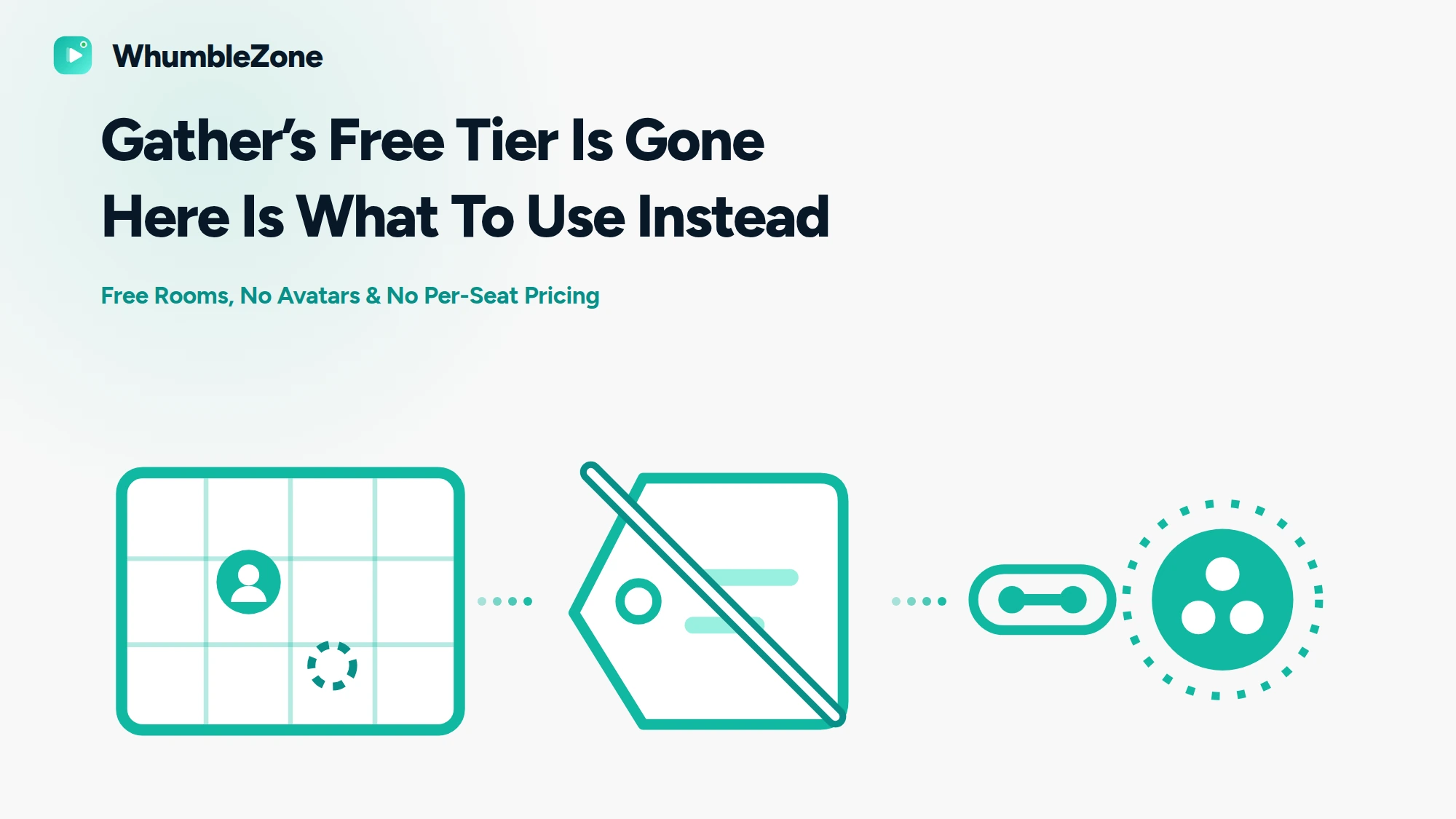
Two things changed about Gather, and most alternatives lists still describe the old one. If you came here because your free space stopped working, here's exactly what happened and what the honest replacements are — including when Gather is still the right answer.
Jump to: The Two Facts That Matter · What Gather Costs Now · Why People Look for Alternatives · The Alternatives · Do You Actually Want Proximity Chat · Comparison Table · FAQ
The two facts that reframe this whole search.
1. There is no free tier any more. Gather removed it on 15 September 2025, for both Gather 1.0 and 2.0. The only free option today is a 30-day trial with no card required.
2. Gather is now virtual-office software. Its homepage calls it "a virtual workspace that feels refreshingly human", its blog is entirely remote-work material, and the product is built around desks, presence and calendar integration. If you wanted a place to hang out with friends, Gather isn't competing for that any more.
That second point matters more than the pricing, and almost nobody writes about it. The old Gather — pixel-art map, wander around, bump into people at a party — isn't the thing being sold in 2026. A lot of people arriving at "Gather alternatives" aren't looking for a cheaper virtual office. They're looking for the casual thing Gather used to be.
What Gather Costs Now
One paid plan, called Essential, at $12 per member per month, with 20 percent off if you pay annually — roughly $9.60 per member per month annualized. Billing is per member, not per visitor; Gather's own framing is that you pay for your team, not your guests. Guests aren't billed. There's also a Custom plan with no public price, and event pricing at $3 per user per day for one to five days.
For a sense of scale at $12/member/month: a 5-member team runs about $60/month, 10 members about $120/month, 20 members about $240/month, and 50 members about $600/month. One discrepancy worth checking yourself before budgeting: Gather's 2025 pricing announcement stated $15 monthly and $12 annual, while the current pricing page shows $12 monthly.
Why People Look for Gather Alternatives
- The free tier ended. This is now the single biggest reason, and it's why "Gather Town free plan" and "Gather Town pricing" both show up as search suggestions alongside the alternatives query.
- Per-member billing doesn't fit a friend group. A pricing model built around a company payroll is the wrong shape for six people who want to hang out on a Friday.
- The hardware floor is real. Gather recommends its desktop app over a browser and asks for at least 8 GB of RAM and four physical cores, macOS 13 or Windows 10 and up. Linux isn't supported. Its browser guidance is Chromium-only.
- Setup steps before you're in. Guests don't need an account by default, which is better than most people assume — but there's an optional avatar screen, and if Guest Check-In is switched on you must pick which member you're visiting and then wait to be admitted.
- Gather 2.0 had a rough audio launch. Gather documented this itself: users reported popping noises and calls dropping entirely. It was traced to the audio pipeline fighting Windows 11 power throttling, and fixed by rewriting that layer in native C++. Worth knowing it was real, and worth knowing it was fixed.
The Alternatives, Honestly
1. WhumbleZone Rooms — Free, No Setup
The closest thing to what casual Gather users actually wanted: a place that exists as soon as you send a link. No avatar, no map, no walking across a room to reach someone. You pick what the room is for — talking, watching something, playing, studying — and everyone who opens the link is in it.
- Account to join: Not needed
- Install: None — it's a web page
- Avatar setup: None
- Cost: Free
Be clear about what you give up: there's no spatial audio and no persistent office. You can't wander into a side conversation, because there's no map to wander on. Rooms are for a group doing one thing together.
Voice rooms · watch something together · game rooms · study rooms
2. Gather Itself, if You're a Company
Now that it's committed to being an office, it's good at being an office. Desks you claim and customise, presence and availability so people can see who's around, guest check-in, calendar integration with Google and Outlook, Slack, Zapier and a public API.
Its spatial audio is the real thing rather than a gimmick: connections begin at about five tiles away and reach full clarity at two, so audio grows as you approach. Private areas connect everyone inside regardless of distance and are inaudible from outside, holding up to 150 for screen share, 250 with audio and video, and 500 audio-only.
Stick with Gather if: you're a remote team and the office metaphor is the point. Nothing in this article replaces a persistent office where a desk shows that someone is available and you can drop in on them. If your team's problem is that remote work feels transactional, Gather is solving that specific problem, and $12 per member is an ordinary software line item for a company. It stops making sense the moment the group is friends rather than colleagues.
3. WorkAdventure — Open Source
The open-source take on the same map-and-proximity idea, and the one that comes up first when people specifically want a self-hosted Gather. If the appeal of Gather was the pixel-art world rather than the office features, this is the closest replacement in spirit. It needs someone technical to stand it up and maintain it — that's the trade for owning it.
4. Kumospace, Flat.social, Cosmos, HyHyve
The rest of the spatial-hangout field, all of which rank for this query and all of which are worth ten minutes of your own evaluation if proximity chat is non-negotiable. They differ mainly in how much they lean towards events, towards teams, or towards casual social use. Check current pricing on each yourself — this is a category where free tiers have been disappearing, which is what started this article.
Do You Actually Want Proximity Chat?
This is the question underneath the whole comparison, and it's worth answering deliberately rather than by habit.
In the proximity model, participants stand at different distances on a map and audio strength depends on how close they are — clear up close, faint further away, silent past that. Good for mingling, side conversations, events where people circulate. In the room model, everyone is in one circle at equal volume, no map and no walking. Good for a group doing one thing — watching, playing, talking, working. Proximity is genuinely better for mingling and worse for everything else. Most friend groups are doing one thing together, which is the case a plain room fits.
Quick Comparison
| Free tier | Account to join | Avatar setup | Install | Proximity audio | |
|---|---|---|---|---|---|
| WhumbleZone rooms | Yes | Not needed | None | None | No |
| Gather | 30-day trial, then $12/member/mo | Guests can skip | Optional avatar screen | Desktop app recommended | Yes |
| WorkAdventure | Open source, self-host | Depends on the host | Map avatar required | Browser | Yes |
| Kumospace / Flat.social / Cosmos / HyHyve | Varies — check each | Varies | Usually required | Browser | Yes |
Gather's row is sourced from its own pricing page and support documentation (linked in Sources below). The bottom two rows describe product category and licensing — verify specifics yourself, because this category is changing its pricing quickly.
Which Should You Use?
- Your free Gather space stopped working and you just want to hang out. A plain room — you weren't using the office features.
- You're a remote team and it's a company expense. Stay on Gather. It's built for you now.
- You loved the map and want to own it. WorkAdventure, if you have someone to host it.
- You're running a mingling event with circulating guests. Proximity chat earns its place — Gather or one of the category alternatives.
- Someone in the group is on Linux or an older laptop. Browser-only tools. Gather doesn't support Linux and asks for 8 GB of RAM.
How to Move a Group Off Gather Without Losing Them
- Work out what you used. If nobody claimed a desk or booked a room through a calendar, you were using it as a hangout and the replacement is simple.
- Pick the room by activity, not by tool. Watching something, playing something, talking, or working quietly alongside each other are four different rooms.
- Send one link, not a migration announcement. The whole advantage is that there's nothing to set up, so don't create a process where there is none.
- Export anything you need from Gather before the trial or plan lapses. Recordings and transcripts sit behind the paid plan's hour allowances.
Final Thoughts
Gather didn't get worse. It picked a customer, and that customer has a budget and a payroll. For remote teams it's a better product than it was, and the audio problems it shipped with in 2025 have been diagnosed publicly and fixed.
But the people searching for alternatives in 2026 are mostly not that customer. They're the group that had a free space and used it to be in the same place as their friends. For that, the answer isn't a cheaper virtual office — it's dropping the office metaphor completely.
Permanence Is the Real Difference
A virtual office is a place that is still there tomorrow. The detail that most separates it from a room-based tool is how long a space lasts, and that differs by room type here:
- A private room is temporary. For a free-plan host it closes after 60 minutes, with a warning for the host during the last 10, and it is deleted five minutes after the last person leaves.
- A public mood room is always on and stays available whether or not anyone you know is inside.
So a team that wants to wander into the same place every morning is better served by agreeing on one public room than by creating a private one each time. A team that wants a bounded, one-hour social session is better served by a private room that disappears afterwards. Treating the two as interchangeable is the mistake most teams make.
Frequently Asked Questions
No. Gather removed the free tier on 15 September 2025 for both Gather 1.0 and Gather 2.0, and legacy free and trial users were asked to upgrade. The only free option now is a 30-day trial, which doesn't require a credit card.
Sources
- Free tier removed 15 September 2025; event pricing — Gather's own support article, "Understanding Gather's Pricing Changes 2025", support.gather.town.
- Essential plan at $12 per member per month, 30-day trial, Custom plan — Gather's own pricing page, gather.town/pricing.
- Positioning as a virtual workspace — Gather's own homepage and blog, gather.town.
- Guest sign-in defaults and link types — Gather's own support article, "Overview of Shareable Link Types", support.gather.town.
- Guest Check-In flow — Gather's own support article, "Remote Office Guest Check-In", support.gather.town.
- Avatar customisation — Gather's own support article, "Customize Your Avatar", support.gather.town.
- System requirements, desktop app recommendation, no Linux support — Gather's own support article, "System Requirements", support.gather.town.
- Spatial audio distances — Gather's own support article, "Overview of Spatial Audio & Video", support.gather.town.
- Private area capacities — Gather's own support article, "Overview of Meeting Rooms & Private Areas", support.gather.town.
- Gather 2.0 audio faults and the C++ rewrite — Gather's own blog post, "Behind the Fix", gather.town/blog.
Checked 17 September 2026. Pricing in this category is moving quickly — re-verify before relying on it.
Related Guides
Ready to try it?
Create a free room in seconds — no account, no extension, no download.
Create a Free RoomRelated Articles


Multiplayer Browser Games With Voice Chat: Real CrazyGames Alternatives (2026)
Most CrazyGames alternatives lists just point you to another game library. If you want to play with friends and talk while you do it, here's what actually has voice chat built in.
Voice Chat Without a Discord Account: What Actually Works
Discord wants an email, a username, a password, a date of birth and a CAPTCHA before you can talk to someone. Here's what the no-account alternatives are, and when to just use Discord anyway.

Rave Alternatives 2026: Watch Together Without an App or Account
Rave asks for an app, an account, and a subscription per service. Here's the honest breakdown of browser-based Rave alternatives — and when Rave is still the better tool.