Games for any group size
Two-player classics, four-player board games, and Uno for up to 10.

Make a private room, send one link, and play Uno, Ludo or Chess together in the browser.
Friends join from the link. Nobody needs an account or an app.Illustration generated with AI
01
To play games with friends online, the hard part is rarely the game. It is getting everyone into the same place at the same time.
One friend is on a phone, one on a work laptop, one refuses to make another account. Someone suggests a console game and it turns out two people do not own it. The evening disappears into setup.
A shared room link fixes that. You pick the game, create a room and paste one link. Your friends open it in whatever browser they have, and the first turn starts while the group chat is still typing.
02
Pick something that fits the group: Uno for up to 10, Ludo for four, Chess for two.
You get a shareable link instantly. The room stays private unless you choose to make it public.
Friends click and join. No account or app install is needed on either end.

03
A game night is half the game and half the arguing about it. Live chat and emoji reactions run alongside every board, so the reactions land in the same room as the move.
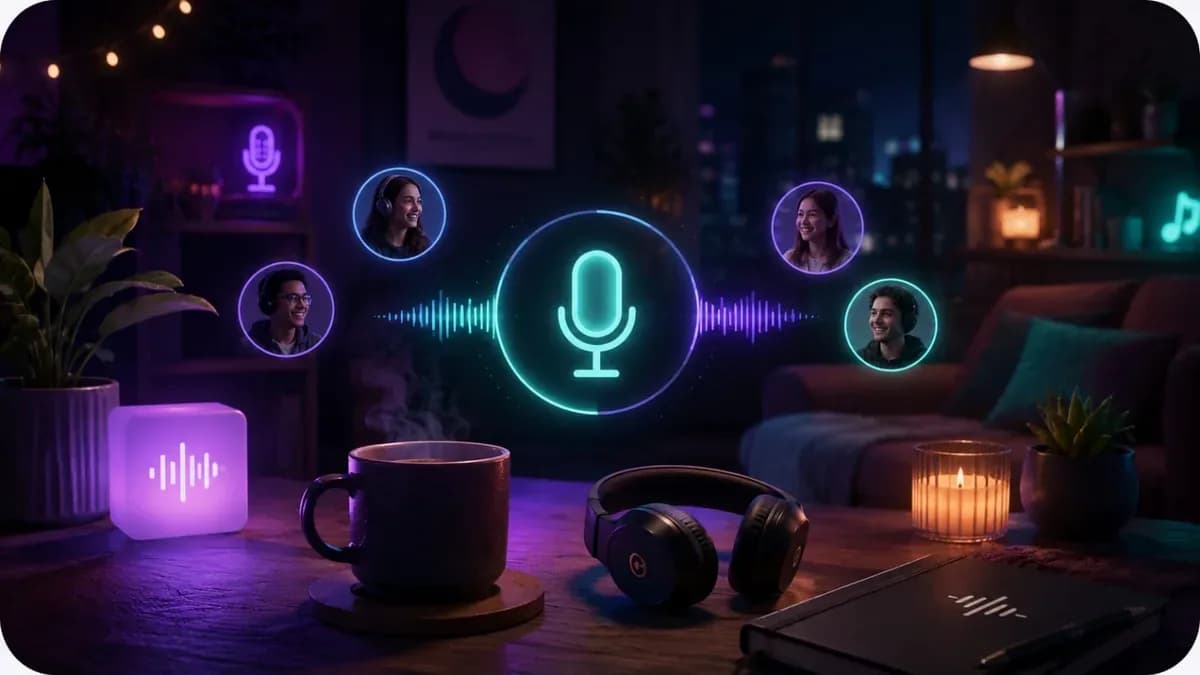
If you would rather talk out loud, voice chat while you play puts push-to-talk voice next to the board, with a speaking ring on whoever's turn it is.
04

Only people with the link can join your game.
Two-player classics, four-player board games, and Uno for up to 10.
Friends play from the link. Hosts can create an account if they want one.
Touch-friendly controls, so phone players are not second-class.
No subscription, no coins, no in-app purchases.
05
The weekly card night, kept going across cities.
Ludo with cousins, Carrom with grandparents.
A game of Chess or Dominoes as a date night.
A quick Uno round after the last meeting of the week.
06
Pick a game, create a room, and send the room link to your friends. They open it in their browser and join the game.
No. They play from the shared link, with no account and no app install.
Yes. Rooms can be private, so only people with the link can join. You can also make a room public.
It depends on the game. Uno takes up to 10 players, Trivia up to 8, Ludo up to 4, and classics like Chess are for two.
Yes. Live chat runs beside the game, and voice chat while you play adds push-to-talk voice in the same tab.
Yes, every game is free.
Create the room, drop the link, deal the first hand.
Start a game nightAlso used by teachers & remote teams. Sync YouTube without screen sharing — every viewer loads full quality from YouTube's CDN directly.
How it works