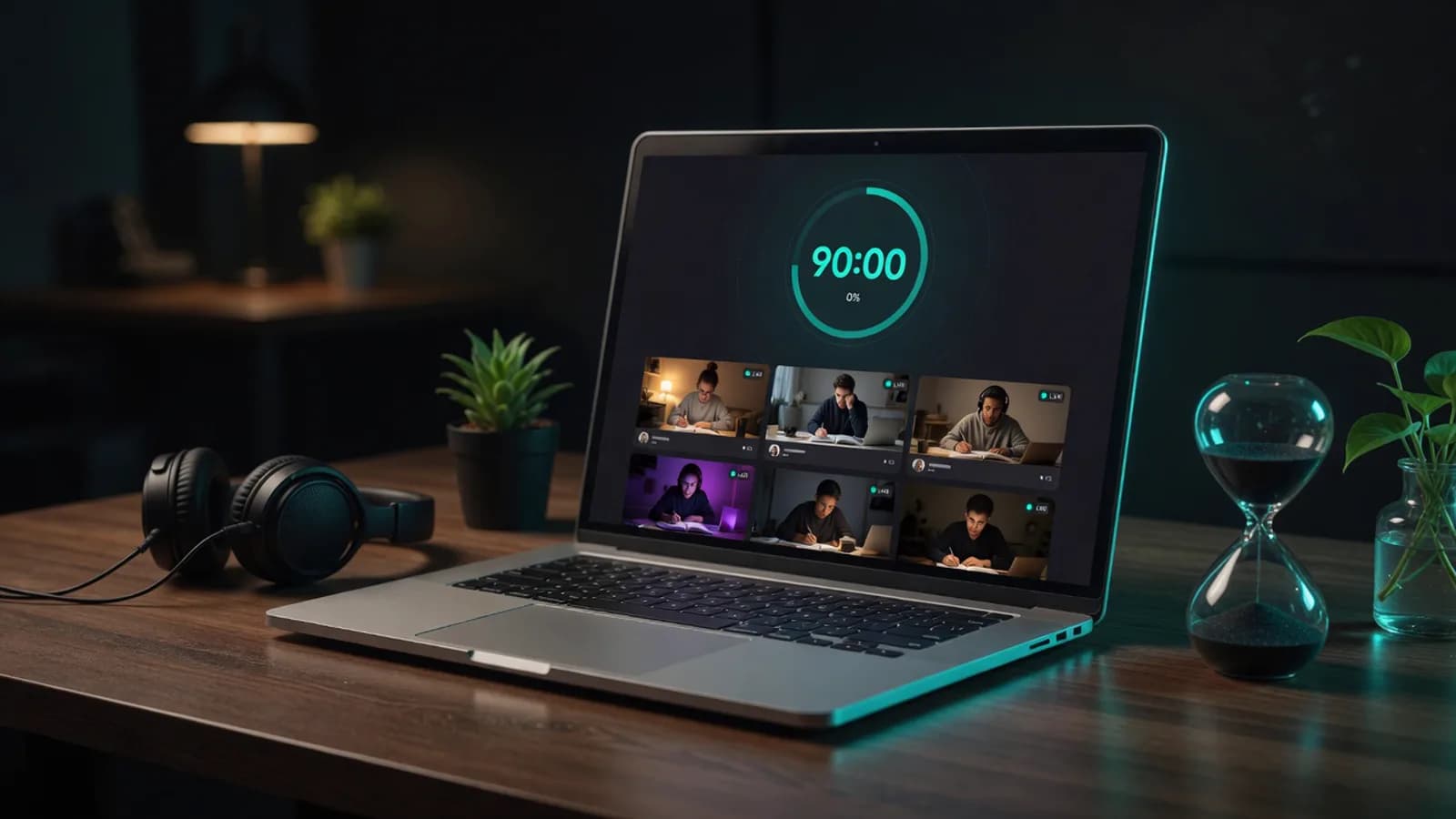
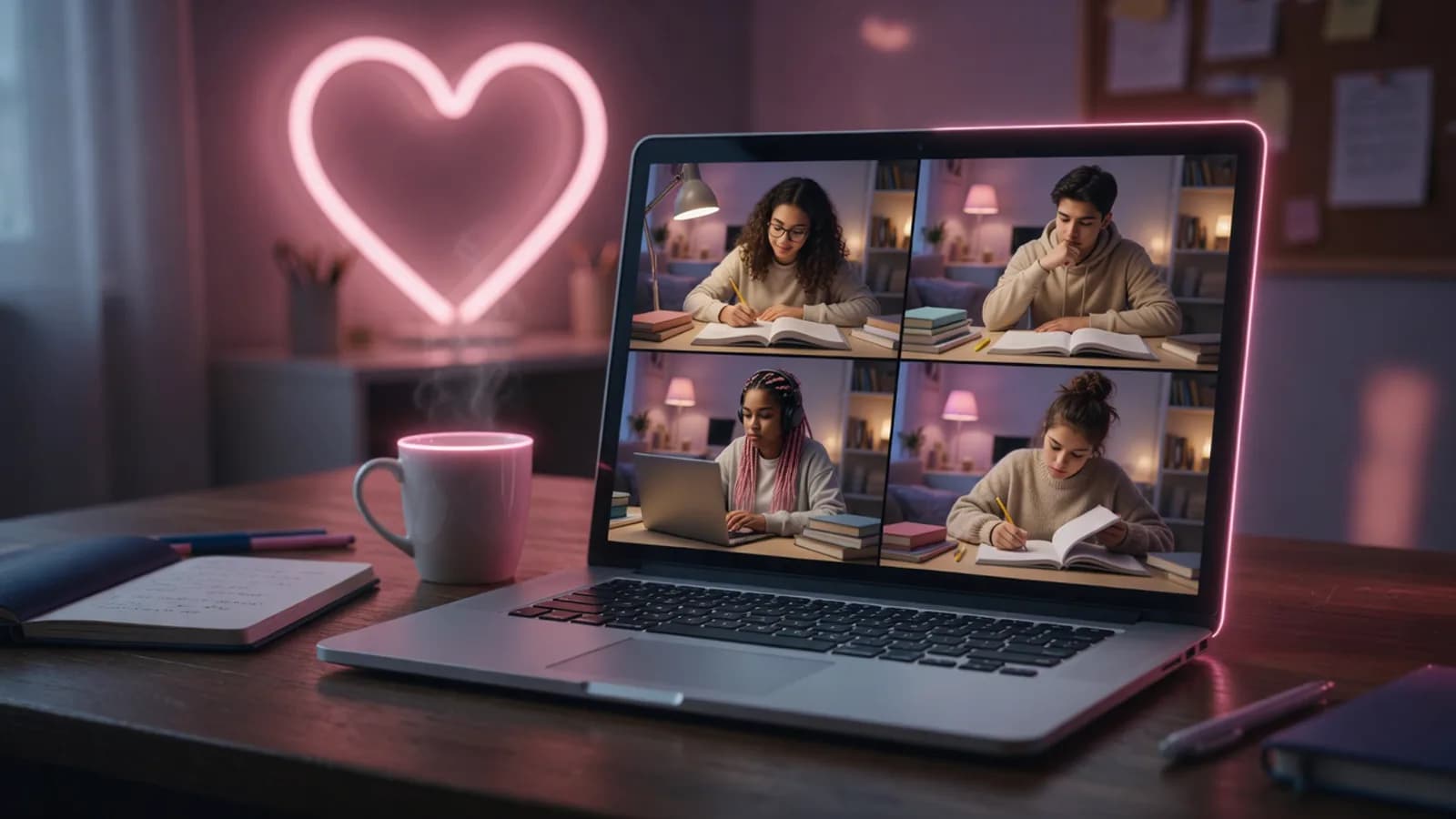
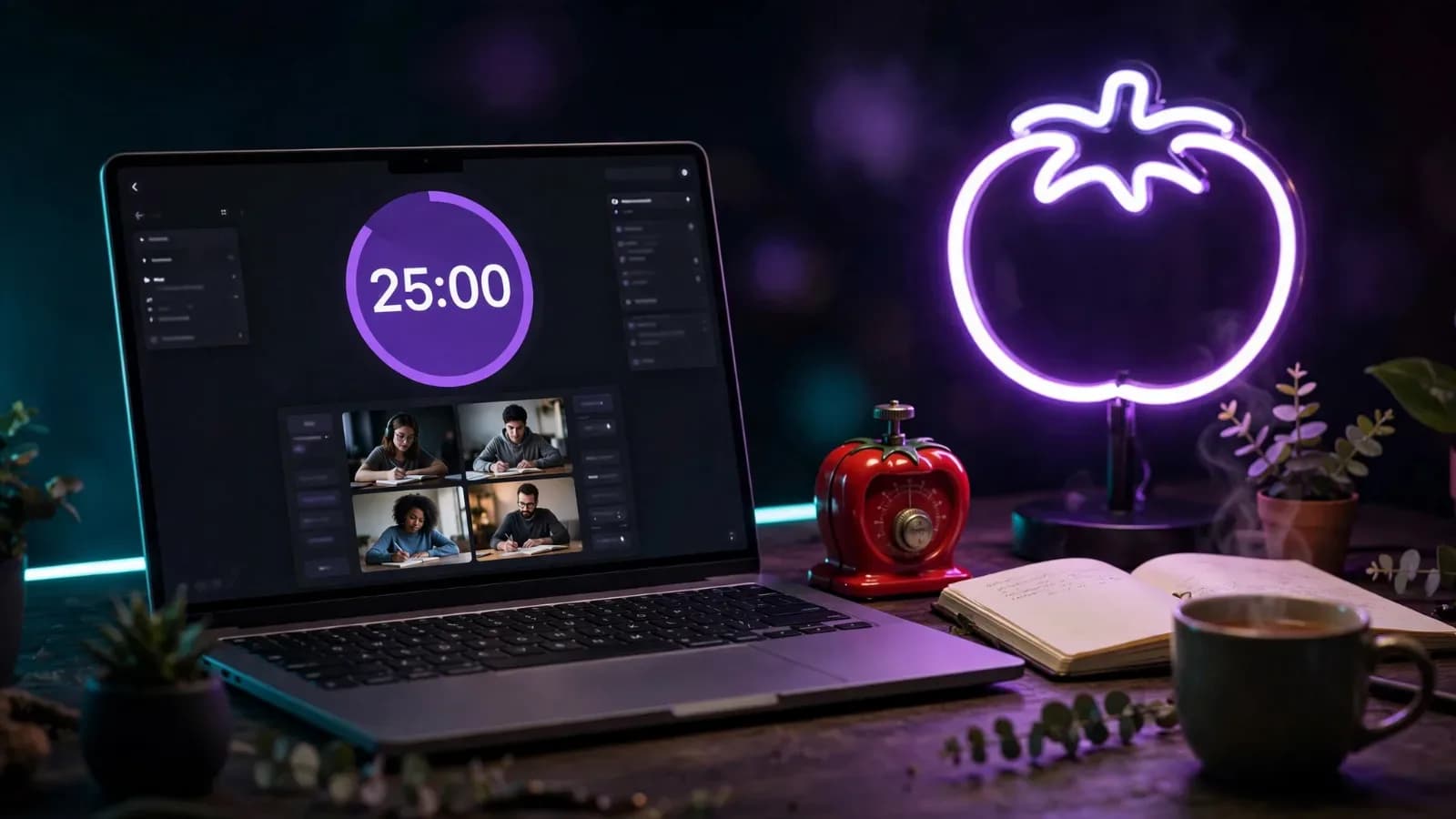
Camera optional, permanently
No room requires video, and no room nudges you to turn it on. Around half the people in any room have it off at any given moment.
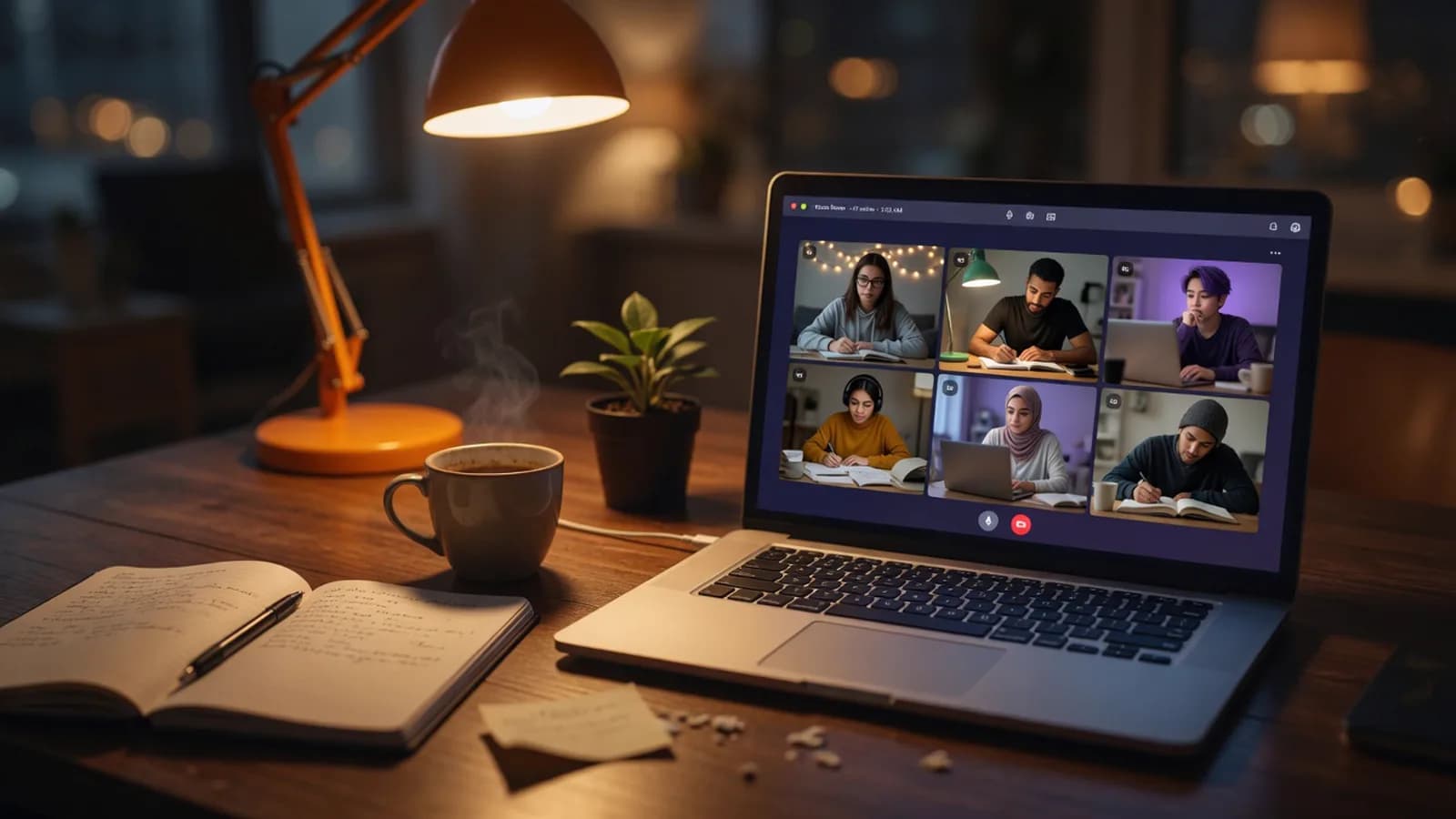
Camera optional, open at every hour, and there's always somebody already in there.
Every room shows a live headcount before you click. Pick a busy room or a quiet corner.Illustration generated with AI
01
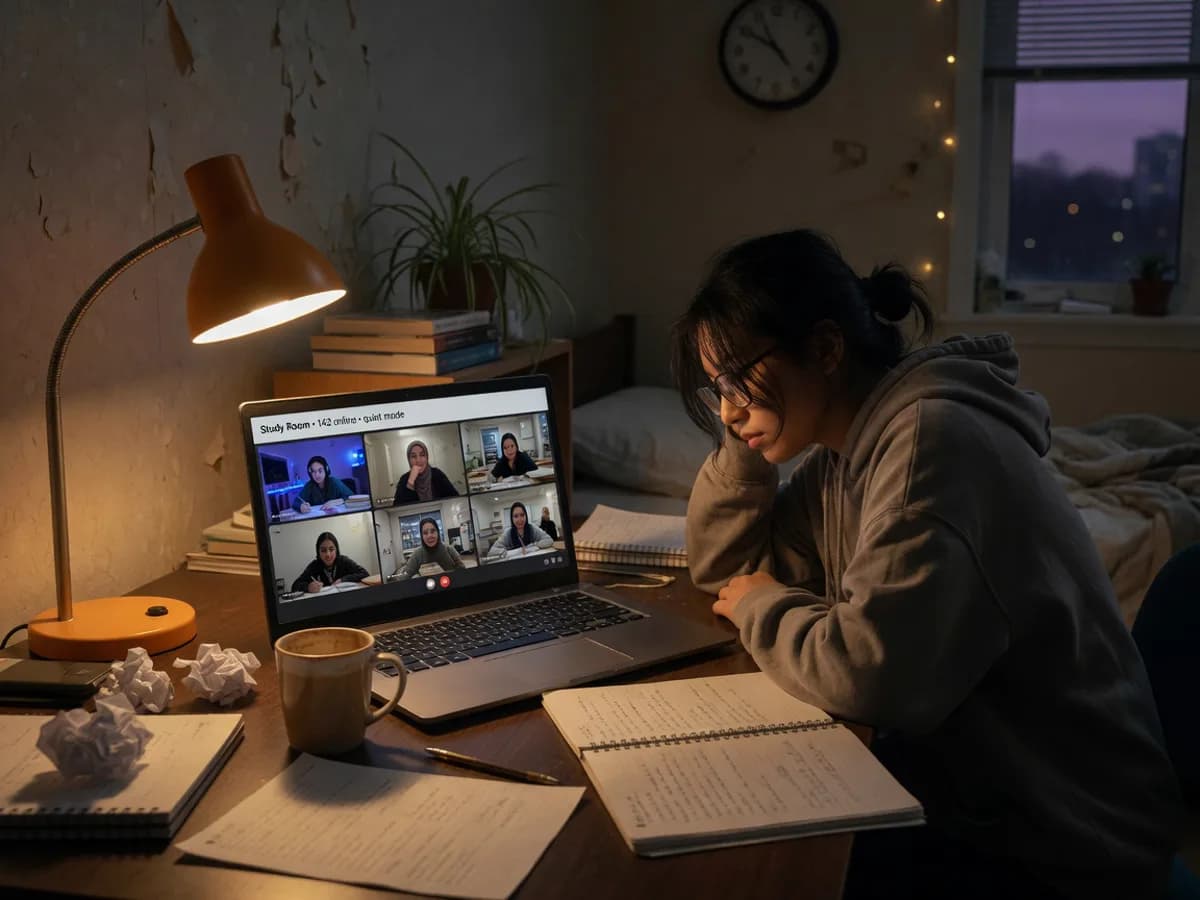
The first two hours are manageable. Then the house goes quiet, the desk lamp becomes the only light in the flat, and the work stops feeling like a task and starts feeling like a punishment you invented for yourself. Nothing has changed about the material. You've just run out of reasons to stay sitting.
The obvious fix is other people, and the obvious version of other people is a video call, which is worse. A call means being looked at, a greeting, small talk, somebody asking what you're working on while you try to remember. That's a social event wearing a study hat.
And the hours never line up. You're revising at 3am because that's when the flat is quiet, and everyone you know is asleep. A true 24/7 study room never has that problem. A study with me session is usually running no matter what time it is where you are.
02
Every room shows a live headcount before you click, so you can see who's actually inside rather than joining an empty box and hoping.
Rooms sort by how busy they are. Eight people is a study hall. Two people is a quiet corner. Both work, they just feel different.
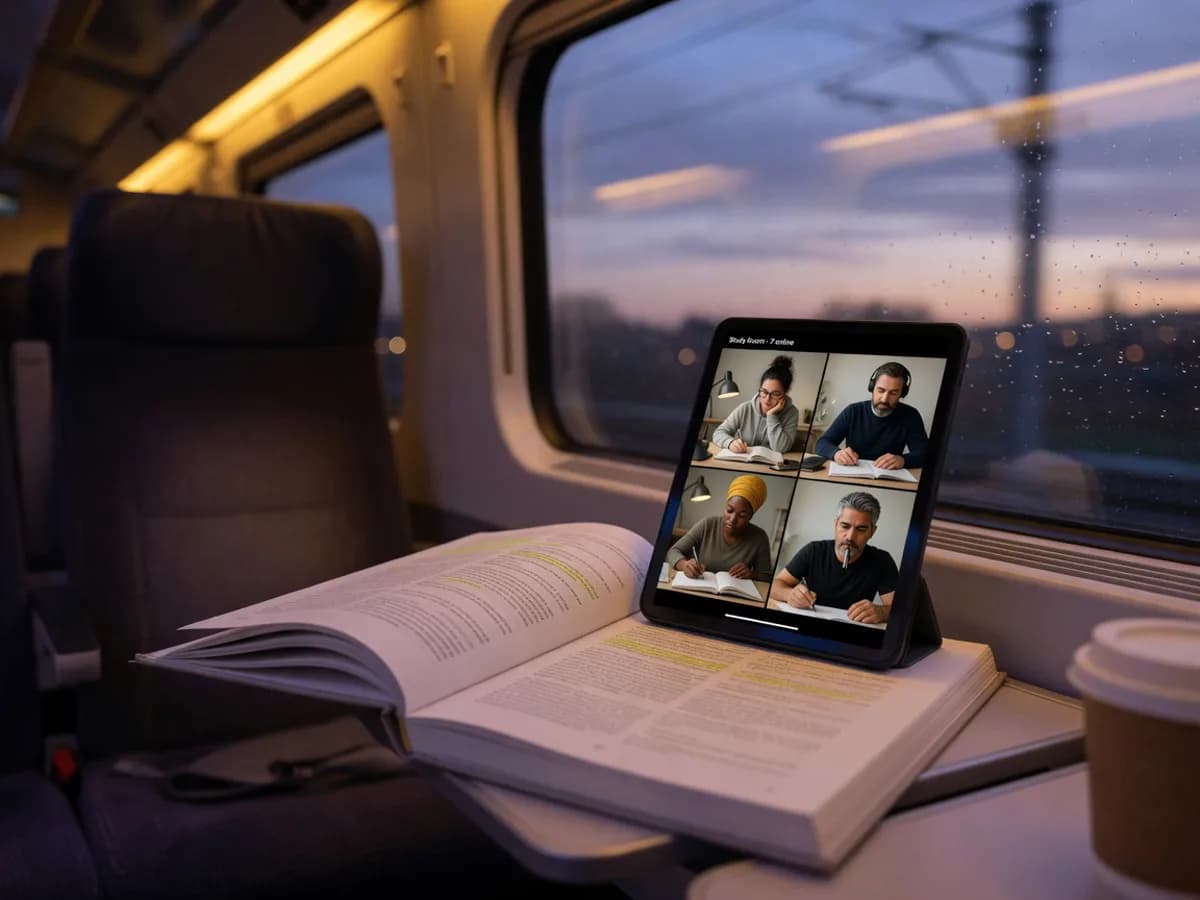
Camera on, camera off, or camera pointed at your desk, the same drop-in idea behind studying with strangers online. Choose once when you land and the room stops asking.
 AI-generated
03
An online study space isn't one thing. Revising vocabulary and writing an essay need different amounts of quiet, and a room that tries to serve both ends up serving neither. So the rooms are split by behaviour rather than by subject.
Most people try two or three before one sticks. See our full online study room guide for a longer breakdown of each type. None of them require a decision you can't undo: leave, pick another, nobody sees you do it.
04
 AI-generated
You can see how many people are in each room before you join. Rooms never go quiet. Pick any one and it's running right now.
No room requires video, and no room nudges you to turn it on. Around half the people in any room have it off at any given moment.
There's no signup wall, no email, no password to reset in four months. It's a study room online free the whole way through.
Thirty is the cap, because past that a study room turns into an audience. When a room fills, the list points you at the next one.
No download and no app store. A genuine browser study room that works the same on a train or in a hospital waiting room.
05
A study window of 2am to 5am, and somewhere open then.
Classmates on paper, but nobody in the room.
No library nearby, no spare room, no cafe that tolerates a four-hour stay.
Company without having to explain yourself.
06
A virtual study room is a shared online space where people study separately at the same time, in the same browser room. You can see other people working, but there's no lesson, no host, and no obligation to speak. The company is the entire product.
Yes, completely, with no account and no card. There's no limit on how long you stay or how often you come back.
No. Rooms work fine with the camera off. If you want some accountability without being on display, aim the camera at your desk instead.
No. Nothing on your machine is shared, and study rooms have no screen sharing. Other people see your camera only if you turn it on, plus whatever display name you typed.
No, and in most rooms you shouldn't. Mics are off when you land and the norm is to leave them that way. A text panel covers the rare moment you need to say something.
Pick another from the list. The headcounts are live, so you can see which rooms have people before clicking. Empty rooms fill quickly at peak hours, and at 4am there's usually a small room running somewhere.
A call has a start, an end, and a host, and everybody is expected to be present for each other. A study room has none of that. People arrive, work, and leave without acknowledging anyone, which is what makes it usable for four hours.
Open the list, pick a room with a few people in it, and sit down.
Open a roomAlso used by teachers & remote teams. Sync YouTube without screen sharing — every viewer loads full quality from YouTube's CDN directly.
How it works