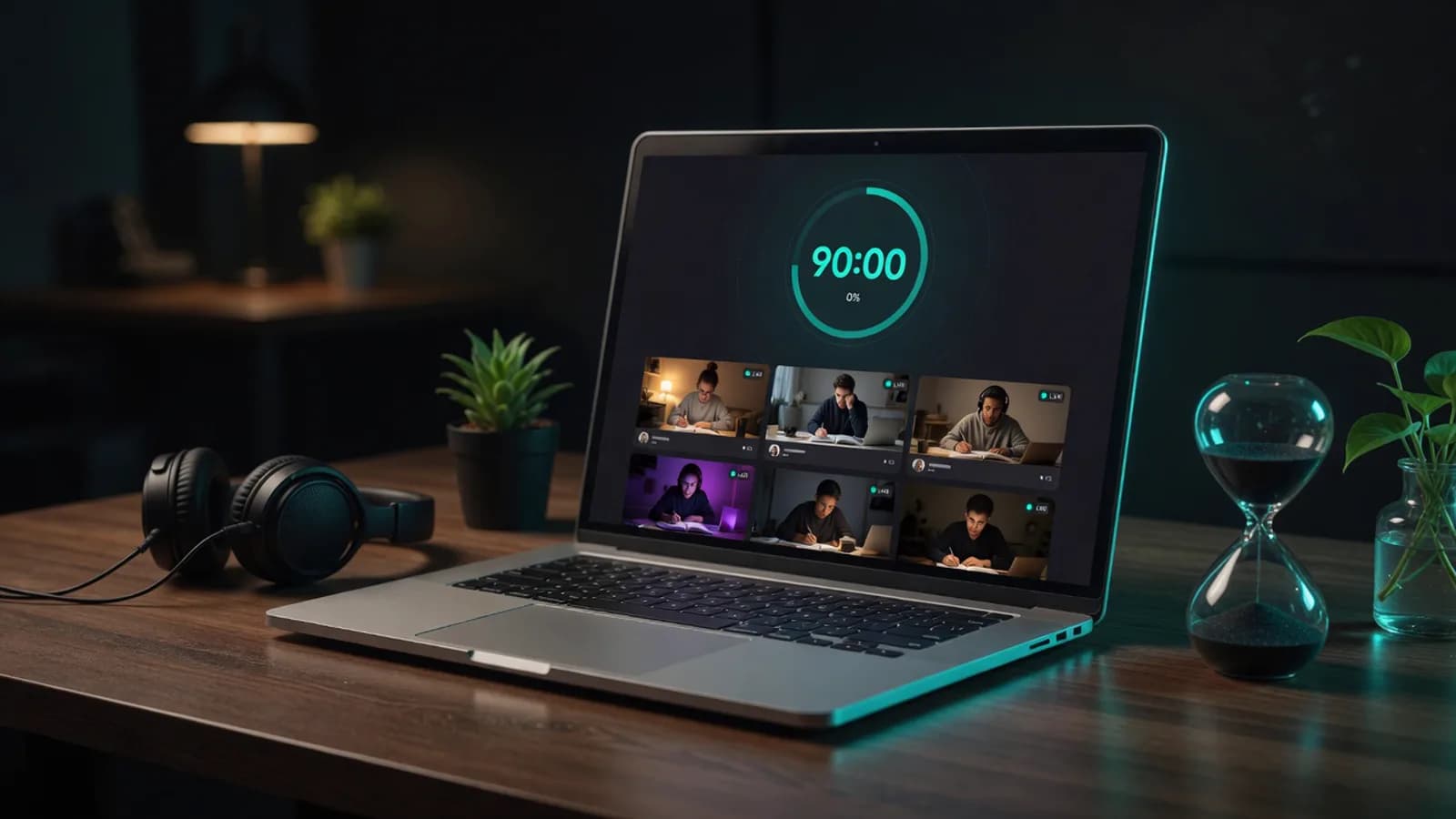
A shared timer everyone can see
Anyone in the room can start a block, and the counter runs at the same number for all of you. Prefer a 25 and 5 rhythm? That's a Pomodoro study room.

One private room, one link, and nobody has to make an account to use it.
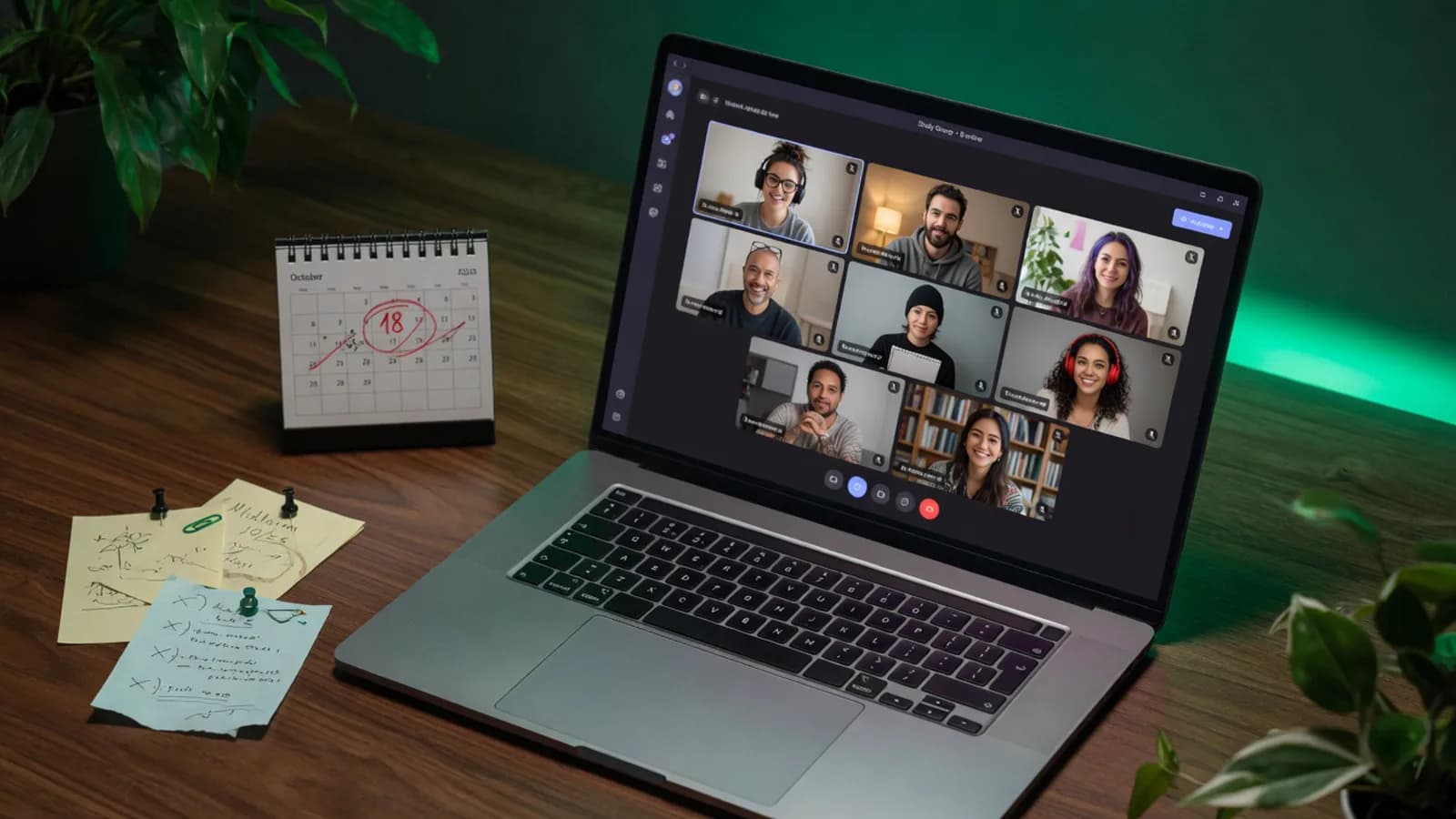
The link never expires. Pin it once and it still opens the same room in March.Illustration generated with AI
01
Study with friends online should take forty seconds, not a scheduling negotiation.
Someone sends it at four. Two people react with a thumbs up. By seven, one of you is asking which app, one is asking for the link, and one has quietly decided they'll catch up tomorrow. The studying never had a chance. It died during logistics.
Then there's the tool problem. A meeting link cuts you off at 40 minutes, right in the middle of the only productive stretch you had. Another one wants everyone to have an account, which means one friend spends the first fifteen minutes resetting a password for software they will never open again.
None of this is about discipline. Four people who want to revise together should not need a shared calendar, an app install, and a support ticket. They need a door that stays in the same place and opens for anyone holding the handle, the same idea behind online study groups, just for one evening instead of every week.
02
Click once and you have a private room with its own address. Name it after the module, the exam, or the group chat, so people recognise it later.
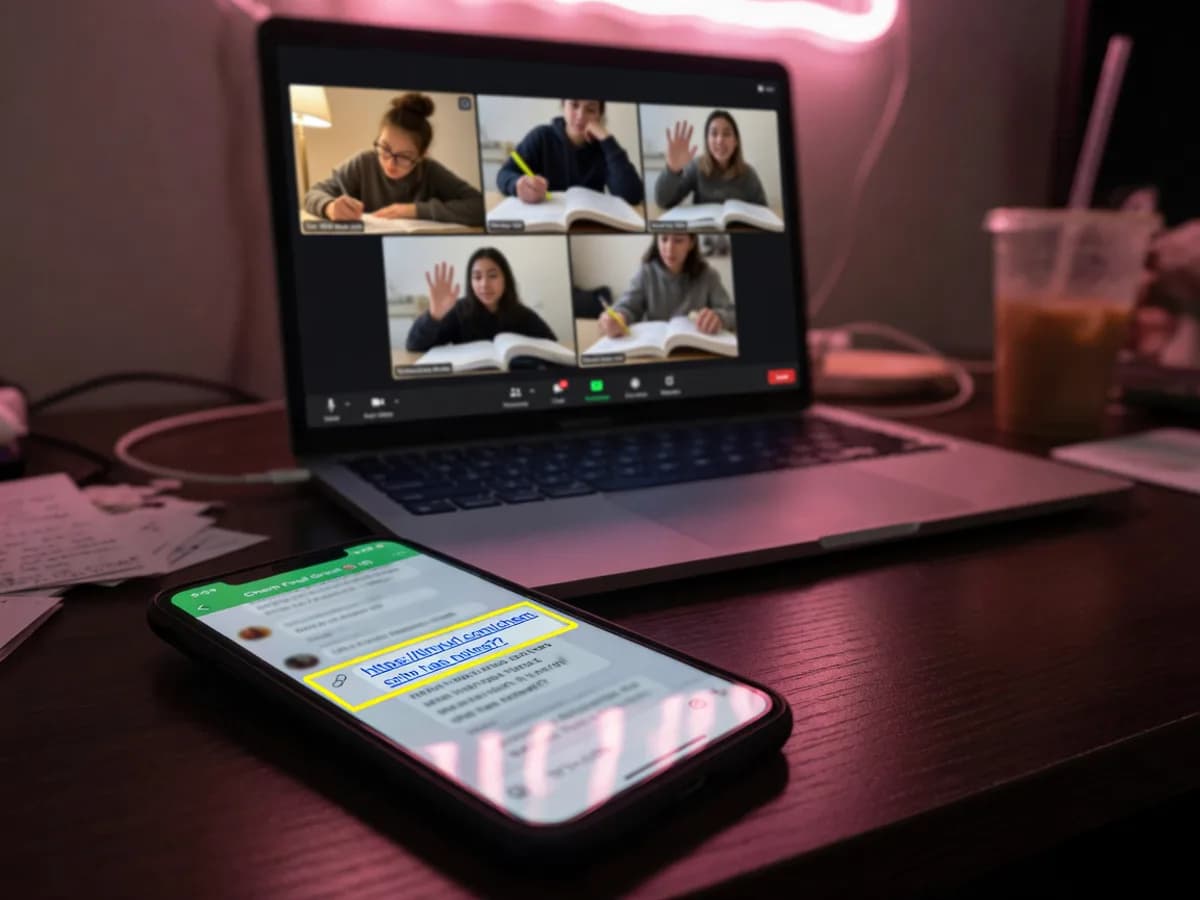
Paste it into the group chat. The same link works tonight, next Tuesday, and in March. It doesn't expire and it doesn't regenerate.
Your friends click and they're in the room. No signup, no download, no app store, no 'waiting for the host to admit you'.
 AI-generated
03
The link is the room. Anyone holding it can walk in, which is exactly what you want for four classmates and exactly what you don't want for the wider internet, so the room is never listed publicly and never appears in the browse list.
If you want tighter control, you can lock the room once everyone is inside, and latecomers knock instead of walking in. The room doesn't empty itself when the last person leaves. This is a private study room link, not a disposable one.
04
 AI-generated
Your room isn't in the public browse list and isn't searchable. The link is the only way in.
Anyone in the room can start a block, and the counter runs at the same number for all of you. Prefer a 25 and 5 rhythm? That's a Pomodoro study room.
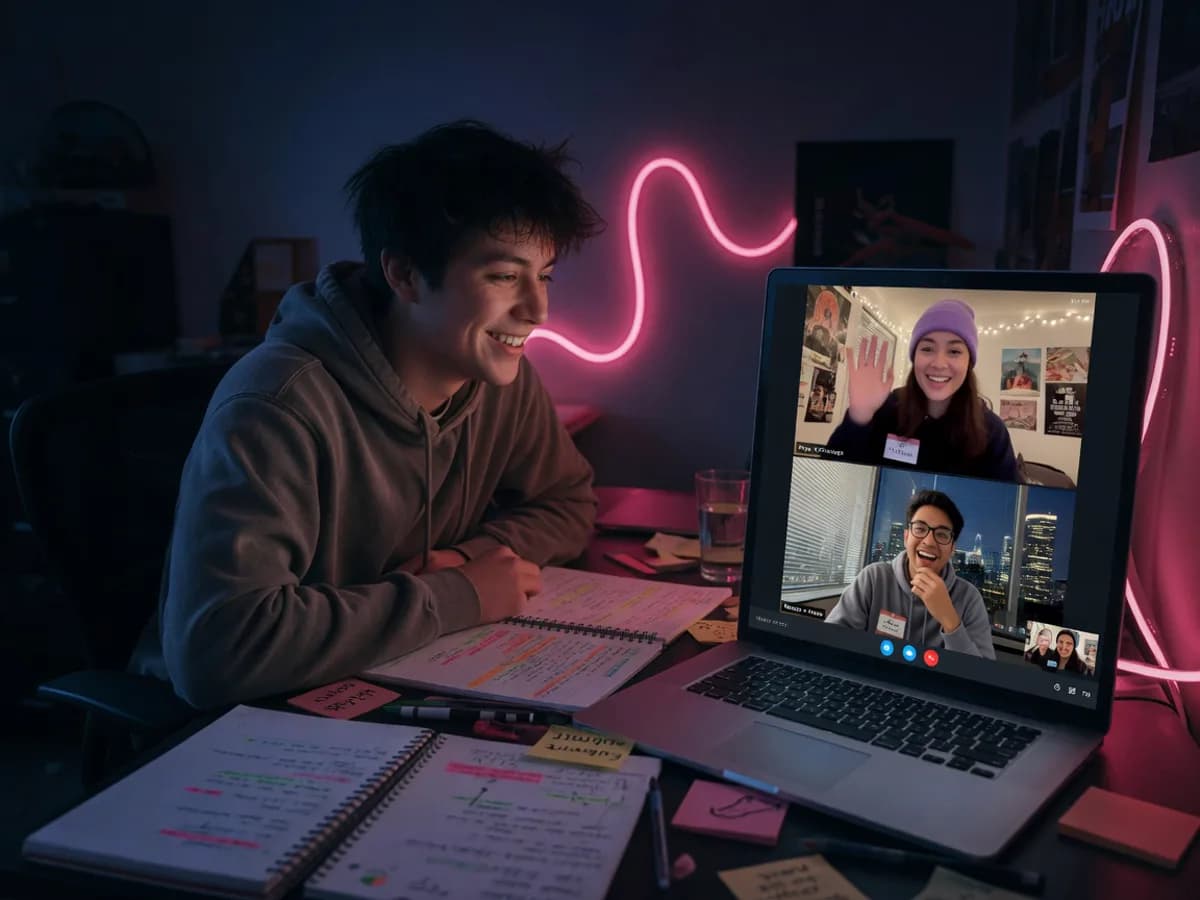
Some groups all go camera-on, some never do, and mixed rooms work fine.
Four friends, a whole seminar group, or the entire module chat.
Paste past papers, slides, and answers in the side panel so people aren't hunting through three chats for the PDF someone shared.
05
The four people who actually reply, working through the same problem set on a Tuesday night.
People who used to revise in the same library and now live two cities apart.
Different courses, different rooms, same background company.
Two people who need a room they can open on a schedule without booking anything.
06
No. They click the link and they're in the room, with no signup, no email, and no app to install. You don't need an account either.
Yes. It isn't listed in the public room browser and can't be found by searching. The only way in is the link, and you can lock the room once everyone has arrived.
No. It's the same address every time, so you can pin it in your group chat and use it for a whole term. The room keeps its name and settings even when nobody's inside.
No cutoff at 40 minutes or at any other point. Stay for six hours if the exam is on Thursday. Nobody gets dropped and no one has to restart the call.
Up to 30 people in one room. That's enough for a full seminar group, though most study groups sit somewhere between three and eight.
Only if they get the link. Keep it to your group chat, and lock the room if you're worried about it being forwarded.
It runs in a phone browser, so they can join from a phone with nothing to download. Camera and mic work the same way, and the shared timer stays in sync with everyone on laptops.
Have the link ready when someone asks "study tonight?" and the evening survives.
Make a private roomAlso used by teachers & remote teams. Sync YouTube without screen sharing — every viewer loads full quality from YouTube's CDN directly.
How it works