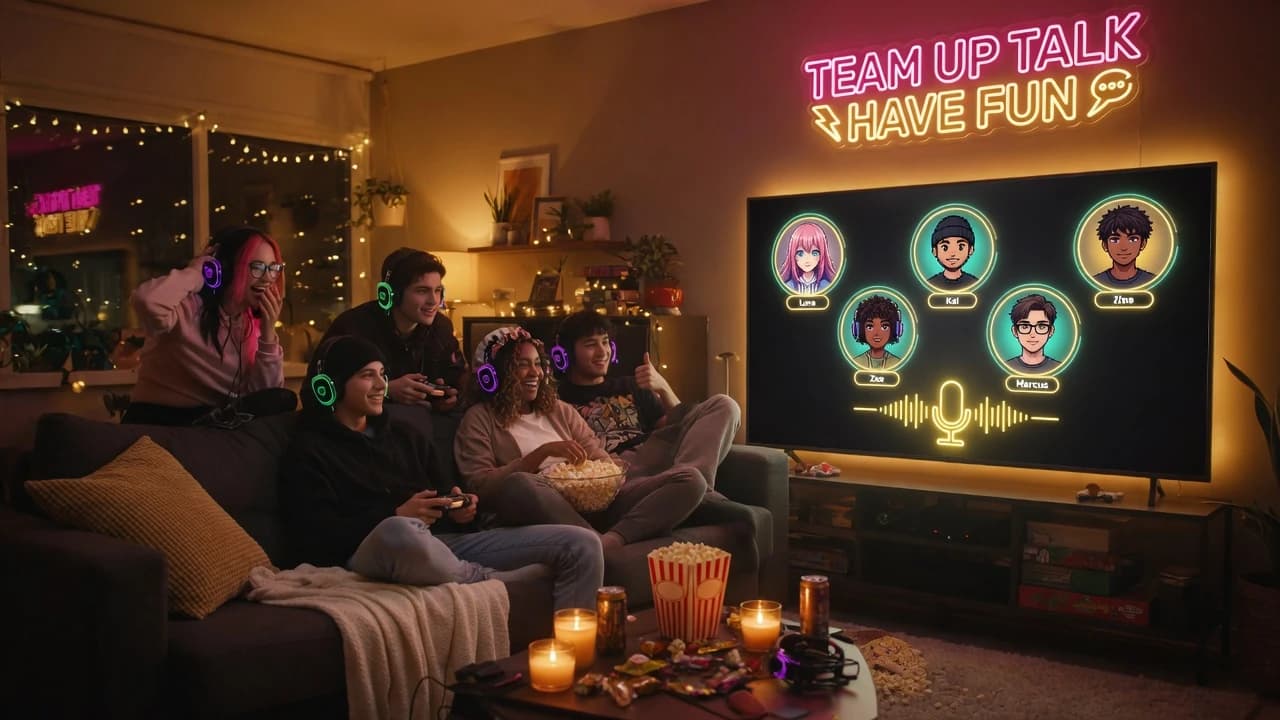
Speaking ring
A ring lights up around whoever is talking, so you always know who said it.
No camera, no lighting, no tidying up first. Just the conversation.
You join muted. Unmute with one key, or hold your talk key to speak.Illustration generated with AI
01
Most declined calls are not about the people. They are about the camera: the unwashed hair, the messy room, the hour of sitting still and looking engaged.
Take the camera away and the conversation gets better. You stop checking your own face in the corner and start listening. You can pace, lie on the sofa or make tea while you talk, and nobody is judging the background.
An audio chat room is built around that. There is no video to turn off because there is no video. It is voice, a few good controls, and a room chat for the things that are easier to type.
02
Your browser asks for microphone permission once. That is the only setup.
Choose in the room settings, and switch whenever you like without leaving the room.
Watch the speaking rings, nudge anyone's volume slider, then just talk.
 AI-generated
03
Push-to-talk keeps your mic silent until you hold the key, so the TV, the traffic and your keyboard never reach the room. It is the right choice for shared homes and busy rooms.
Open mic keeps you live all the time, which lets people interrupt and laugh over each other the way real conversation works. Wear headphones with open mic, or your speakers will feed the room back into itself as an echo. You can switch between the two mid-conversation.
04
 AI-generated
Hold a key to speak. The key press does not trigger anything else on the page.
A ring lights up around whoever is talking, so you always know who said it.
A slider for every person in the room, visible only to you.
Mute yourself instantly, without hunting for a button.
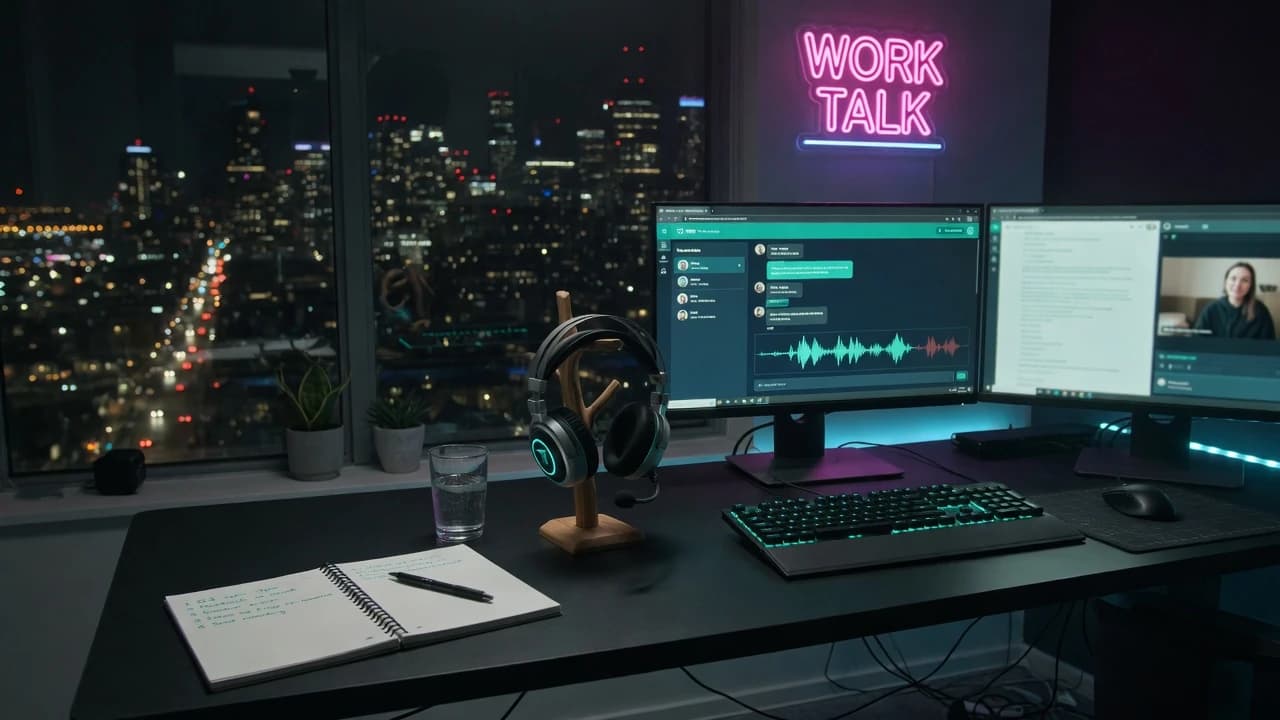
Type names, links and anything that needs spelling out.
05
Housemates, family and a background nobody needs to see.
Audio holds up where video stutters.
Pace the room, walk around, talk it through.
Show up to the conversation without showing your face.
06
No. It runs in your browser on desktop and mobile.
Someone in the room is on open mic without headphones, so their speakers are feeding back into their microphone. Headphones or push-to-talk fixes it.
Yes. You join muted, and you can listen and use the room chat for as long as you like.
Push-to-talk if you are somewhere noisy or without headphones. Open mic if you have headphones and want a natural back and forth.
Audio keeps playing in the background, but check your room settings for how the talk key behaves outside the room tab. Open mic is the simplest choice when you are working in other tabs.
Audio-only rooms use much less data than video calls, which makes them a good fit for mobile data and weak connections.
Yes. Public audio rooms are moderated.
Also used by teachers & remote teams. Sync YouTube without screen sharing — every viewer loads full quality from YouTube's CDN directly.
How it works