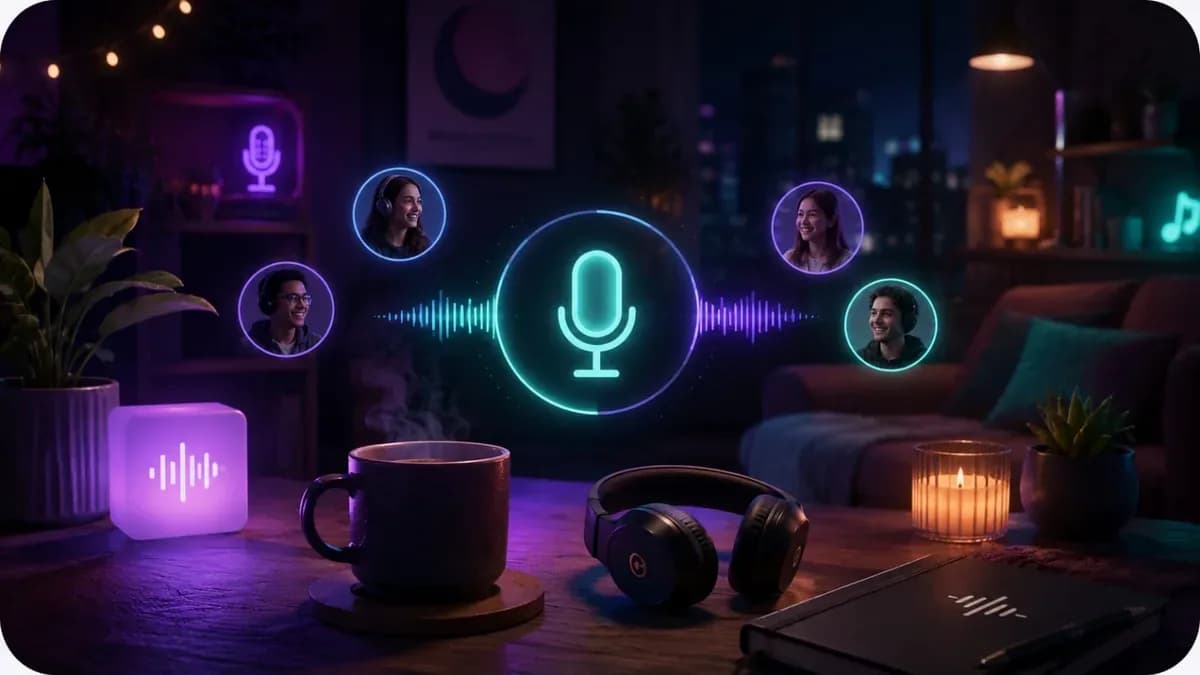
Push-to-talk for loud rooms
Hold to talk and keep the background noise out of everyone else's ears.

Leave it open in a tab, say something when you feel like it, and go quiet for as long as you want.
Audio keeps running in the background while you get on with something else.Illustration generated with AI
01
A call has an agenda even when nobody wrote one. Somebody has to fill the silence, everyone watches everyone else, and the moment it goes quiet it starts to feel like something has gone wrong.
Real hanging out is not like that. You sit in the same room as your friends, one of you cooks, one of you scrolls, and every so often somebody says something. Nobody minds the quiet because the quiet is the point.
An online hangout room puts that feeling in a browser tab. The room stays open, people drift in and out, and talking happens in bursts instead of in a meeting-shaped block of time. If you want to meet new people instead, try social conversations.
02
Audio keeps playing in a background tab, so you can switch apps and carry on with what you were doing.
Use open mic in a quiet room, or push-to-talk when the kitchen, the kids or the washing machine are loud.
A comment now, another in twenty minutes. The room is built for conversation that comes and goes.
 AI-generated
03
Nobody gets pinged for going quiet and nothing tracks how long you have been silent. You can sit in the room for an hour without saying a word and still be part of it.
People arrive and leave without an announcement, and the small controls stay private: if one voice is too loud for you, you turn it down and nobody else knows.
04
 AI-generated
Comment hands-free while your hands are busy, without reaching for a button.
Hold to talk and keep the background noise out of everyone else's ears.
Light rings show who is there and who is talking, with no eye contact needed.
A text panel for the recipe, the song and the screenshot you mentioned.
The room keeps running while you work in another tab, the same idea behind virtual body doubling.
05
Forty minutes of company while the onions go soft.
Hands busy, the occasional show-and-tell in the chat.
Laundry, tidying and email go faster with voices in the background.
The same evening, just a little less alone.
06
It is a voice room you can leave open while you do other things. People talk when they feel like it and stay quiet when they don't, like sitting in the same room as friends.
No. You can listen, type in the room chat, or just be there. Silence is normal here.
Not in a hangout room. Quiet stretches are expected, and nobody is pinged or tracked for going silent.
Yes. You can run a private room for your friends as well as joining group hangouts.
Yes. Audio carries on in a background tab, so you can use other apps while you are in the room.
Yes. Use their per-person volume slider. The change only affects what you hear, and nobody else can see it.
Up to 30 people can be in a room, though small groups of friends are the most common.
Open the tab, set your mic, and get on with your evening in company.
Create a hangout roomAlso used by teachers & remote teams. Sync YouTube without screen sharing — every viewer loads full quality from YouTube's CDN directly.
How it works