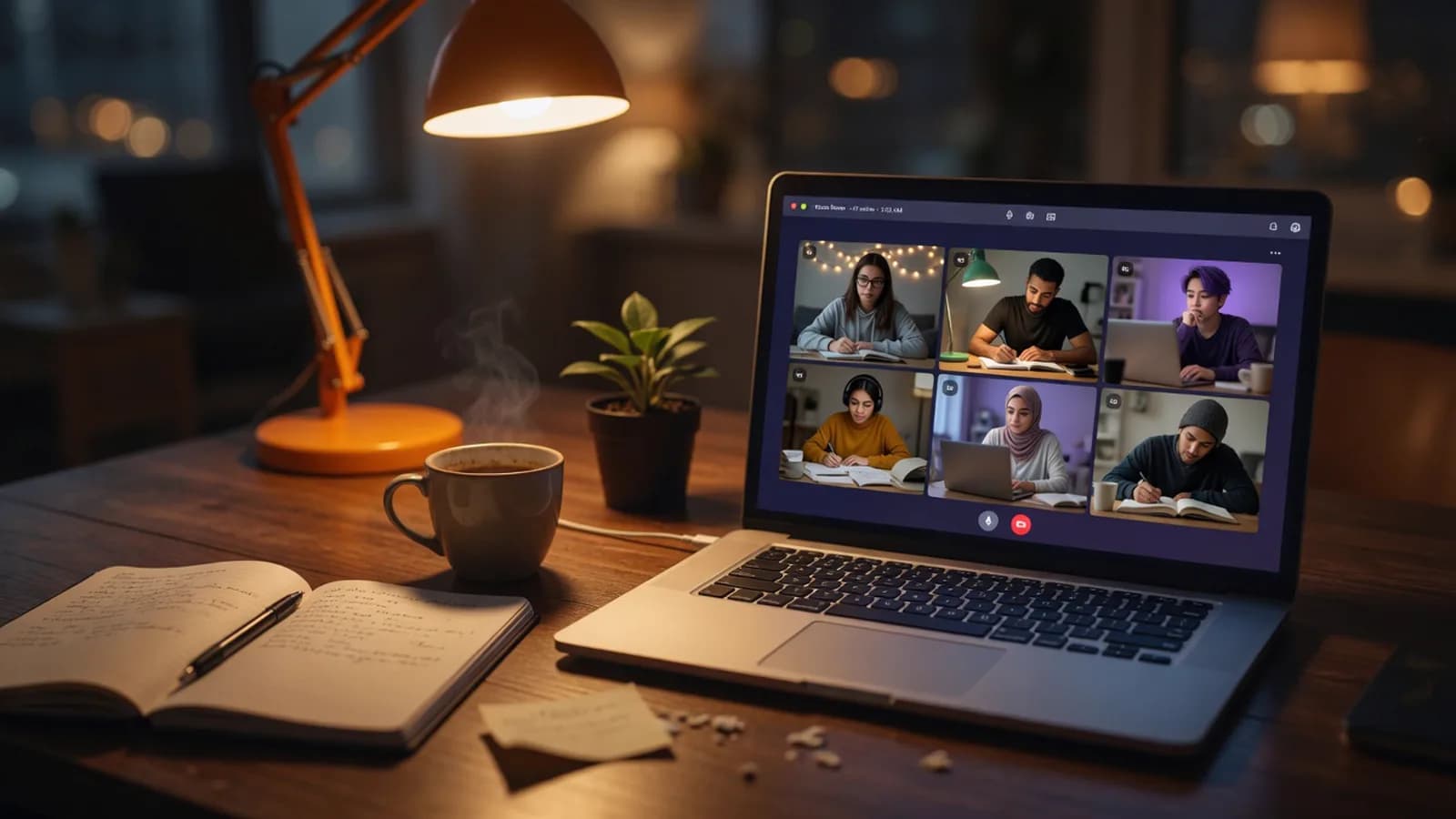
A member list you can see at a glance
You can see who's in the room right now and who's just arrived. No approval queue, no admitting people one at a time.
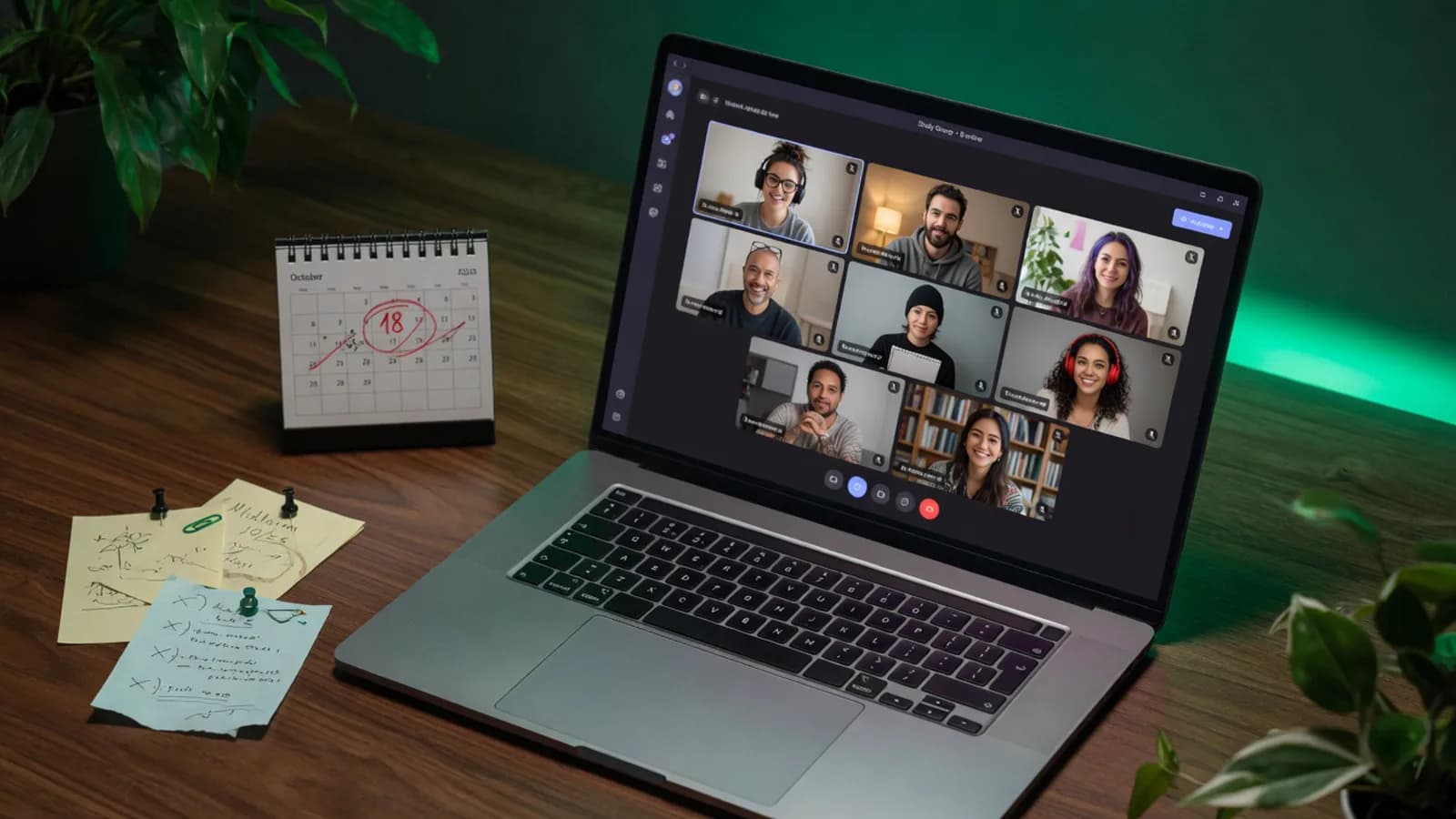
One permanent room, one standing slot, and no app for anyone to forget about.
The room keeps its name, its settings, and its pinned links between sessions. Nobody sends a new link.Illustration generated with AI
01
An online study group needs a room that doesn't depend on whoever feels most organised that week.
Every group starts the same way. Someone makes a chat, nine people join, everyone agrees Wednesdays are good. Week one is useful. Week two loses two people to a shift swap. By week four you're sitting in an empty call wondering whether to send a message that will read as slightly desperate.
The usual diagnosis is that people weren't committed. The real cause is smaller than that. Every week, somebody has to pick a time, make a link, and chase everyone, and that job quietly rotates onto whoever feels guiltiest.
Groups don't need more enthusiasm. They need one address that doesn't change and a time nobody has to renegotiate. Then a bad week is just a thin week, and the room is still there on the next one, the same fix behind a private study room link for a smaller group.
02
Make the room and name it after the course or the exam. The name sticks, so people recognise it in a chat six weeks later.
Thursday 7pm forever beats a poll every week. A fixed slot means people either come or they don't, and nobody has to coordinate.
Put it in the group chat description, not in a message that will be 400 messages back by Friday.
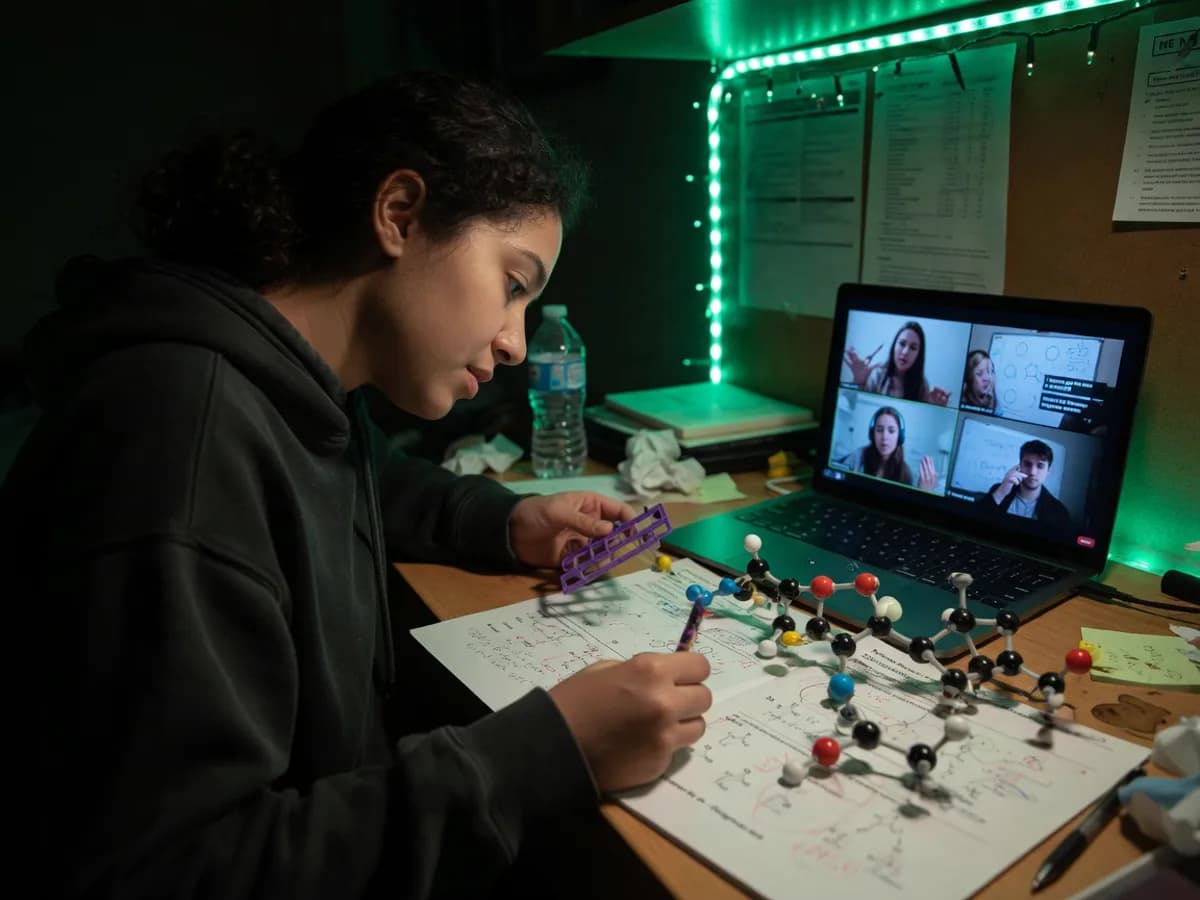 AI-generated
03
The groups that last all run roughly the same shape, and none of them have a leader. The first ten minutes are loose: people arrive, say what they're working on, complain briefly about the module. Then somebody starts the shared block and the room goes quiet for an hour.
What holds it together is that the room exists whether or not the rhythm happens. Two people turning up on a bad week is a normal session, not a failed one, because nobody had to organise it.
04
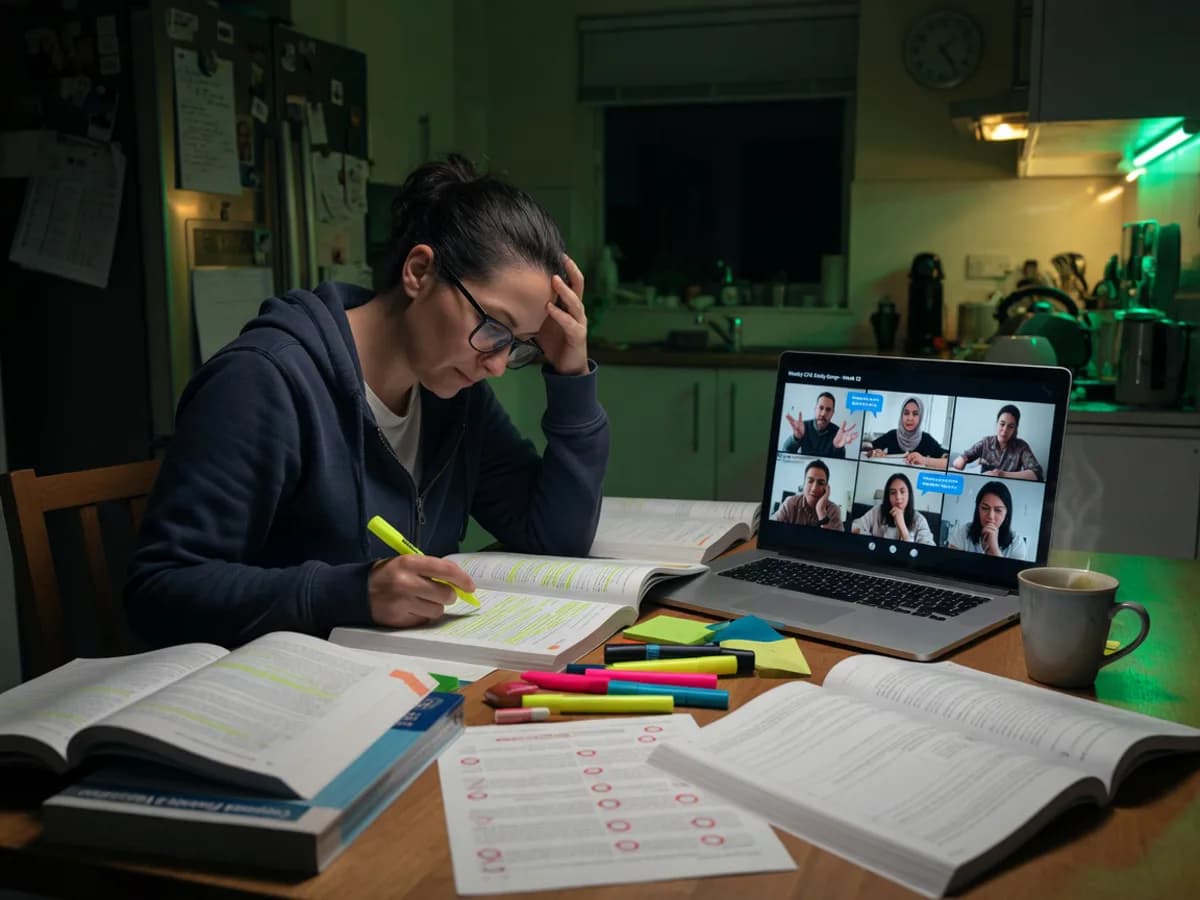 AI-generated
The room address never changes and never expires. Pin it once at the start of term and it still works in the exam period.
You can see who's in the room right now and who's just arrived. No approval queue, no admitting people one at a time.
Anyone can start the silent hour and the counter runs the same for everybody.
Enough for an entire cohort, though most groups run between four and twelve.
Past papers, slide links, and the answer somebody worked out last week live in the side panel instead of being lost in a chat.
05
The same twelve people on one module who need somewhere to work through problem sets together.
ACCA, CPA, bar and board candidates grinding through a syllabus over months rather than weeks.
People who met on a course, finished it, and want to keep the momentum without a platform.
Small groups who need a standing slot and a room where speaking is optional.
06
Make a room, name it after the course, pick one weekly slot, and pin the link in your group chat. That's the setup, and you only do it once.
No. Members click the link and they're in, with no account, no email, and no download. That removes the single biggest reason people miss the first session.
The session runs normally. A shared block still works with two people, and the room doesn't record attendance or notify anyone about who's missing.
Yes, the link is permanent. The room keeps its name, its settings, and its pinned panel contents between sessions. You never send a new link.
Up to 30 in the room at once. Most groups settle between four and twelve, which tends to be where a study group still feels like a conversation.
Group rooms aren't listed in the public browse list and can only be reached with the link. Lock the room if you want arrivals to knock before joining.
No. There's no host role, so nothing waits on one person being online, and anyone in the room can start the shared block.
One link, one slot, and nobody has to organise anything again.
Claim a group roomAlso used by teachers & remote teams. Sync YouTube without screen sharing — every viewer loads full quality from YouTube's CDN directly.
How it works