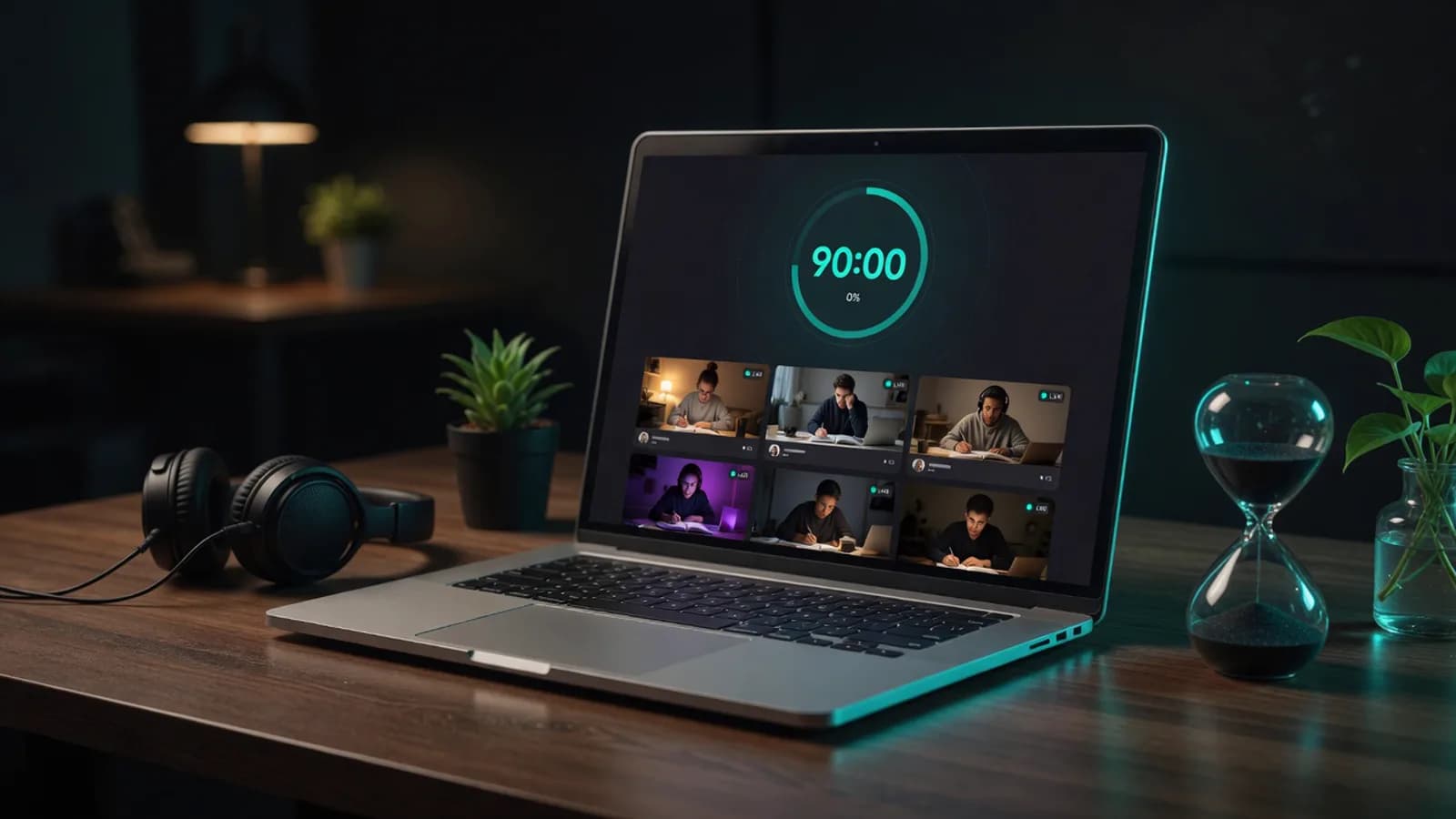
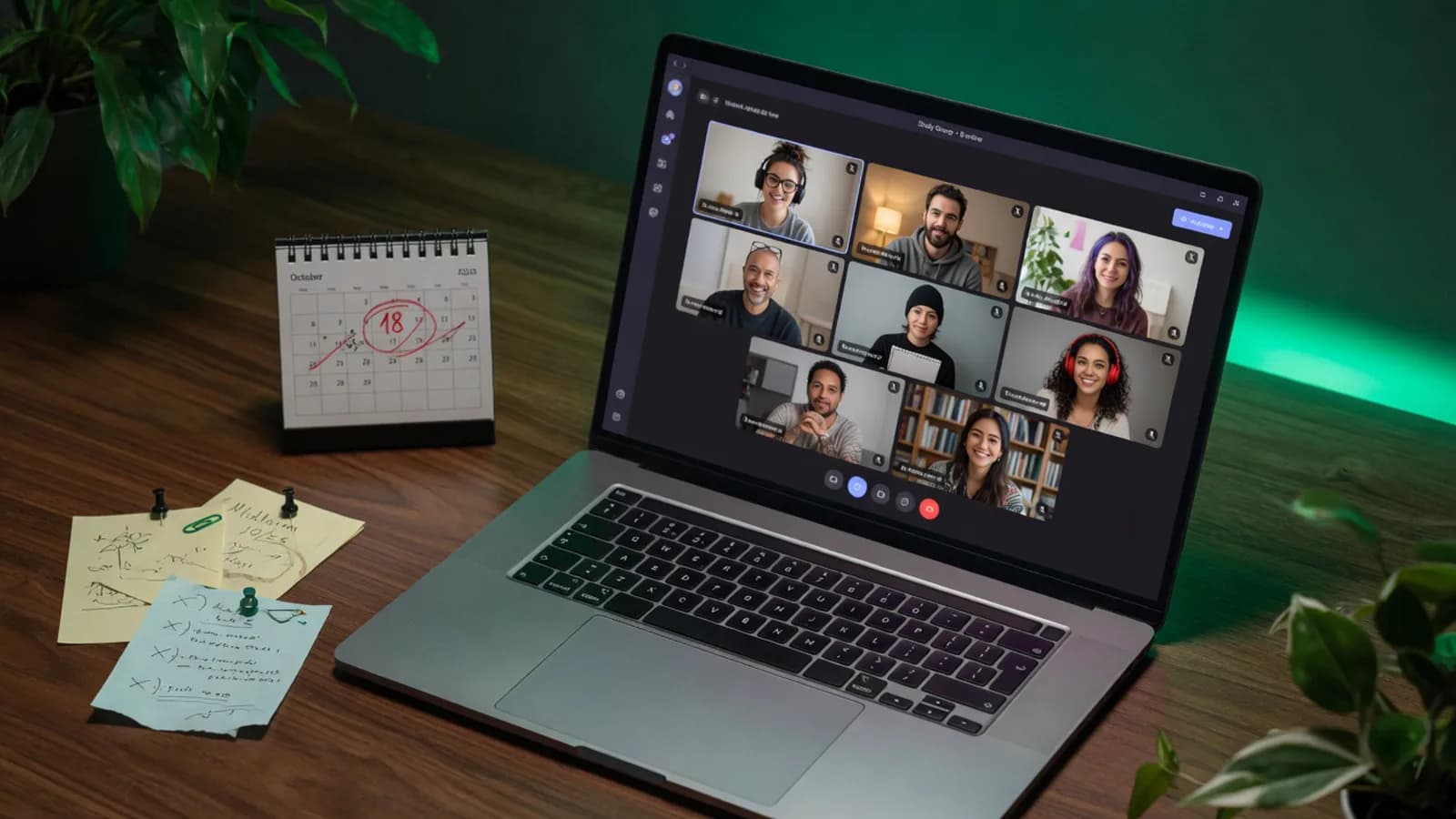
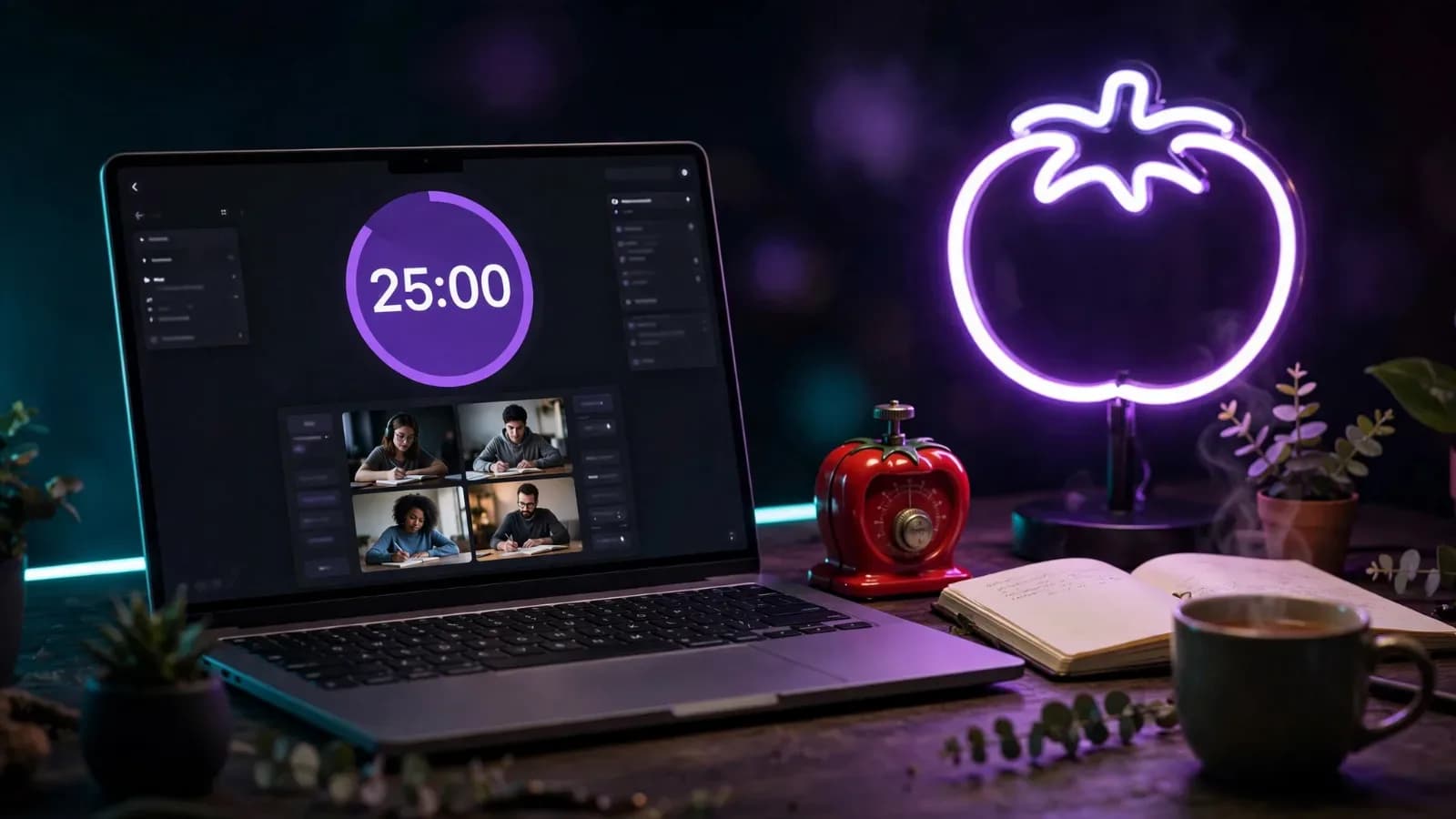
One counter for everyone
The session clock is shared, not personal. Everybody hits the last ten minutes at the same moment, and you can feel the room speed up.
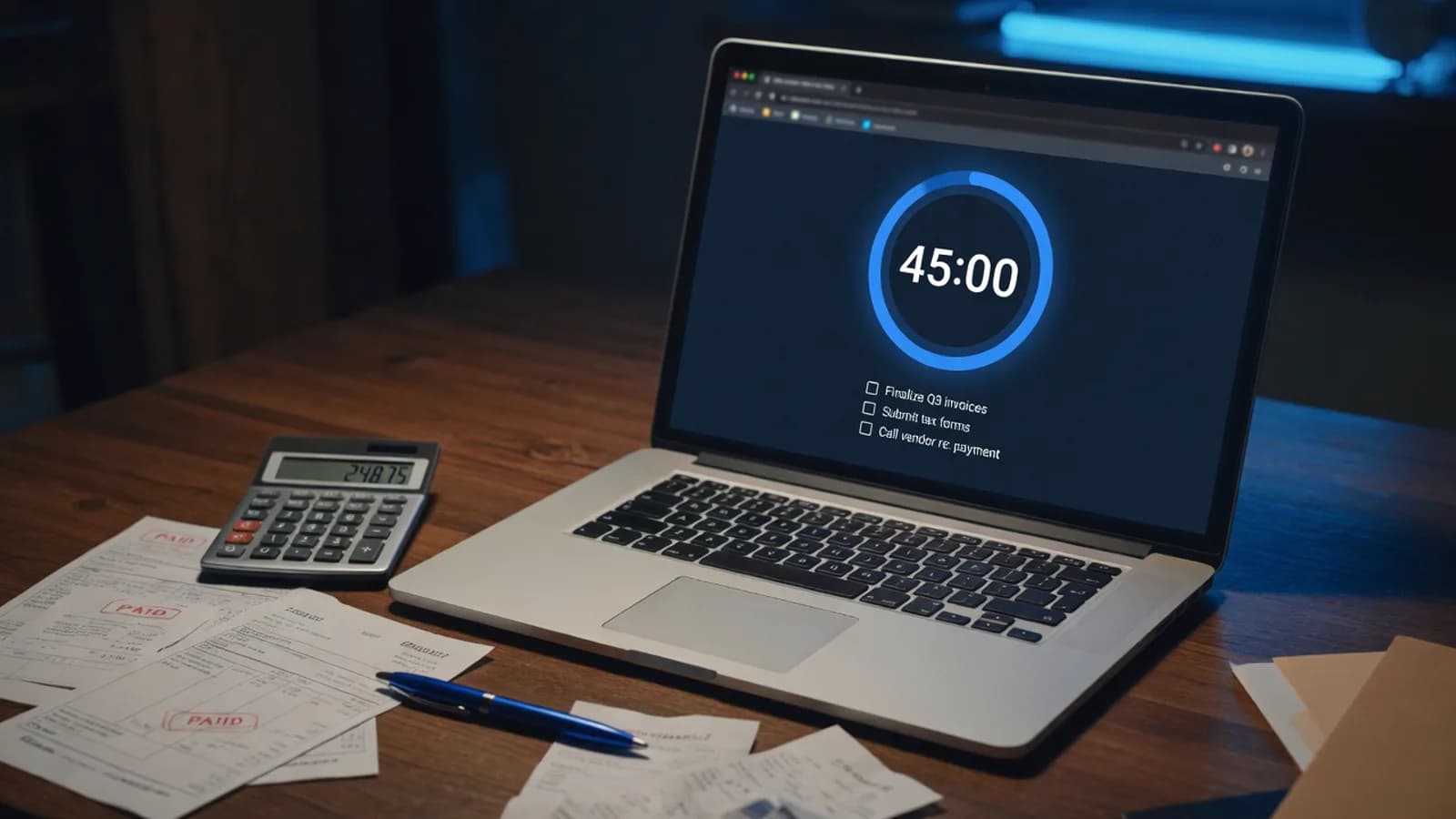
45 or 90 minutes, one typed goal at the start, two minutes of check-in at the end.
Every typed goal stays visible next to its name for the whole session. Glancing at it is usually enough.Illustration generated with AI
01
An online productivity session exists for the tasks with no deadline and no one waiting on them.
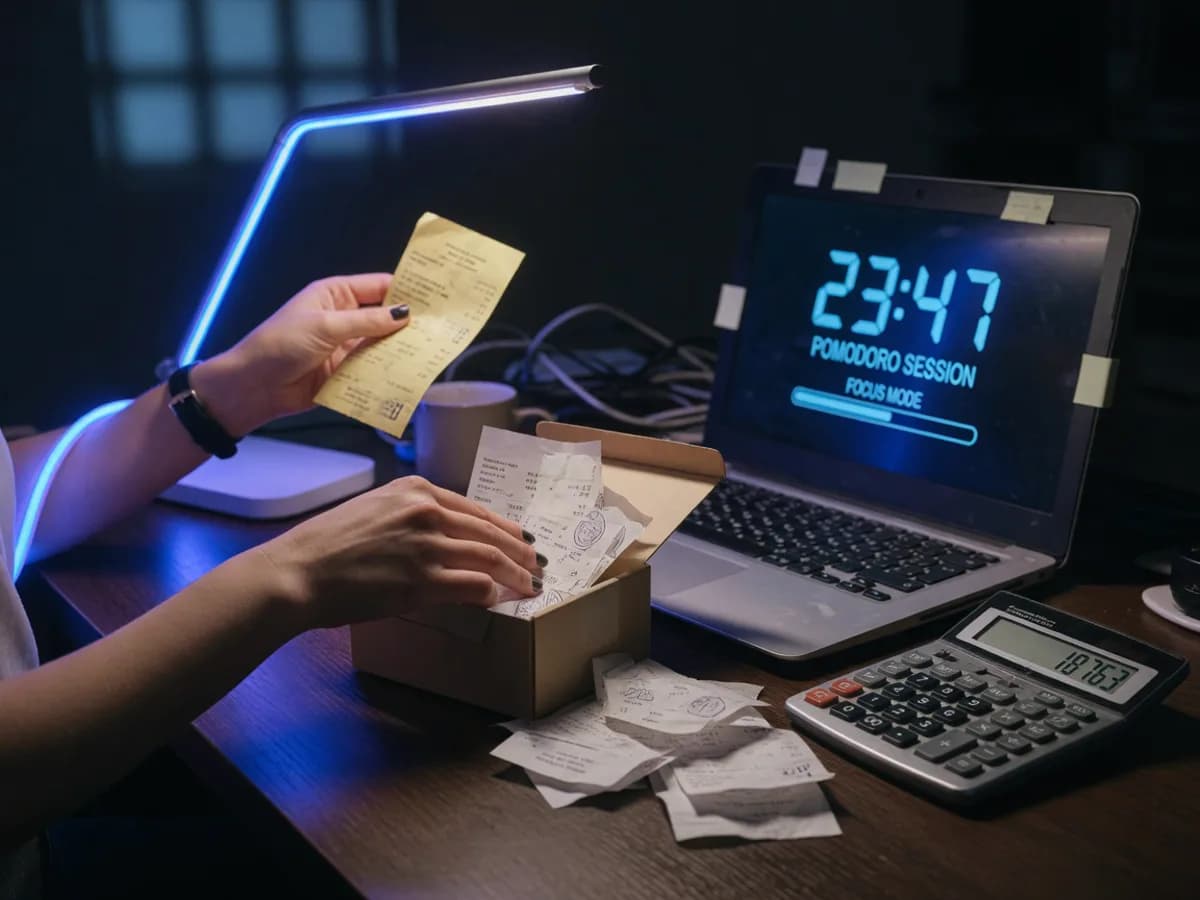
Everyone has one. The expenses from March. The invoice you've been meaning to chase for five weeks. The tax return, which currently exists as a shoebox and a bad feeling. None of it is difficult and all of it is sitting exactly where it was in January.
Hard work isn't what stalls. Hard work has a deadline and a person waiting on it. The pile has neither, so it loses every single time you have to choose between it and something with an actual consequence attached.
What moves it is saying out loud, to someone who isn't you, that this is the hour you deal with it. Not a goal in an app. A sentence, typed in front of eleven strangers who will still be there in 45 minutes when the clock stops, the same principle behind virtual body doubling.
02
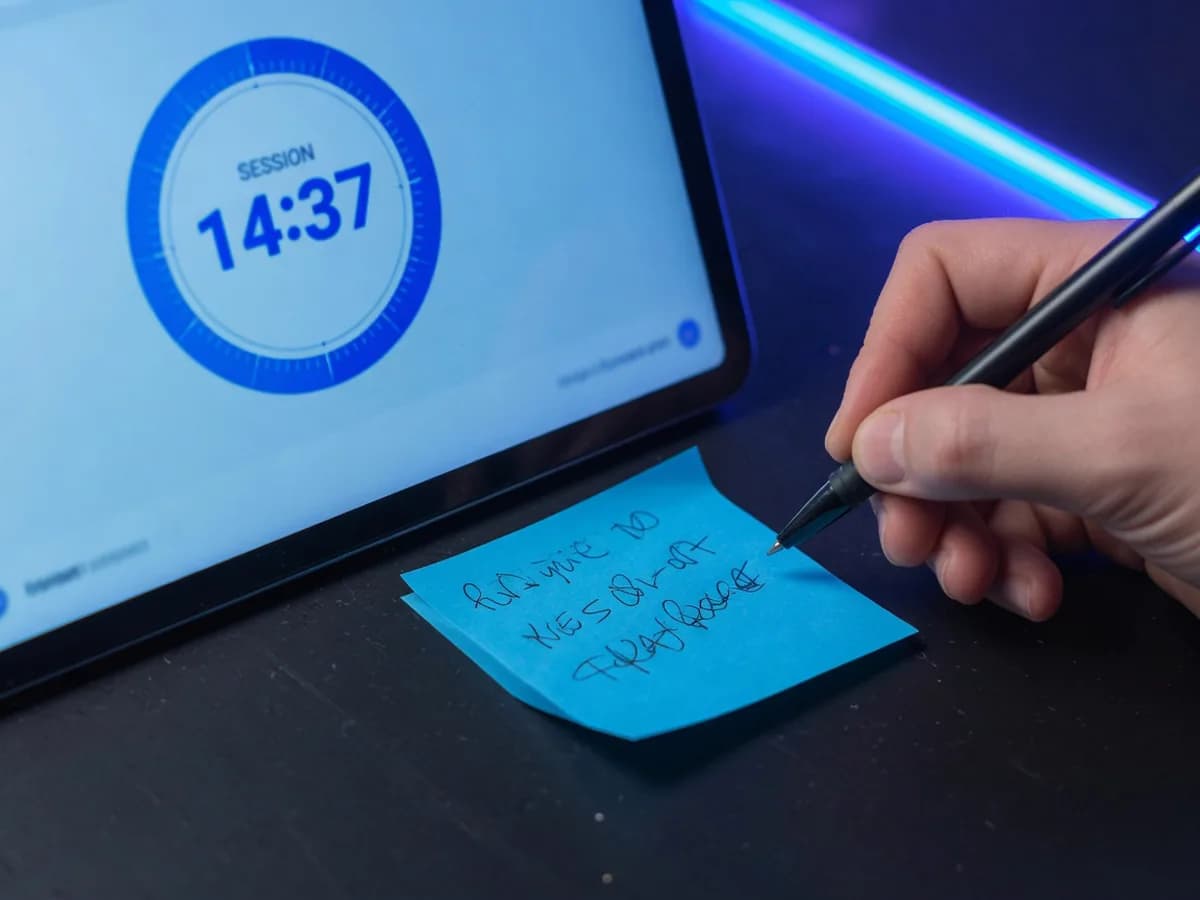
There's a two-minute window at the top where everyone types a single goal. "Chase three invoices." "Finish slides 12 to 20." One line, no explanation.
The clock starts and the room goes silent. Your goal sits beside your name on the board for the whole session, which is far more effective than it has any right to be.
When the counter hits zero, mics open. You get one sentence each: done, half done, or got completely derailed. Then the room closes or rolls into the next session.
 AI-generated
03
The goal line is deliberately short. A long goal is a plan, and writing plans is the most comfortable way to avoid doing work. One line forces you to name the actual next physical action.
The check-in is the half people try to skip, and it's the half that works. Knowing you'll have to say a sentence out loud at 11:45 changes what you do at 11:20. You stop researching and start finishing.
04
 AI-generated
Your typed goal sits beside your name from the first minute to the last. Glancing at it is usually enough to close the tab you just opened.
The session clock is shared, not personal. Everybody hits the last ten minutes at the same moment, and you can feel the room speed up.
Audio is off for the working stretch and opens automatically for the check-in. You don't have to manage it.
Cameras aren't required at any point, including the check-in. Plenty of people do the whole session as a name and a goal line.
Sessions run on a schedule rather than on a person, so one never gets cancelled because the organiser had a thing.
05
People whose admin generates their income and still never gets done before nine at night.
Anyone whose bookkeeping, VAT, and supplier emails live in a pile with no deadline until suddenly there is one.
Applications are miserable alone and much easier when eleven other people are doing something equally miserable.
The inbox at 3,000. The receipts. The form that should have been sent in June.
06
It's a scheduled block where a group works separately in one room, after each person types a single goal. Mics stay off while the clock runs, then open for a short check-in at the end.
No. Goals are typed, not spoken, and they appear next to your name on the board. The only spoken part is the check-in at the end, and you can type that too if you'd rather not talk.
Either 45 or 90 minutes, with the check-in included in that time. Sessions start on the hour and the half hour, so you rarely wait more than 30 minutes for the next one.
No. Most people in these sessions are working rather than studying: freelancers, founders, people clearing admin. The goal line works the same whether it says "revise chapter 4" or "file the VAT return".
Yes. Type your goal when you land and you get whatever time is left on the clock. You'll still be there for the check-in, which is the part that matters.
You say so in the check-in, and that's a normal outcome rather than a failure. Roughly a third of any room reports a partial.
No. Sessions are free, there's no account, and there's no paid tier with better time slots. You turn up, type a goal, and work.
Type one line, work 45 minutes, tell the room what happened.
Join the next sessionAlso used by teachers & remote teams. Sync YouTube without screen sharing — every viewer loads full quality from YouTube's CDN directly.
How it works