
Virtual Body Doubling: What It Is, Free
Body doubling means working while someone else is present, without help. The four ways to do it online, camera on versus off, and how to run a session.
Body doubling means doing a task while another person is present, without them helping. Virtual body doubling moves that online: a video call, a shared room, or a live stream where someone else is working too. The other person does nothing except be there, which is the entire point.
Jump to: The Four Ways · Camera On or Off · Running a Session · Why It Works · Doing It Free · FAQ
The term comes from ADHD coaching, where it has been used for years to describe a straightforward arrangement: bring another person into the room and the task that felt impossible becomes possible. Nobody instructs, nobody supervises. They are simply there.
It has since spread well beyond that origin, because the arrangement turns out to be useful to a lot of people for a lot of tasks — tax returns, dissertations, inbox backlogs, cleaning a kitchen.
Scope of this page. This is a practical guide to the arrangement and the tools, written for anyone. It is not medical or clinical information, and it makes no claims about treating or managing any condition. If you're looking for support around a diagnosis, that's a conversation worth having with a professional rather than a blog.
The Four Ways People Do It Online
1. A booked one-to-one video session. You reserve a slot and are matched with one person. Cameras on, a quick statement of what each of you will do, then silence. The strongest form of commitment, and the least flexible — see Focusmate alternatives if the booking or camera is the obstacle.
2. An open room, cameras off. Drop in whenever, work alongside whoever is there, leave without ceremony. Much lower friction, softer accountability. This is what most people end up using day to day.
3. A private room with people you know. The same two or three people, a link you reuse. Stronger than strangers because they notice when you're absent, and easier than booking because it's a standing arrangement rather than a reservation.
4. A one-way stream. A recorded or live video of someone working. Asks nothing of you and can't notice you, so it's the easiest to start and the easiest to abandon. Useful as ambience, weak as a commitment.
Camera On or Camera Off?
This is the question people actually want answered, and the trade is real in both directions.
| Camera on | Camera off | |
|---|---|---|
| Commitment strength | Higher — visible presence is hard to ignore | Lower — presence without observation |
| Preparation needed | Presentable, in a presentable room | None |
| Times of day it suits | Working hours, mostly | Any, including 6am and 1am |
| Shared or noisy spaces | Difficult | Fine |
| Sustainable daily? | Some people, not most | Yes — nothing to get ready for |
| Use it for | The task you've avoided for weeks | Ordinary work, most days |
The pattern many people settle on is camera-off rooms as the default and something stronger reserved for the genuinely stuck task. Using the high-commitment version daily tends to burn out; using it once a fortnight on the right task works.
How to Actually Run a Session
The mechanics are simple enough that the failure is almost always in the setup rather than the execution:
- Name one task, out loud or in chat. Not a list. One thing, specific enough that you'll know whether you did it.
- Make it smaller than feels reasonable. "Open the document and write the first paragraph" rather than "write the chapter." The obstacle is starting, and small tasks start.
- Use the room's timer, not your own. An external clock doesn't negotiate with you. Twenty-five minutes is the usual default — see shared Pomodoro sessions.
- Don't narrate progress. Talking about the work is a very comfortable substitute for doing it. Silence until the timer stops.
- Report back at the end. One line. This is the part that makes the next session easier to start, and the part most people skip.
- Leave without a conversation. If leaving requires a social exit, you'll avoid arriving. Rooms you can slip out of get used more.
Why the Presence of a Stranger Changes Anything
The effect has a name in psychology — social facilitation — and it's old: people tend to perform familiar tasks differently when others are present. Reading rooms and libraries have run on it for centuries. Virtual body doubling is the same arrangement with the room removed.
What it helps with is narrow and worth stating plainly: starting, and staying put. It does nothing for understanding something difficult, it doesn't make you faster, and for some kinds of demanding thinking other people around are a hindrance rather than a help. If your problem is comprehension, this is the wrong tool.
Doing It for Free
Nothing about the arrangement is expensive, so it shouldn't cost anything. Open rooms are free and need no account to join, because there's no matching or scheduling behind them:
- Focus rooms — mics off, long quiet blocks, the closest thing to a silent library.
- Productivity sessions — state the task, work, report back. The closest free equivalent to a booked session.
- The virtual study room — open around the clock, nothing to set up.
- A private room — your own people, same link each time.
The wider category, including how this differs from virtual offices and matched sessions, is covered in free virtual coworking with no camera.
Frequently Asked Questions
Doing a task while another person is present online, without them helping. It can be a video call, a shared room or a live stream of someone else working. Their only job is to be there.
Ready to try it?
Create a free room in seconds — no account, no extension, no download.
Create a Free RoomRelated Articles
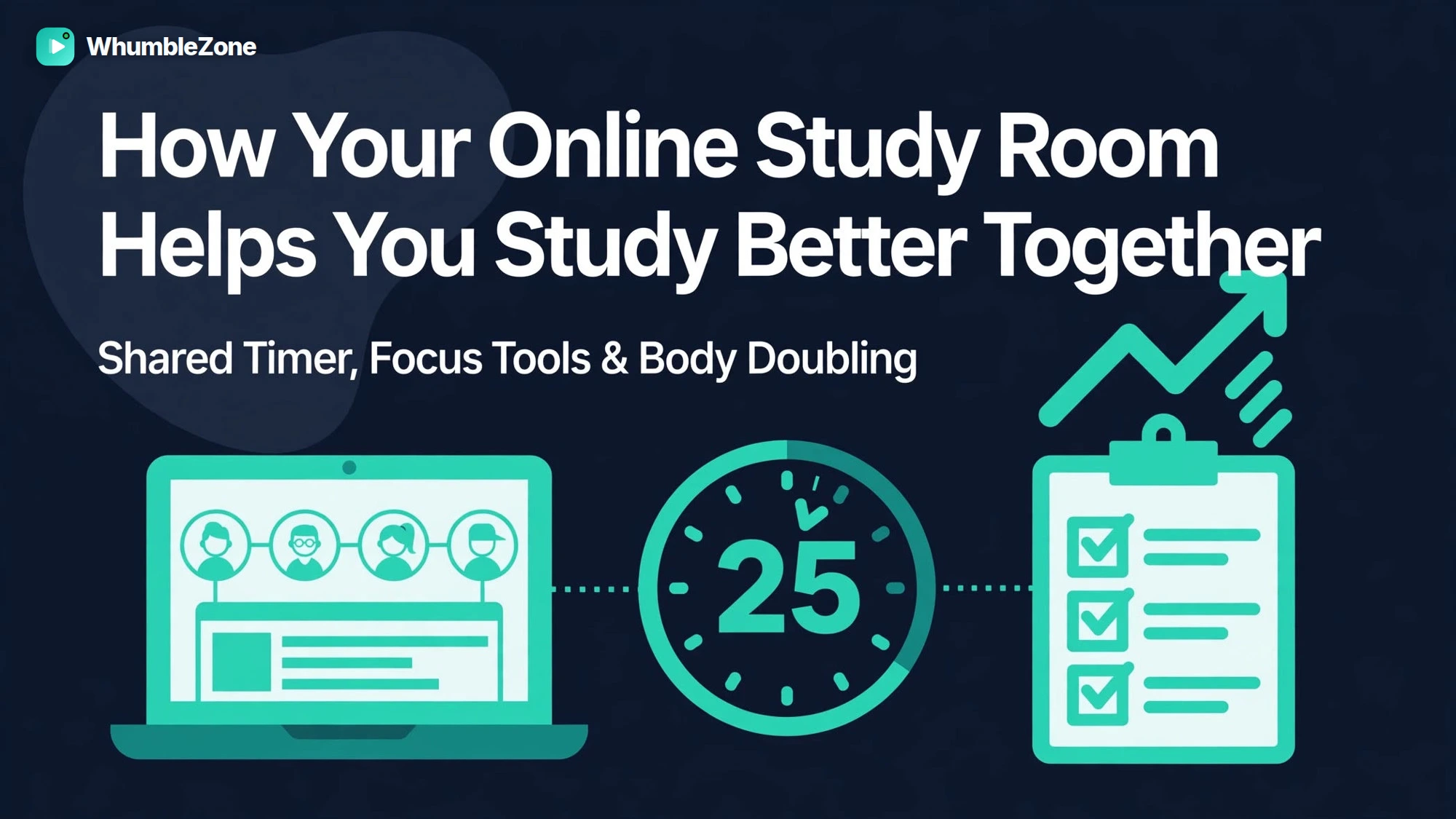
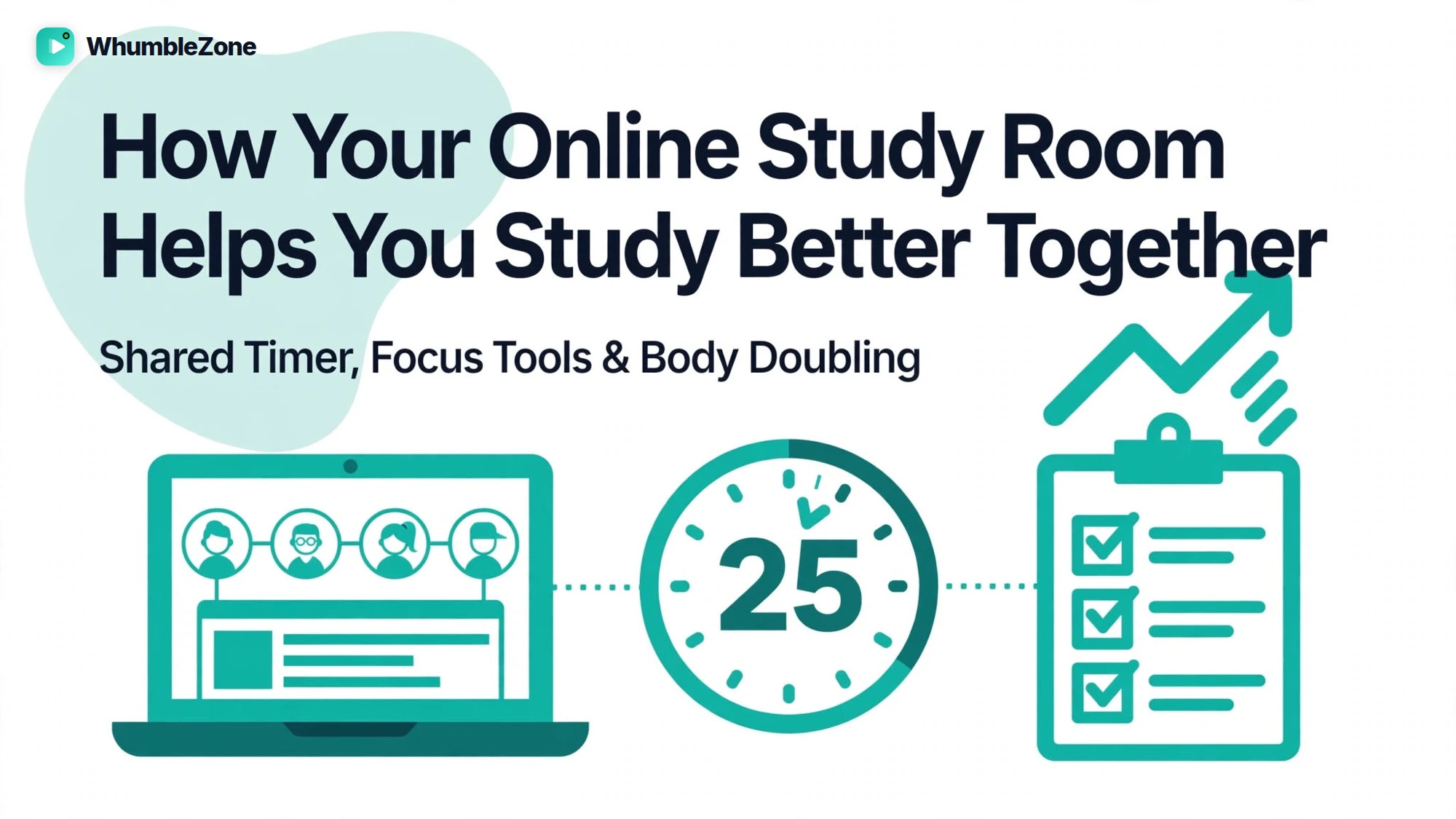
Online Study Room: Study Better With Virtual Study Spaces
Discover how an online study room can improve focus, motivation, and collaboration. Learn how virtual study spaces make studying easier and more productive.
Pomodoro Group Study Timer: One Shared Clock
A group Pomodoro timer runs one clock for the whole room, so breaks are shared and restarting is automatic. Intervals, how to run it, and why it fails.
Free Virtual Coworking Space (No Camera, No Booking)
Drop into an open room and work alongside other people — no camera, no booking, no account. How it differs from matched sessions and virtual offices.