
Full quality from the source
Each person streams directly. The room never re-broadcasts the video.

Keynotes, esports finals, webinars and award shows, watched together in one synced room with your own chat.
The whole group sees the announcement at the same second, and reacts in the same room.Illustration generated with AI
01
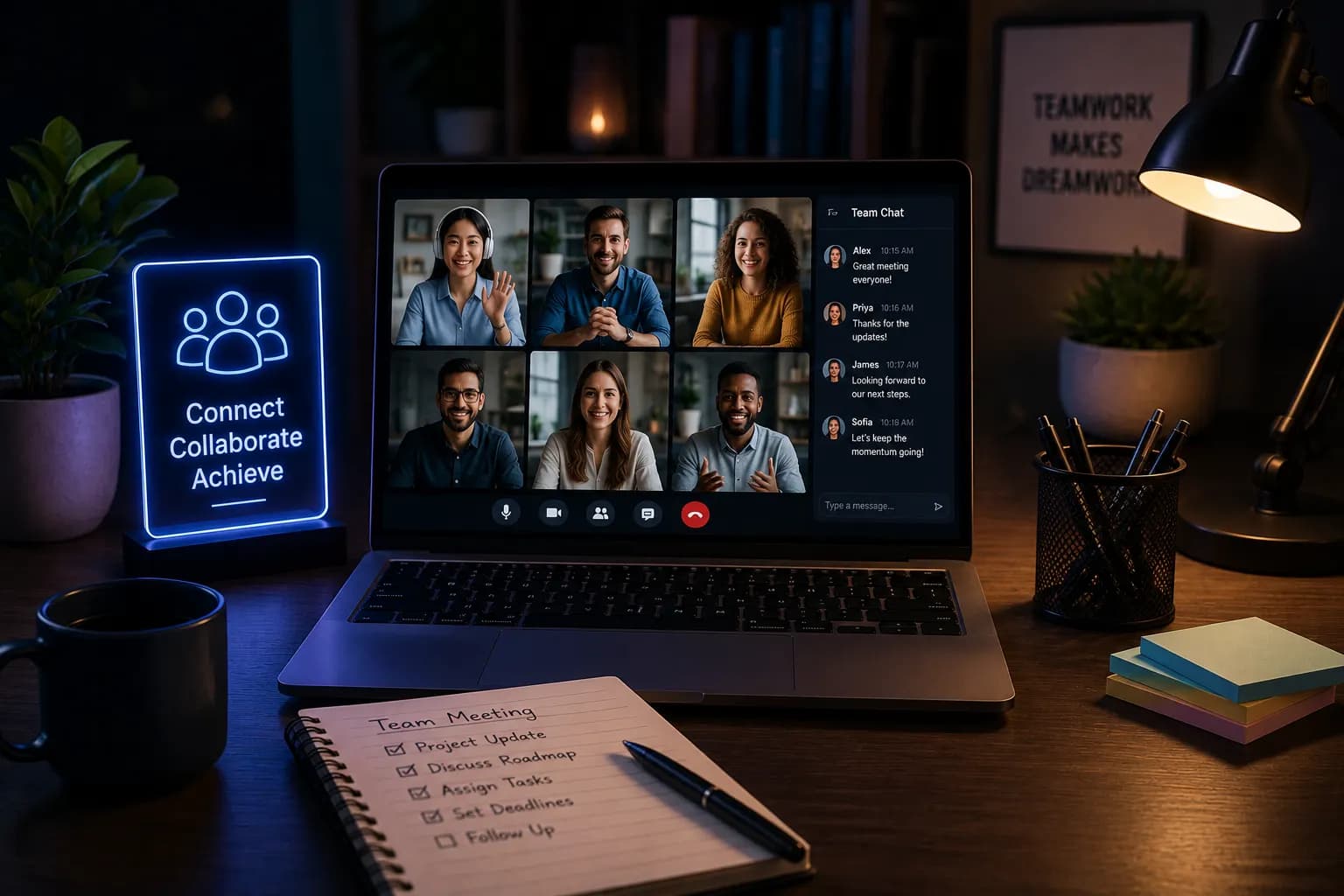
A virtual event watch party is for the moments a group actually cares about: the product keynote your team built for, the final your club has followed all season, the webinar the whole class was told to attend.
Usually everyone opens the stream in their own tab. The chat fills with reactions that arrive at different times, half the group is a few seconds behind, and the useful discussion happens the next day in a meeting nobody wanted.
A shared room gives the event a place to happen. Everyone watches the same moment, the side chat stays focused on your group, and the conversation starts while the thing is still on screen. For bigger groups, see our notes on running a watch party for a large group.
02
Add the stream link and name the room after the event, so people recognise it in their calendar.
Post it in the team channel or class group. Rooms are invite-only by default and nobody needs an account to join.
Everyone stays on the live edge during the event. When it ends, the room is still there for the debrief.
 AI-generated
03
Event rooms work best with a little structure. The host can restrict seeking so nobody accidentally jumps the whole room, and the shared queue can hold the pre-show, the main stream and any replay clips you want to revisit afterwards.
Room chat keeps your group's questions and reactions in one place, separate from the event's public chat, so the notes are there when you need them.
04
 AI-generated
The room keeps every viewer in sync, so reactions land when the moment does.
Each person streams directly. The room never re-broadcasts the video.
Keep the room to your team or class, or make it public for a community event.
Laptops, phones, tablets and smart TVs, all in the browser.
The link is enough. That matters when half the group is on work laptops.
05
Keynotes, launches and all-hands watched as a team.
Finals and tournaments with the whole club in one room.
Webinars and guest lectures watched together, with questions in the chat.
Award shows, premieres and fan events for a community space.
06
It is a shared room where a group watches a live event, such as a keynote, webinar or esports final, at the same moment, with its own chat and voice.
Yes. The host can restrict who is allowed to seek, so one person drives the room while everyone else watches.
Rooms are built for friend-group and classroom scale. For an unusually large event, contact support first.
No. Anyone with the link can join in their browser without an account or extension.
Yes, invite-only by default. You can make it public so it is listed in Discover.
Yes. Creating and joining a room is free.
Post the link once, and the group is ready when the event goes live.
Set up an event roomAlso used by teachers & remote teams. Sync YouTube without screen sharing — every viewer loads full quality from YouTube's CDN directly.
How it works

