
No stream re-broadcast
Everyone watches from the source at full quality. The room only keeps the group in step.

Everyone stays on the live edge, so the goal, the drop or the clutch lands for the whole room at once.
If one viewer lags, the room keeps everyone together so nobody spoils the moment.Illustration generated with AI
01
A live stream watch party exists because "live" means something different on every screen. Your friend's stream is eight seconds ahead of yours, so their reaction arrives in the chat before the moment arrives on your screen.
That gap is small on paper and ruins everything in practice. The penalty, the boss fight, the announcement: it has already been spoiled by a message that says "NO WAY" while you are still watching the run-up.
A shared room keeps everyone on the same point of the stream, so the reaction and the moment arrive together. It is the difference between watching the same stream and watching it together.
02
Add a YouTube live stream, or use a Twitch room for a Twitch channel.
Rooms are invite-only by default. Send one link and friends join in their browser, no account needed.
The room keeps every player on the live point of the stream, and waits for a lagging viewer instead of leaving them behind.
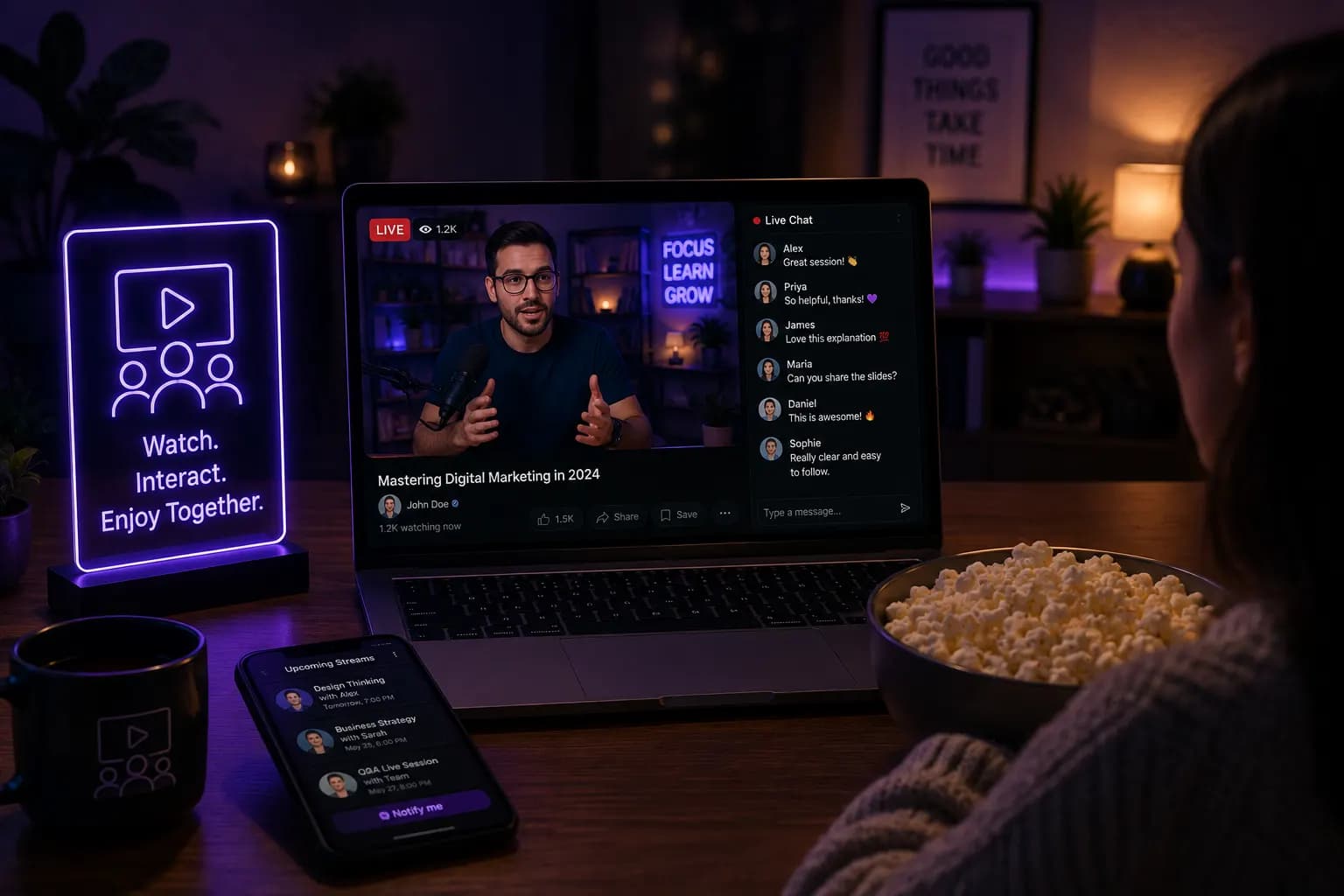 AI-generated
03
Public stream chat moves too fast to hold a conversation in. The room gives your group its own chat and push-to-talk next to the player, so you can talk to the five people you care about instead of fifty thousand strangers.
Our guide to watching Twitch with friends goes deeper on setting up a regular stream night.
04
 AI-generated
Live YouTube streams stay on the live edge; Twitch channels run in a dedicated Twitch room.
Everyone watches from the source at full quality. The room only keeps the group in step.
Push-to-talk with speaking indicators, so reactions come through clearly.
Laptop, phone, tablet or TV browser, with nothing to install.
Keep it to your friends, or open it up and list it in Discover.
05
Finals night with the people who actually understand the draft.
Fans who want to watch their favourite creator live, together.
Friends in different countries watching the same live broadcast.
Game reveals, product launches and video premieres, live.
06
It is a shared room where a group watches the same live stream at the same moment, with its own chat and voice. Everyone stays on the live edge, so nobody is ahead of the play.
Yes. Twitch channels run in a dedicated Twitch room, and YouTube live streams work in watch party and YouTube rooms.
The room keeps the group together rather than leaving the slow viewer behind, so nobody spoils the moment for anyone else.
No. The room is a web page, so it works in any modern browser without an extension.
Yes. There is a room chat and push-to-talk voice with speaking indicators.
Yes. Creating and joining a room is free, and friends can join without an account.

Keynotes, finals and webinars watched as a group, with your own room.
Explore
Paste a link, share the room, and everyone watches the same second.
Explore
Friday film night for people in different cities, on one shared timeline.
ExploreAlso used by teachers & remote teams. Sync YouTube without screen sharing — every viewer loads full quality from YouTube's CDN directly.
How it works