
Full quality for each viewer
The video streams straight to each browser. The room only shares the timestamp.

Stop sending "skip to 4:12" in the chat. Put the video in a room and watch it together.
Anyone in the room can add to the queue. The player moves for everyone at once.Illustration generated with AI
01
To watch videos together online most people send a link and hope. Then the replies arrive out of order: someone is still on the intro, someone already finished, someone paused halfway and forgot.
Screen sharing on a call looks like the answer until you try it. The frame rate drops, the audio stutters, and one person has to babysit the controls for everyone else. Our guide to sharing a YouTube video without screen sharing explains why.
A watch-together room fixes it by sending positions instead of pixels. Every viewer streams the video directly at full quality, and the room makes sure play, pause and seek land on every screen at the same moment.
02
Drop in a video, a playlist or a live stream. For YouTube specifically, YouTube rooms are built around exactly this.
Keep the room invite-only, which is the default, or make it public so it shows up in Discover.
Send the link. Whoever joins lands on the same second of the video as everyone else.
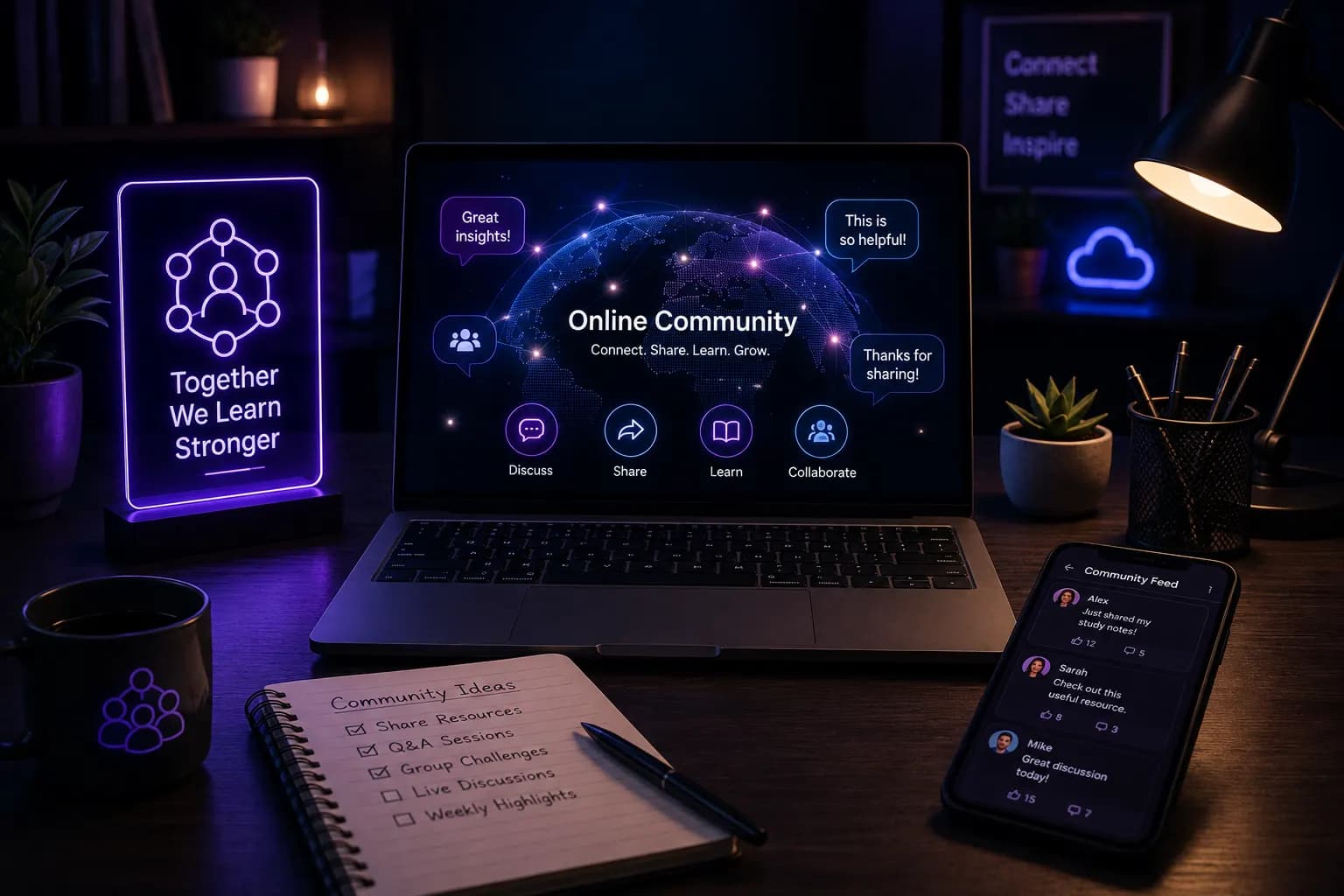 AI-generated
03
The best watch sessions are the ones that wander. One video leads to a reply video, which leads to a ten-year-old clip somebody insists you have to see. The shared queue lets anyone in the room add to what plays next, and playlists advance on their own.
Hosts can restrict who is allowed to seek, which helps in bigger rooms where one enthusiastic clicker can derail the whole session.
04
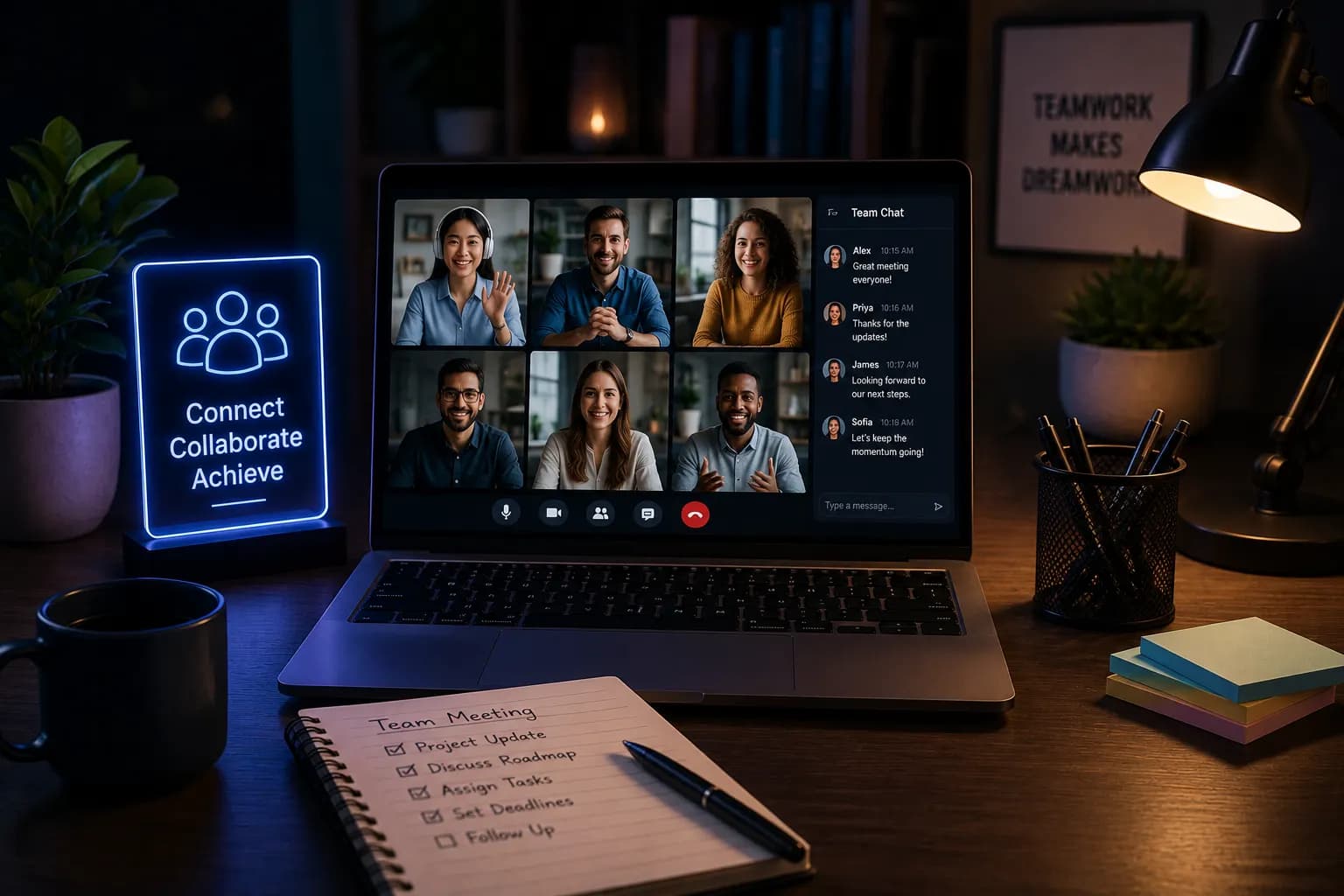 AI-generated
Play, pause and seek move every player together, so nobody is watching ten seconds behind.
The video streams straight to each browser. The room only shares the timestamp.
Type, react, or hold to talk with speaking indicators so you know who said it.
Phones, tablets, laptops and smart TVs, with nothing to install.
Rooms are invite-only by default and only appear in Discover if you make them public.
05
Turn the group chat's links into one evening of watching them together. See [how to watch YouTube with friends](/blog/how-to-watch-youtube-with-friends).
Lectures and tutorials, paused at the confusing bit for everyone.
A conference talk or product demo, watched live as a team.
Premiere a video with the people who will actually react to it.
06
Create a room, paste the video link, and send the room link to your friends. Everyone who joins plays the same second of the video, and play, pause and seek stay in sync.
No. The room runs as a normal web page on any device.
No. Each viewer streams the video directly at full quality. The room only shares where everyone is in the video.
Yes. The room opens in a mobile browser with the same features as on a laptop.
Yes. The queue is shared, so anyone in the room can add what plays next. Playlists advance automatically.
Yes. Creating and joining rooms is free, and you do not need an account to join a room someone sends you.

Friday film night for people in different cities, on one shared timeline.
Explore
Watch a live stream together, on the live edge, without spoilers.
Explore
Keynotes, finals and webinars watched as a group, with your own room.
ExploreTurn it into a room and watch it at the same time.
Start watching togetherAlso used by teachers & remote teams. Sync YouTube without screen sharing — every viewer loads full quality from YouTube's CDN directly.
How it works