
Invite-only by default
Your room is private until you choose to make it public and list it in Discover.

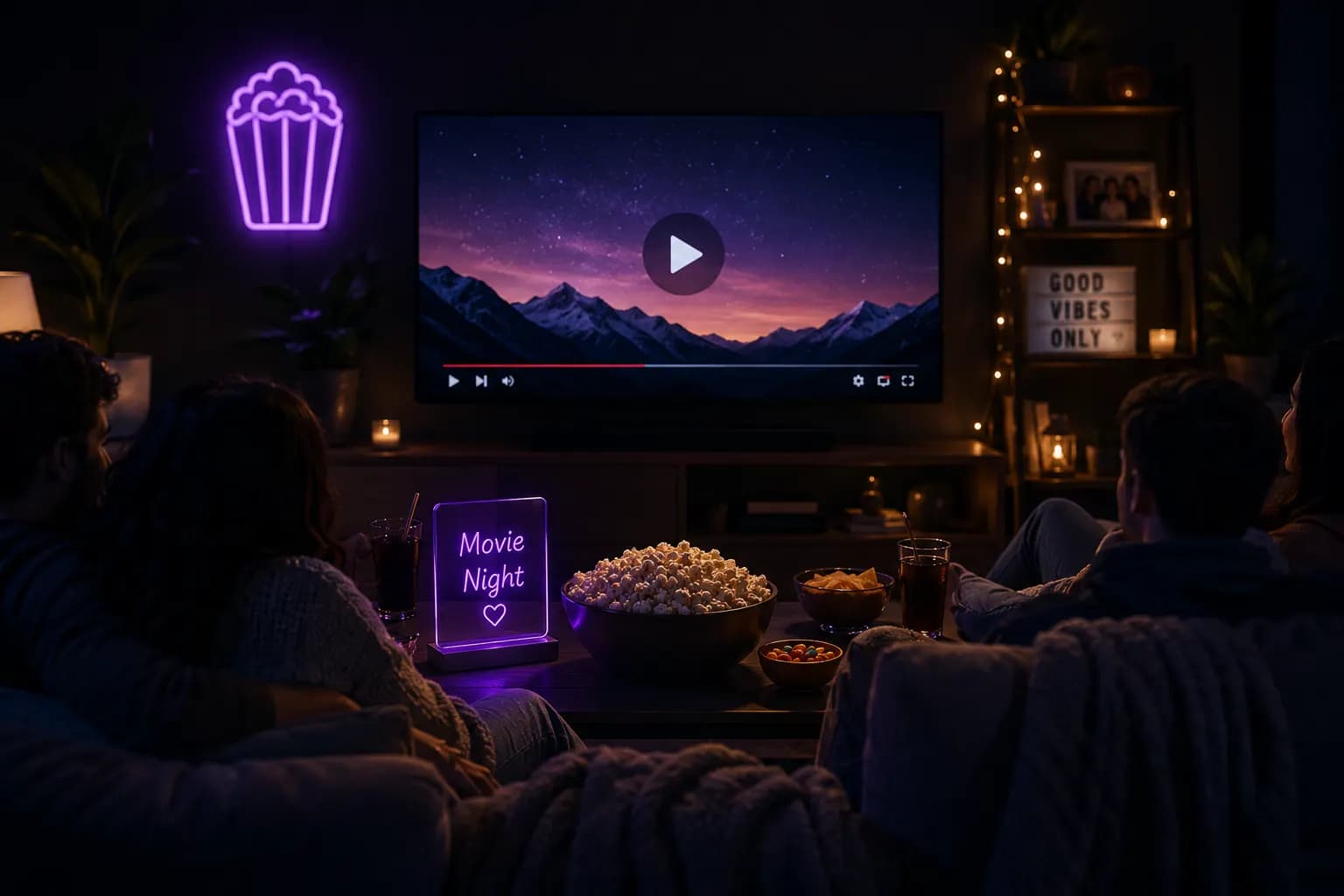
Send one link, press play once, and every screen in the room plays the same frame.
When the host pauses for a snack run, every player in the room pauses with them.Illustration generated with AI
01
A virtual movie night usually starts with someone counting down on a call, and by the opening credits one person is four seconds ahead and laughing at a joke nobody else has heard yet.
Then someone pauses to answer the door, and the whole group spends the next five minutes shouting timestamps at each other. Screen sharing looks like the fix until the picture drops to a smeared blur and the audio drifts out of line with the mouths.
The film was never the problem. The problem is that every person is running their own copy on their own clock. A watch party room puts everyone on one shared timeline instead, so a pause is a pause for the whole sofa, even when the sofa is spread across four cities. Our virtual movie night guide covers the planning side.
02
Paste a link to what you want to watch. The room opens with its own address, and it is invite-only by default.
Friends click and land in the room in their browser. Nobody needs an account or an extension to join.
Play, pause and seek move every player in the room together. Each person streams at full quality on their own connection, so nobody watches a blurry screen share.
 AI-generated
03
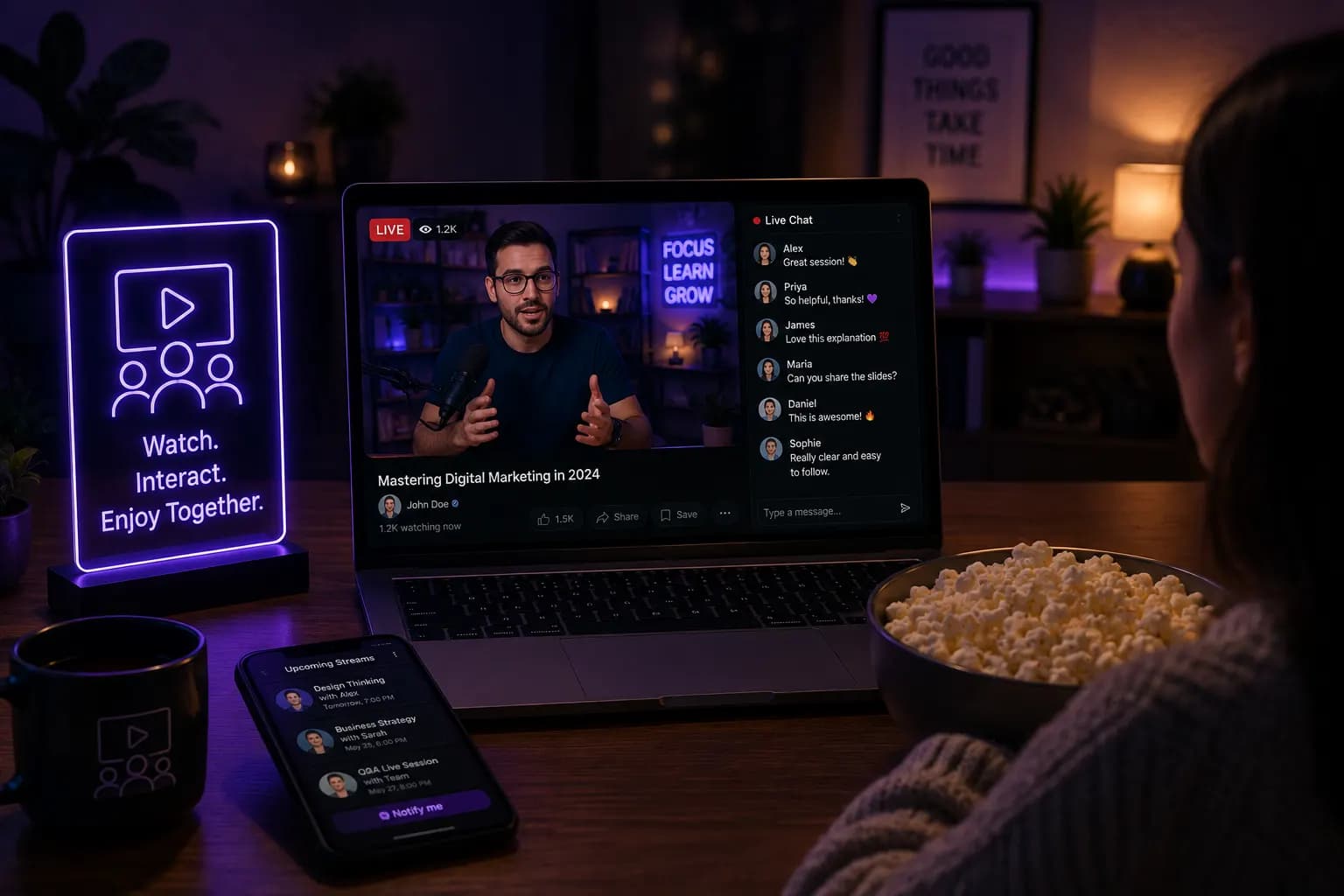
A good movie night is mostly the commentary. Chat runs down the side, reactions land at the moment they happen in the film, and push-to-talk lets someone say "wait, who is that?" without leaving an open mic humming through the quiet scenes.
If your group has one person who cannot resist skipping ahead, the host can limit who is allowed to seek. Everyone else just watches.
04
 AI-generated
The room sends timestamps, not video, so every browser plays the same second of the film at full quality.
Your room is private until you choose to make it public and list it in Discover.
Open the room in a browser on a laptop, phone, tablet or smart TV. See the watch party on mobile guide.
Comments and one-tap reactions sit next to the player for the whole night.
No browser extension and no app. It is a web page, so the friend on an old laptop gets in too.
05
A standing date night when you are in different time zones.
The Friday film tradition, kept going after everyone left town.
Grandparents, cousins and a holiday film, all pressing play once.
Watch the pick together, then stay in the room to argue about it.
06
Create a watch party room, add what you want to watch, and send the link to your friends. When anyone presses play, pause or seek, every player in the room follows.
No. Friends join from the link with no account. Signing up is only useful if you want to keep your rooms and settings.
No. The room is a normal web page, so there is nothing to install on any device.
No. Each person streams directly on their own connection, so quality is the same as watching on your own. The room only keeps everyone's position in sync.
Yes. There is text chat with reactions, and push-to-talk for the moments you want to say something out loud.
Rooms are invite-only by default. You can switch a room to public if you want it listed in Discover.
Yes. Creating and joining a room is free.
Also used by teachers & remote teams. Sync YouTube without screen sharing — every viewer loads full quality from YouTube's CDN directly.
How it works

